
 English
 Español
 Français
 Deutsch
 Português
 日本語
日本語
 中文
中文
 العربية
 한국어
한국어
 Italiano
 Русский
 Türkçe
 Nederlands
 Polski
 हिन्दी


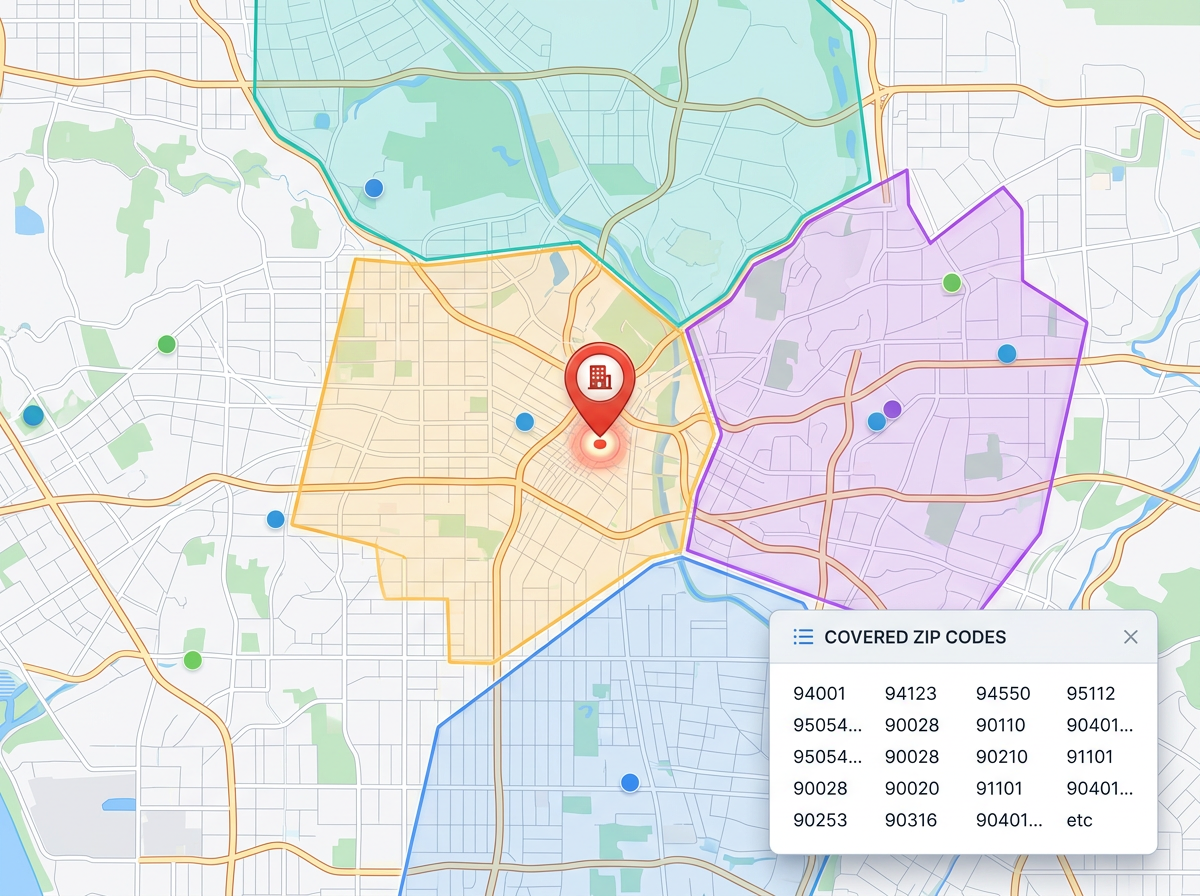
Trade and home service coverage
Map every zip you serve and let the team check in seconds. New customer calls in? Look at the map and confirm coverage on the spot.
Draw your service area by zip code, drive time, or by hand. See coverage gaps and overlap at a glance, and share a single map your dispatchers, sales team, and customers can trust.
★ ★ ★ ★ ★“Helps me draw out all the area of working so our staff won't be overlapped.”
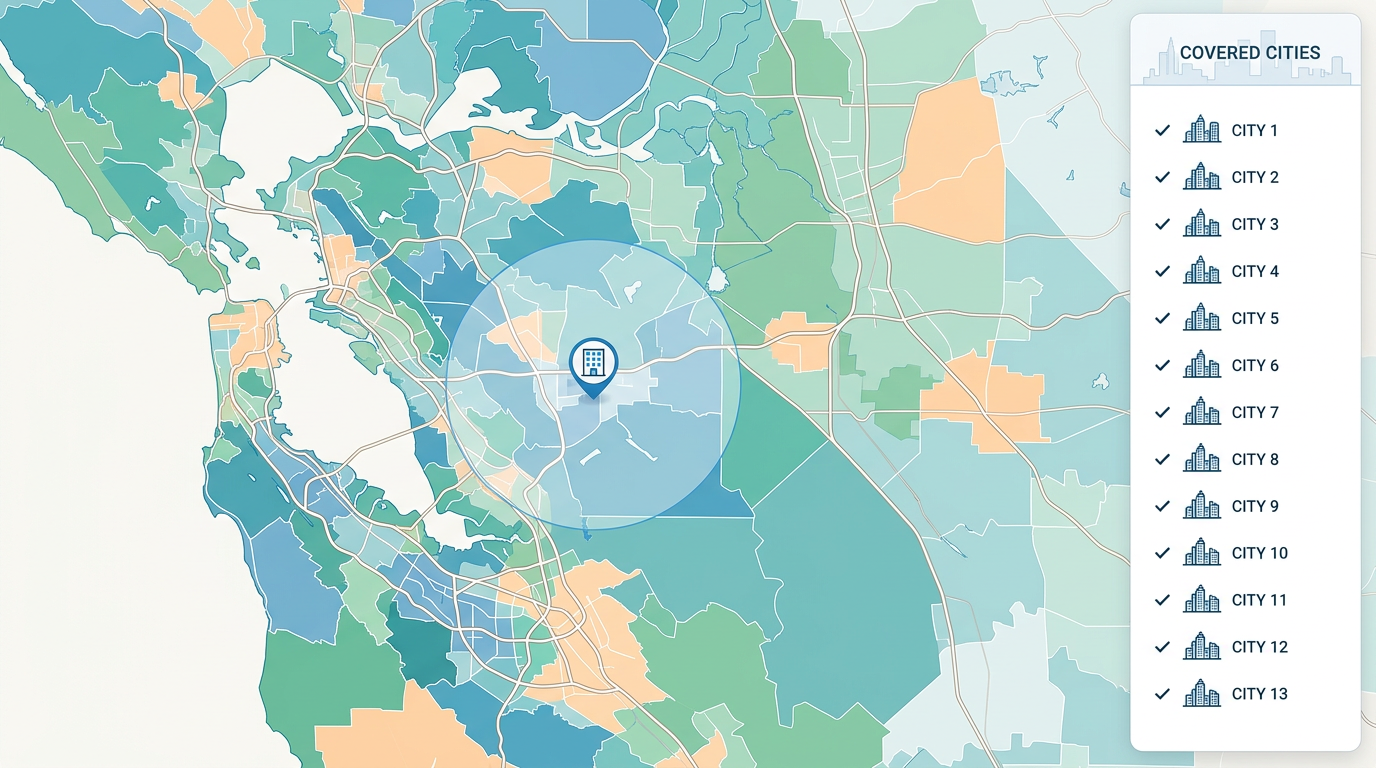
Use zip codes, drive time from your office, a radius, or a freehand polygon. Mix methods on one map until your area matches how you actually work.
Color zones by team, branch, or partner. See where two teams cover the same street and where no one is covering at all. Fix it before customers notice.
Sales checks if a lead is in the area. Dispatch sees who covers which job. Customer service sends a map link to confirm coverage. One source for the team.
Map every zip you serve and let the team check in seconds. New customer calls in? Look at the map and confirm coverage on the spot.
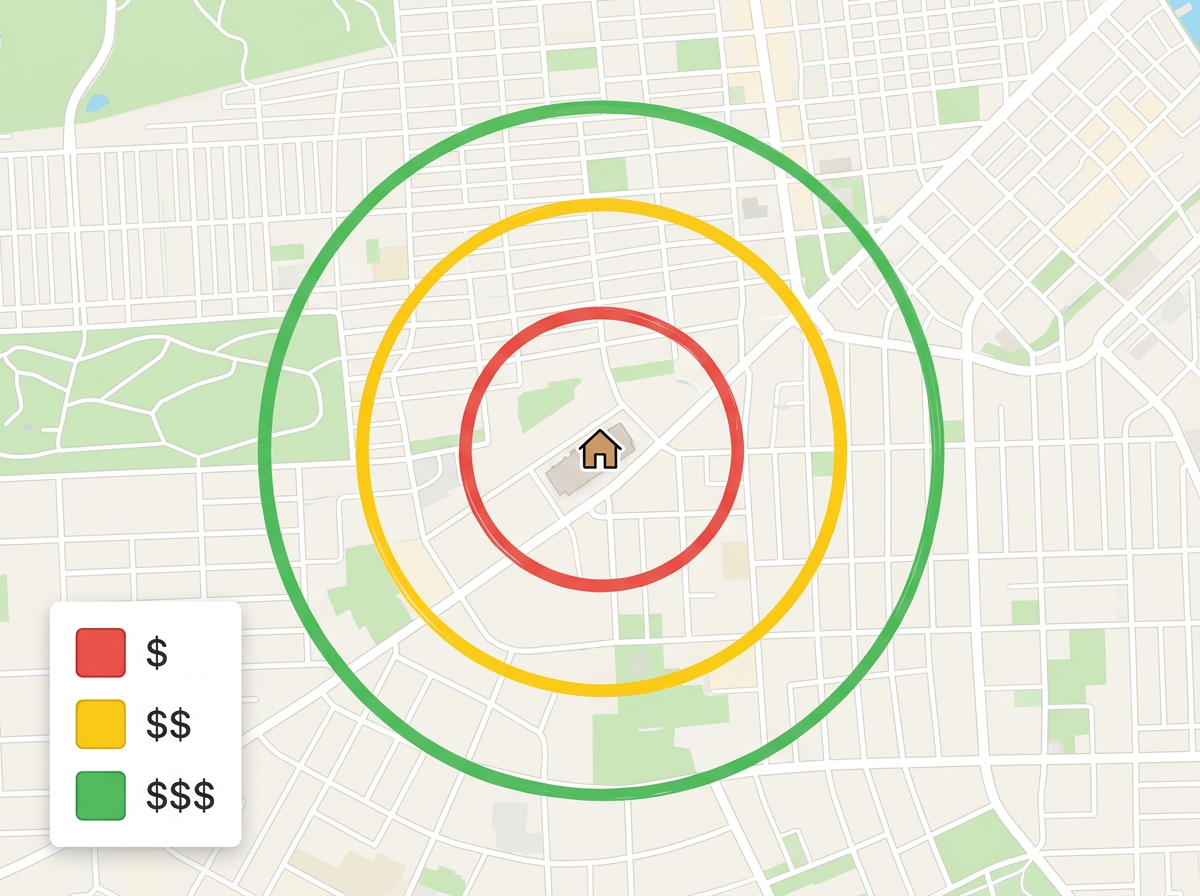
Build delivery zones priced by distance or zone. Show drivers where they can take a job and customers what to expect at checkout.
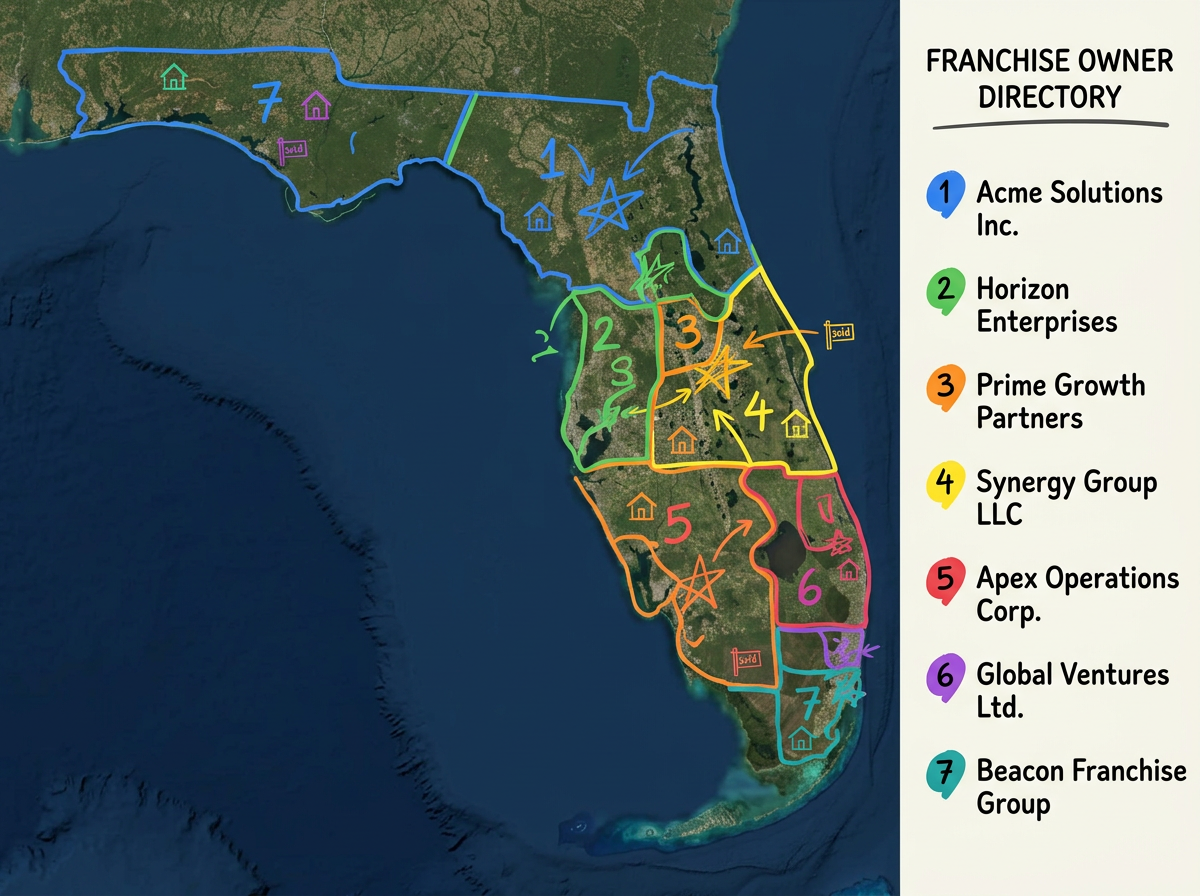
Map every franchise on one master map. Make sure no two franchisees fight over the same street and that every market has an owner.
Scribble AI
Tell Scribble AI what you need. Try “draw a 500m buffer around every site,” “import this CSV and color by status,” or “measure the route from the depot to each stop.” It does it in seconds. No GIS training needed, and your team gets the same map, ready to share.
Try Scribble AI →Service area mapping means drawing the places you serve on a map. You can use zip codes, drive time, a radius, or freehand shapes, and share one clear map with your team and customers.
Yes. Embed the map on your website or share a link. Customers see your coverage right there, no calls or back-and-forth needed.
Yes. Add a new zip, redraw a boundary, or split a zone any time. Anyone who has the link sees the new version next time they open it.
Yes. Map every franchisee in one place, color them by owner, and make sure no two franchises end up fighting over the same street.