
 English
 Español
 Français
 Deutsch
 Português
 日本語
日本語
 中文
中文
 العربية
 한국어
한국어
 Italiano
 Русский
 Türkçe
 Nederlands
 Polski
 हिन्दी


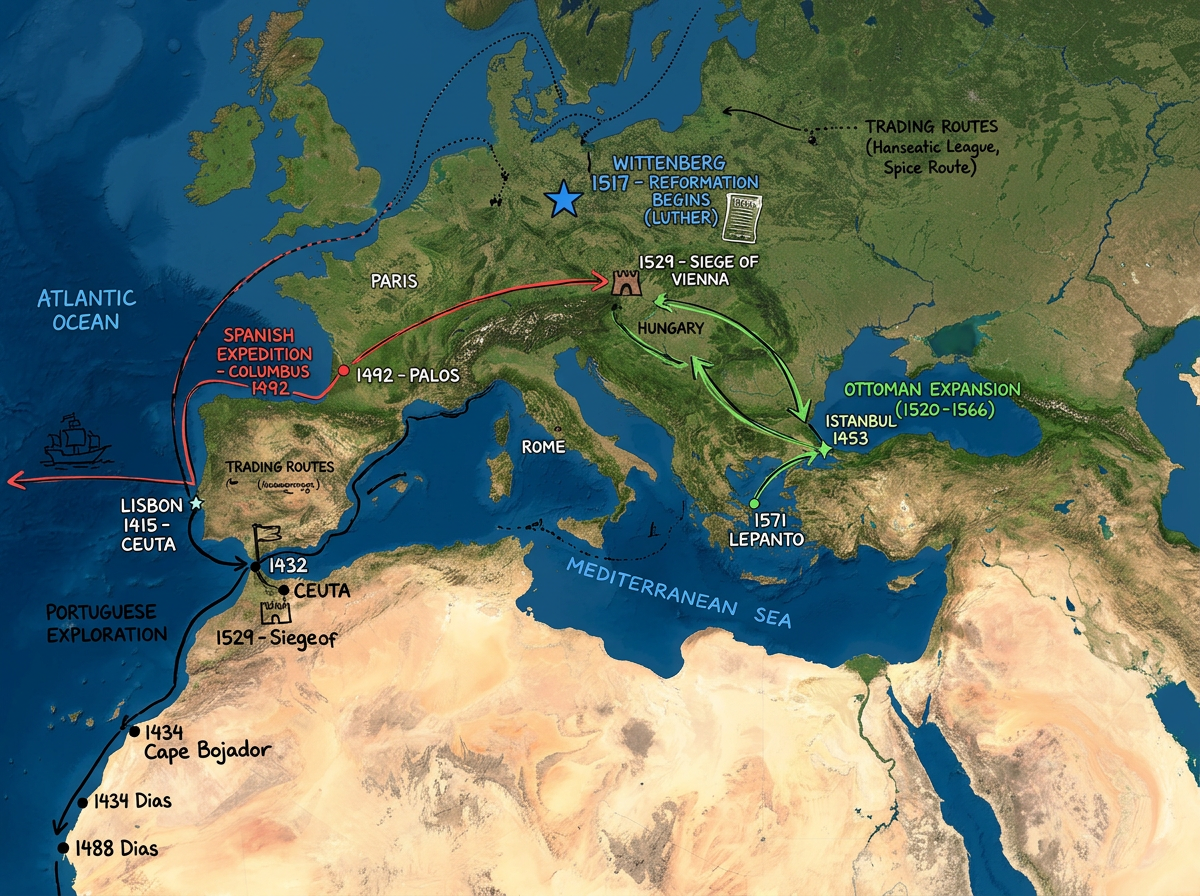
Classroom geography and social studies
Build interactive lessons around real places. Students annotate maps, plot historical events and explain patterns in their own words.
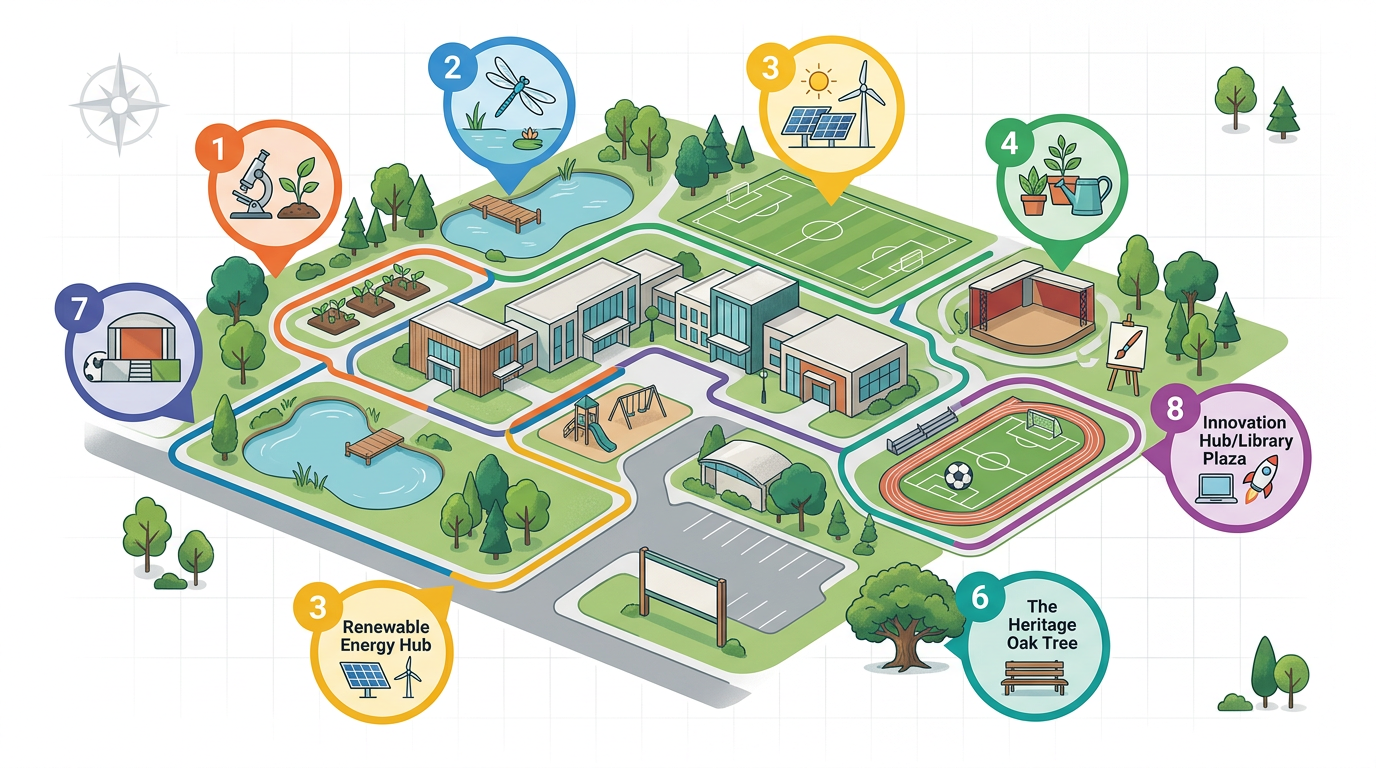
A free, browser-based map any teacher or student can open. Build geography lessons, map field trips and publish campus safety maps. No IT install, no account to view.
 4.7 / 5 · 200 reviews on G2
★ ★ ★ ★ ★“Scribble is the most intuitive mapping software I've found.”
Draw routes, highlight regions, drop markers and annotate satellite imagery live in front of the class. No GIS training required.
Share a map link. Students view it on a Chromebook, phone or tablet. No install, no account, nothing for IT to approve.
Import CSV spreadsheets of student projects, KML of historical sites or GeoJSON from open data. Layer it all on one map.
Build interactive lessons around real places. Students annotate maps, plot historical events and explain patterns in their own words.
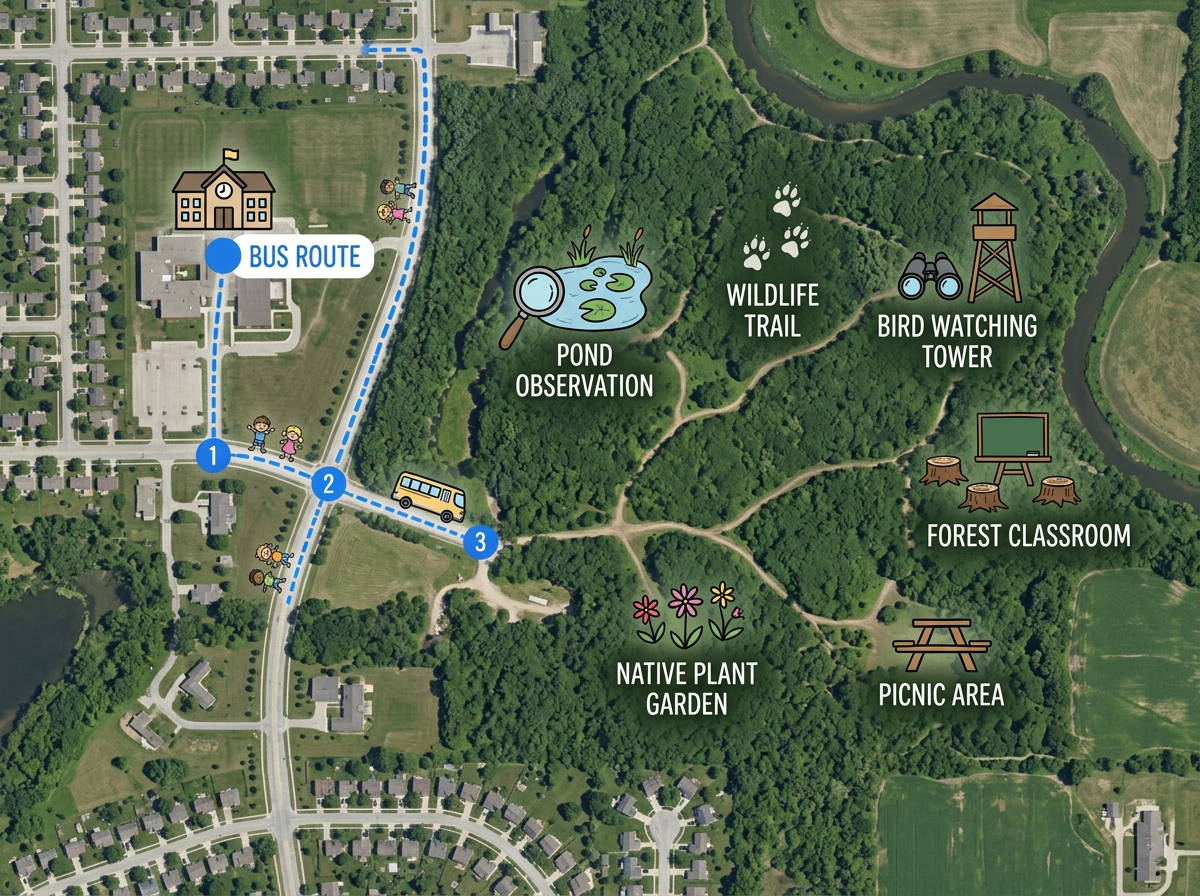
Map every stop on a field trip with notes, photos and instructions. Share with parents and chaperones before the bus leaves.
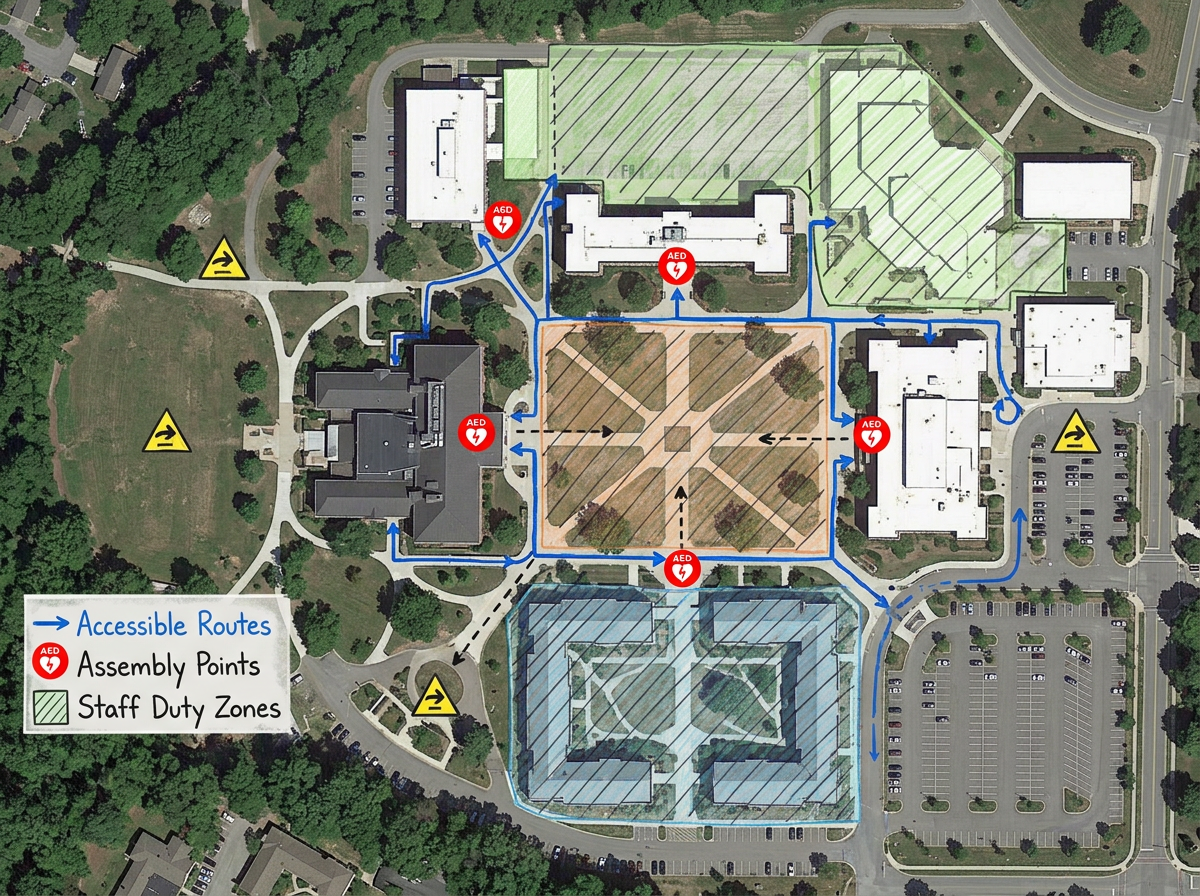
Map emergency assembly points, accessible entrances, AED locations and staff duty zones. Share with staff, parents and first responders.
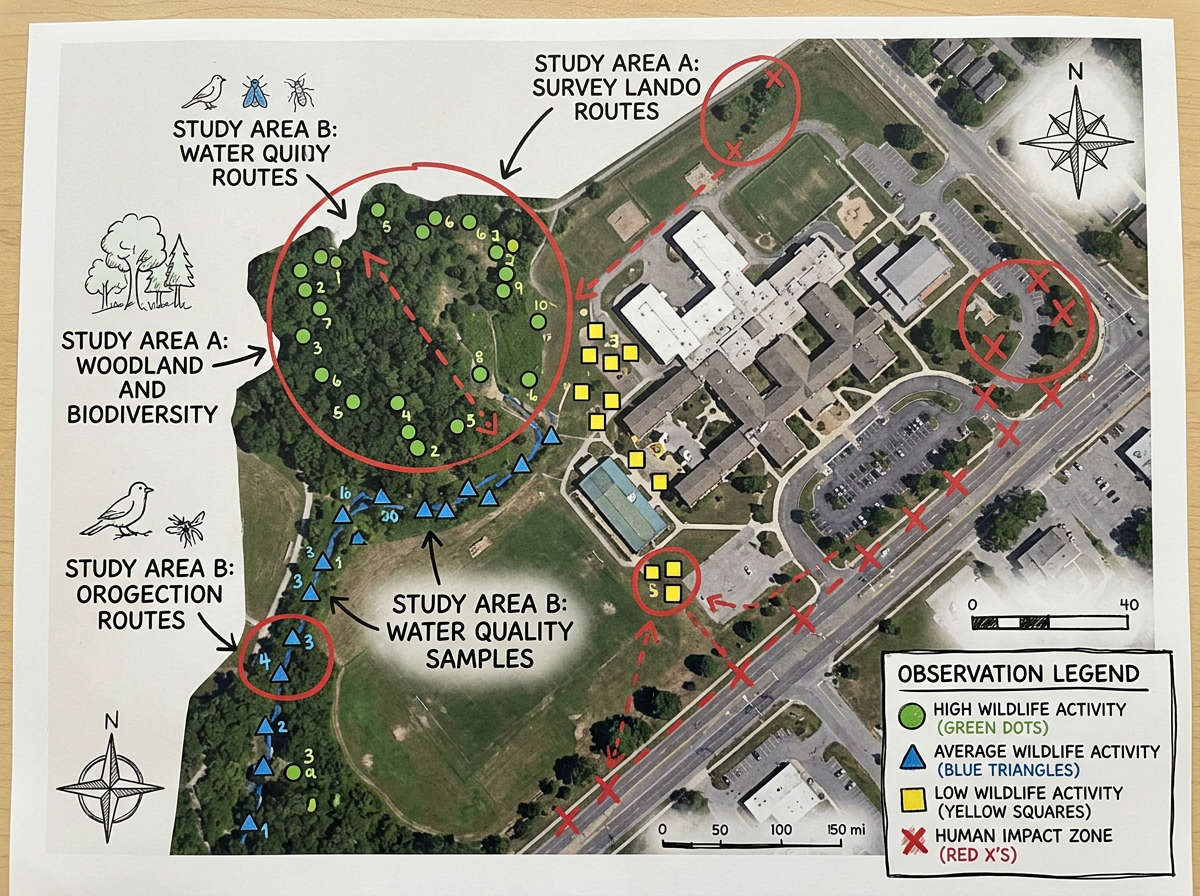
Give students a free mapping tool for science fair projects, community surveys and capstones. Let them present findings on a shared map.
Scribble AI
Tell Scribble AI what you need. Try “draw a 500m buffer around every site,” “import this CSV and color by status,” or “measure the route from the depot to each stop.” It does it in seconds. No GIS training needed, and your team gets the same map, ready to share.
Try Scribble AI →★ ★ ★ ★ ★“Scribble is the most intuitive mapping software I've found.”
★ ★ ★ ★ ★“The most useful world map platform on the internet for me. I use it to map out the political landscape and draw ethno-linguistic boundaries with my students.”
Yes. Scribble Maps is free for individual students and teachers. You can draw, save and share maps without an account. See the pricing page for classroom management and advanced tools.
No. Anyone with a sharing link can open a map in any browser. No sign-up, no install, nothing for IT to approve.
Yes. Scribble Maps runs in any modern browser. Chromebooks, iPads, Android tablets, phones and desktops all work.
Yes. Generate an embed code and paste it into your LMS. Students open it without leaving the course.