
 English
 Español
 Français
 Deutsch
 Português
 日本語
日本語
 中文
中文
 العربية
 한국어
한국어
 Italiano
 Русский
 Türkçe
 Nederlands
 Polski
 हिन्दी


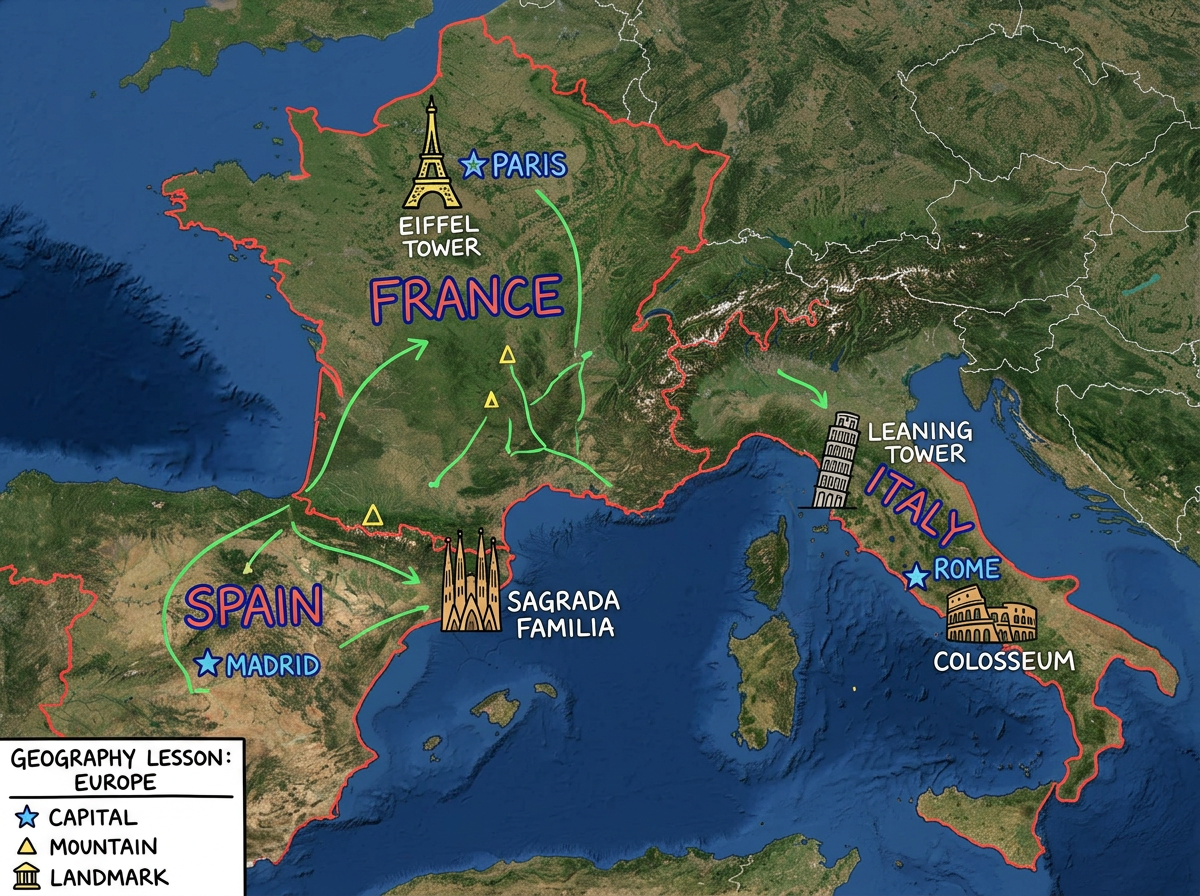
Geography lessons
Build a map for the lesson with the landmarks, the borders and the labels you need. Share the link in the lesson plan or paste it into your slides.
Draw, label and share maps for any lesson. Students open the same map on a Chromebook, tablet or phone in any browser. No installs and no logins. Free to start.
 4.7 / 5 · 200 reviews on G2
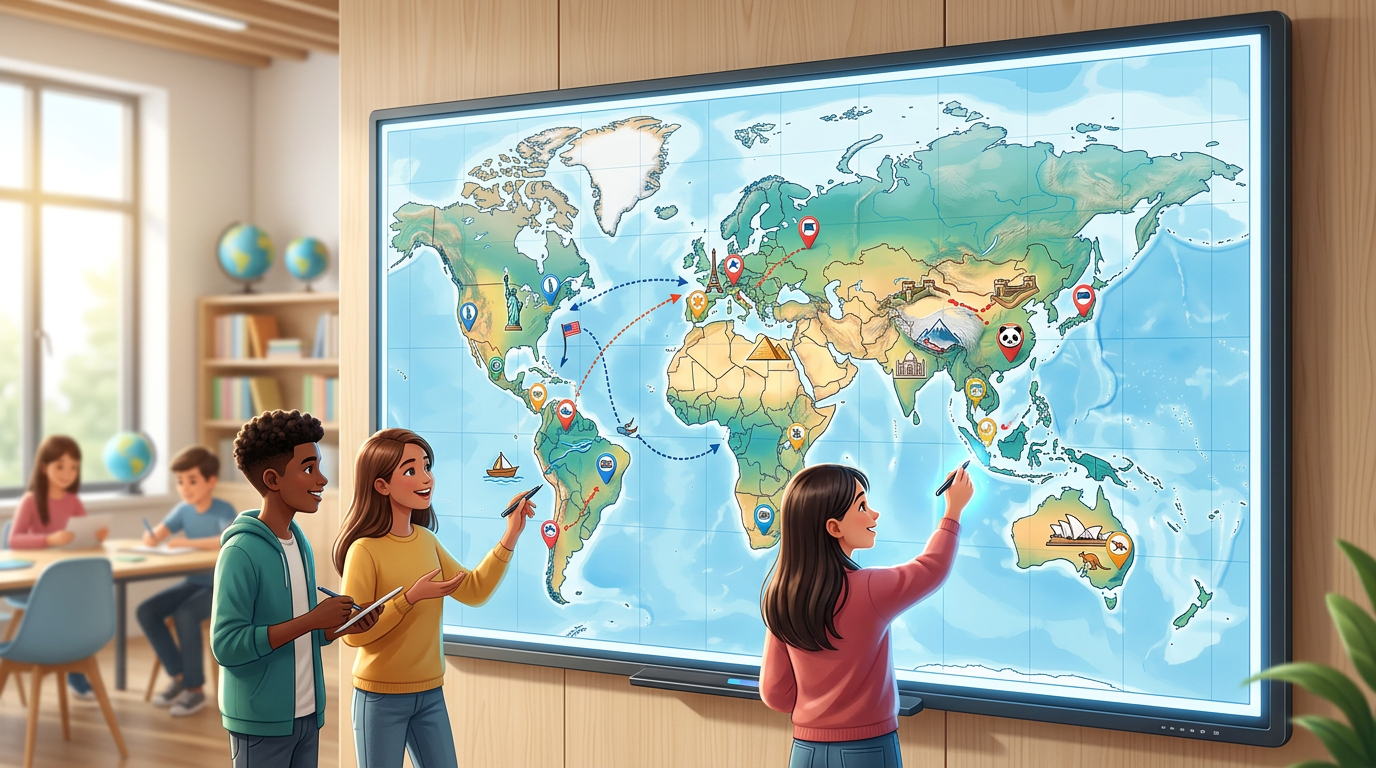
★ ★ ★ ★ ★“I use Scribble Maps with my students every week. They love being able to draw on a real map. It works on every device in the lab without any setup.”
Sketch a route, mark a landmark or label a region on a real satellite or street view. No GIS training and no setup.
Send a clickable map for the lesson. Students open it on any device in any browser. No installs and no logins.
Import a CSV of places for a lesson or a project. Each row is geocoded and dropped on the map for the class to explore.
Build a map for the lesson with the landmarks, the borders and the labels you need. Share the link in the lesson plan or paste it into your slides.
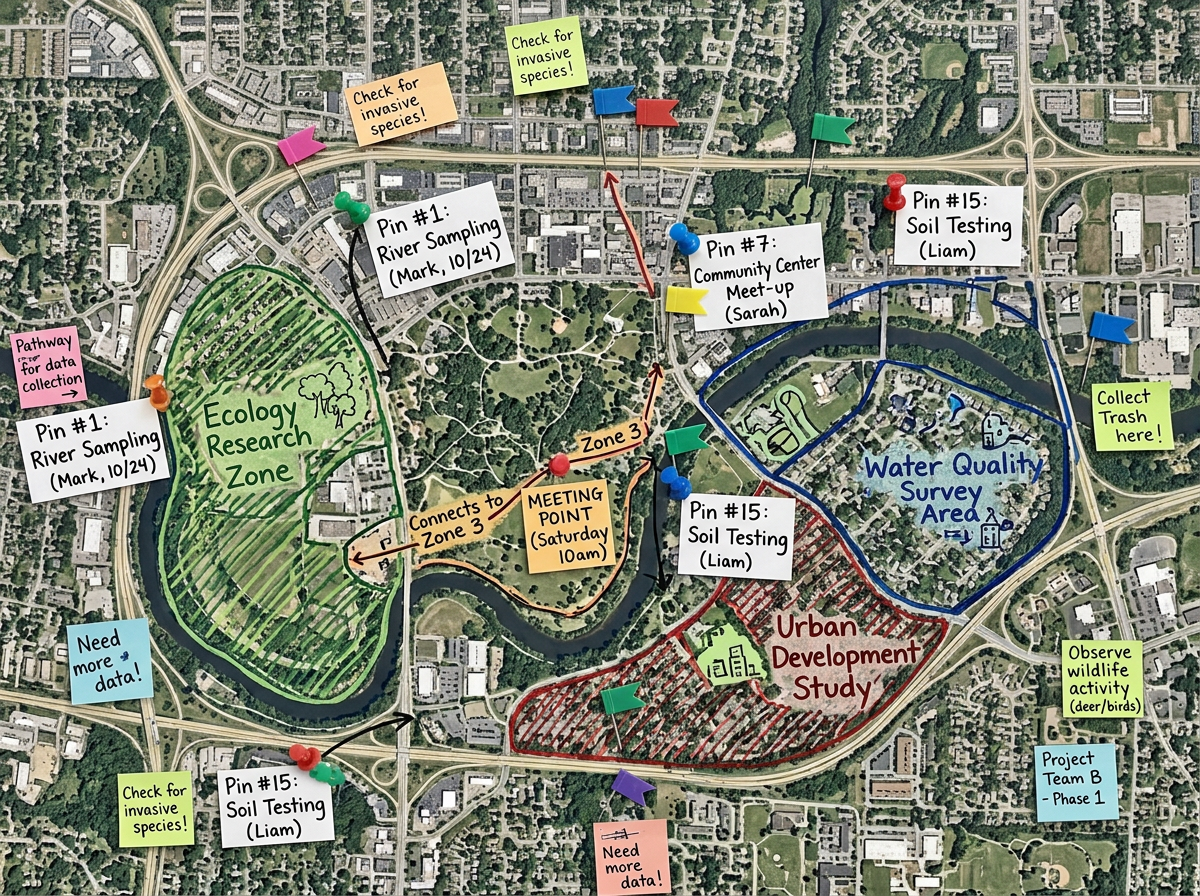
Set up a map for students to mark up. They drop pins, draw zones and add notes from any device. You can review the result in seconds.
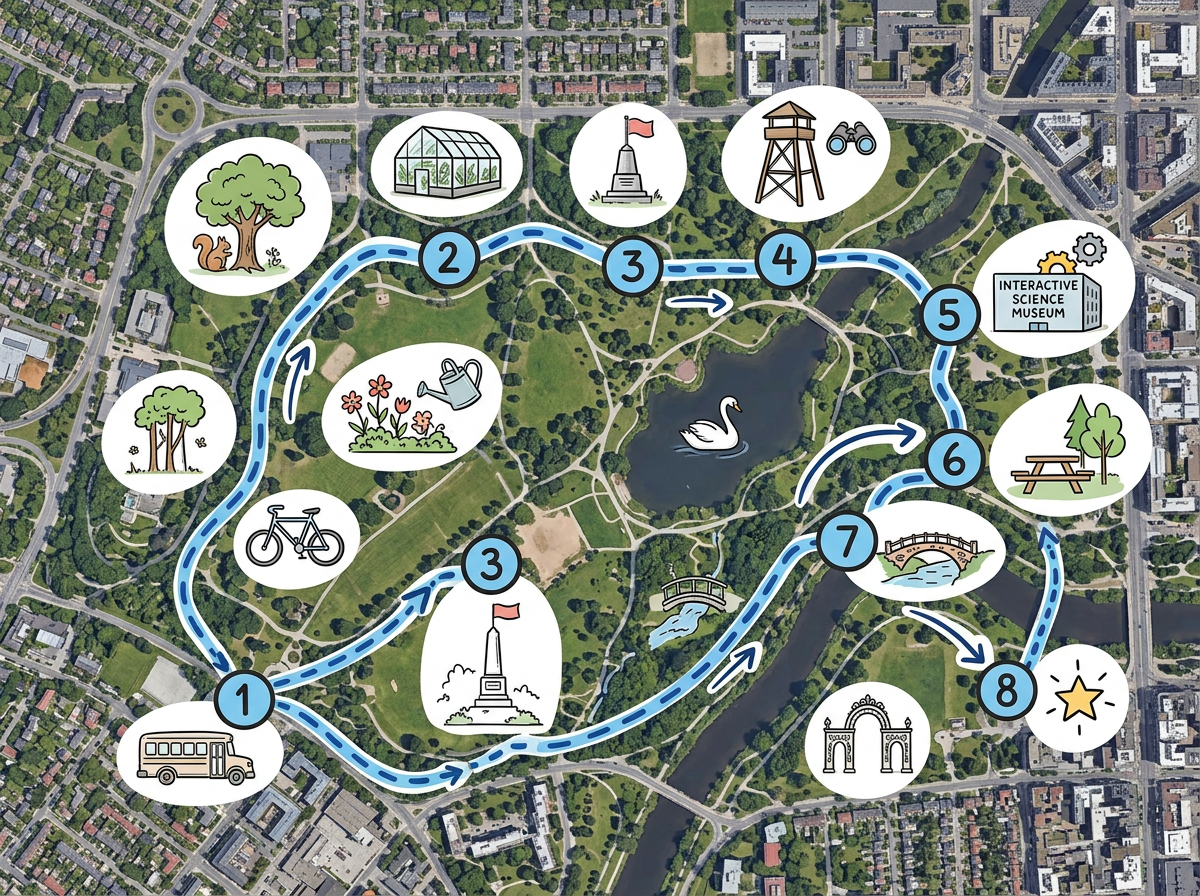
Plan a field trip route and share it with parents and chaperones. Bring the map with you on a phone with our Lite mobile web app at lite.scribblemaps.com.
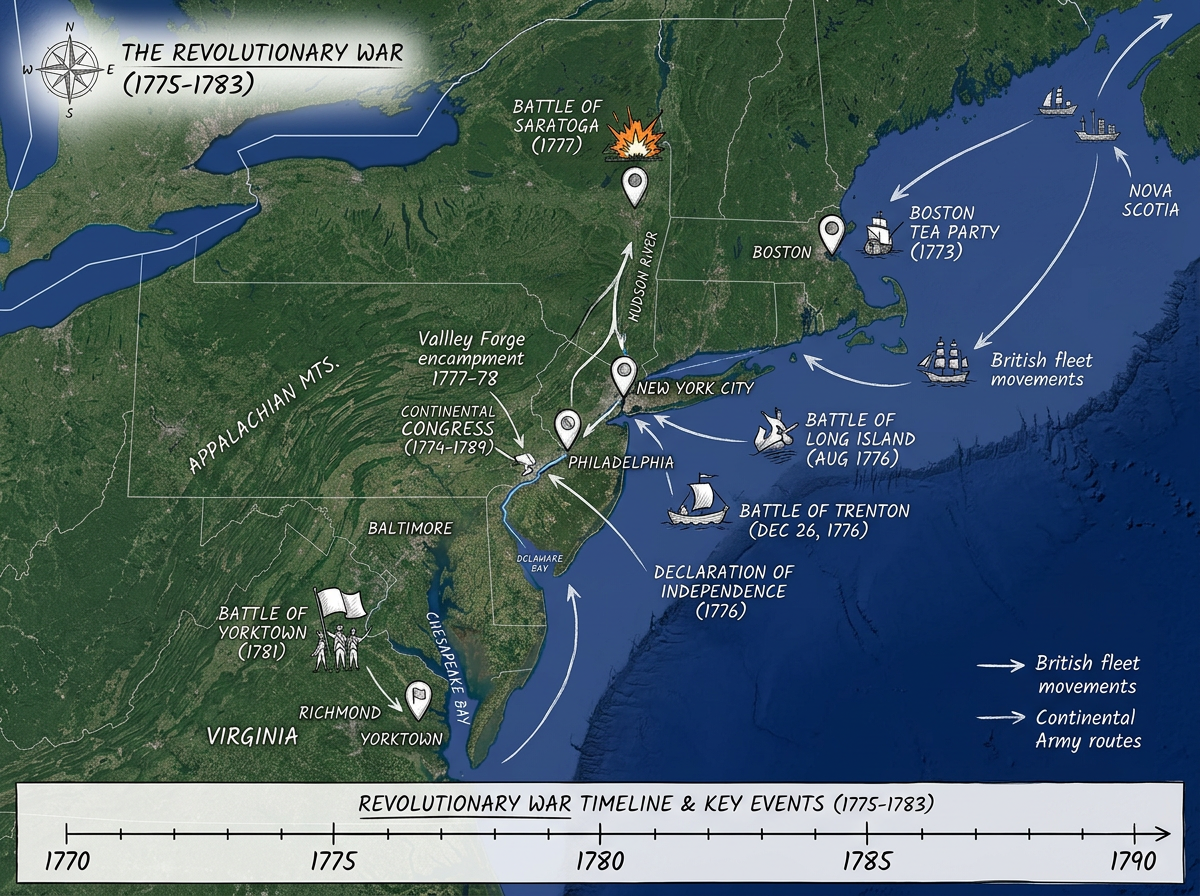
Build a map for a history or science project. Plot the events, label the places and share the link with the class or with parents.
Scribble AI
Tell Scribble AI what you need. Try “draw a 500m buffer around every site,” “import this CSV and color by status,” or “measure the route from the depot to each stop.” It does it in seconds. No GIS training needed, and your team gets the same map, ready to share.
Try Scribble AI →★ ★ ★ ★ ★“I use Scribble Maps with my students every week. They love being able to draw on a real map.”
★ ★ ★ ★ ★“One of the most commendable aspects of Scribble Maps is its range of map styles. The application caters to a multitude of use cases.”
No. Click Share, copy the view-only link and send it. Students open the map in any browser. No install and no account.
Yes. Share an edit link and students can drop pins, draw zones and add notes from any device.
Yes. Scribble Maps runs in any modern browser. There is nothing to install.
Yes. Scribble Maps is free for individuals and small teams. See the pricing page for larger imports, private maps and admin controls.
Yes. Copy the embed code and paste it into your lesson page. Students can open and explore the map right in the LMS.