
 English
 Español
 Français
 Deutsch
 Português
 日本語
日本語
 中文
中文
 العربية
 한국어
한국어
 Italiano
 Русский
 Türkçe
 Nederlands
 Polski
 हिन्दी


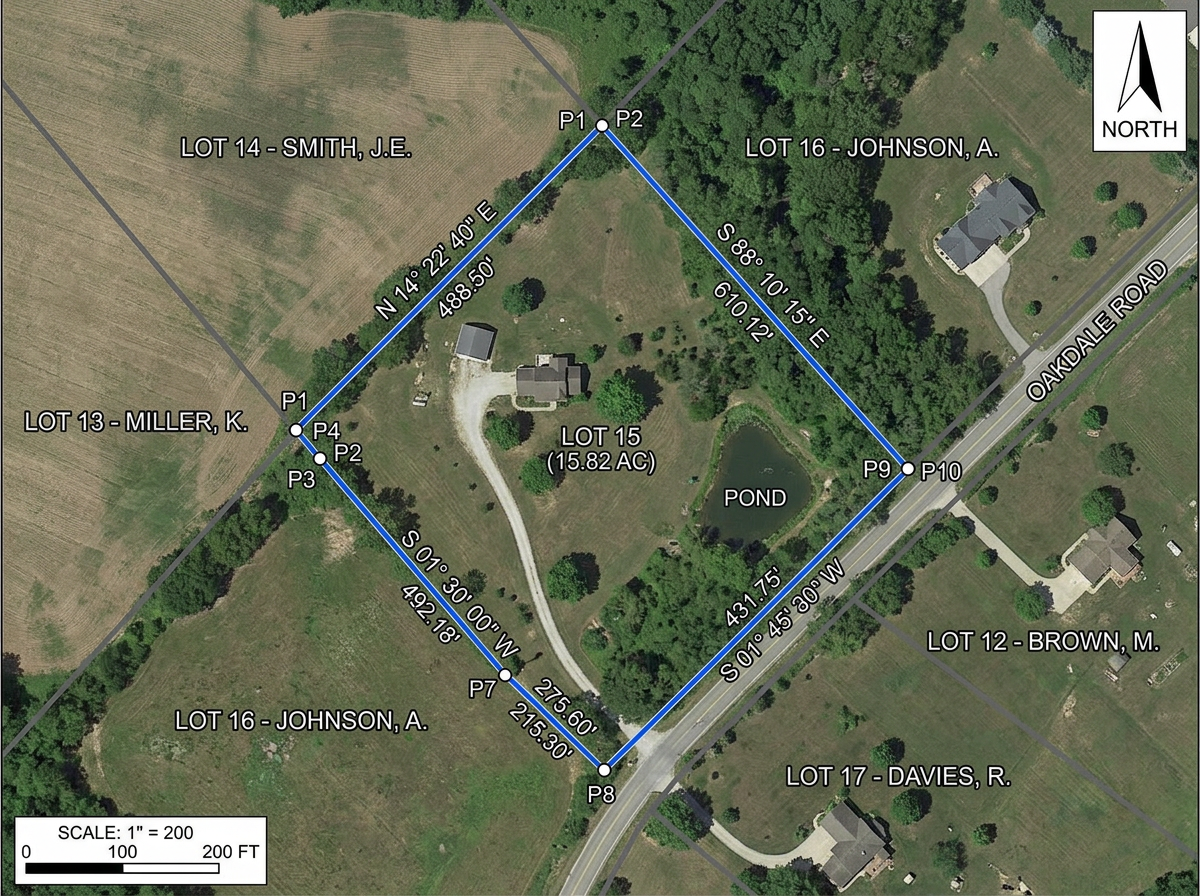
Plat sketches and exhibits
Build plat sketches, property exhibits and boundary diagrams for proposals, client meetings and council packets.
Build plat sketches, pre-survey recon maps, utility red-lines and client exhibits in any browser. Import KML and Shapefiles, export DXF, and share by link with anyone.
 4.7 / 5 · 200 reviews on G2
★ ★ ★ ★ ★“Scribble is the most intuitive mapping software I've found.”
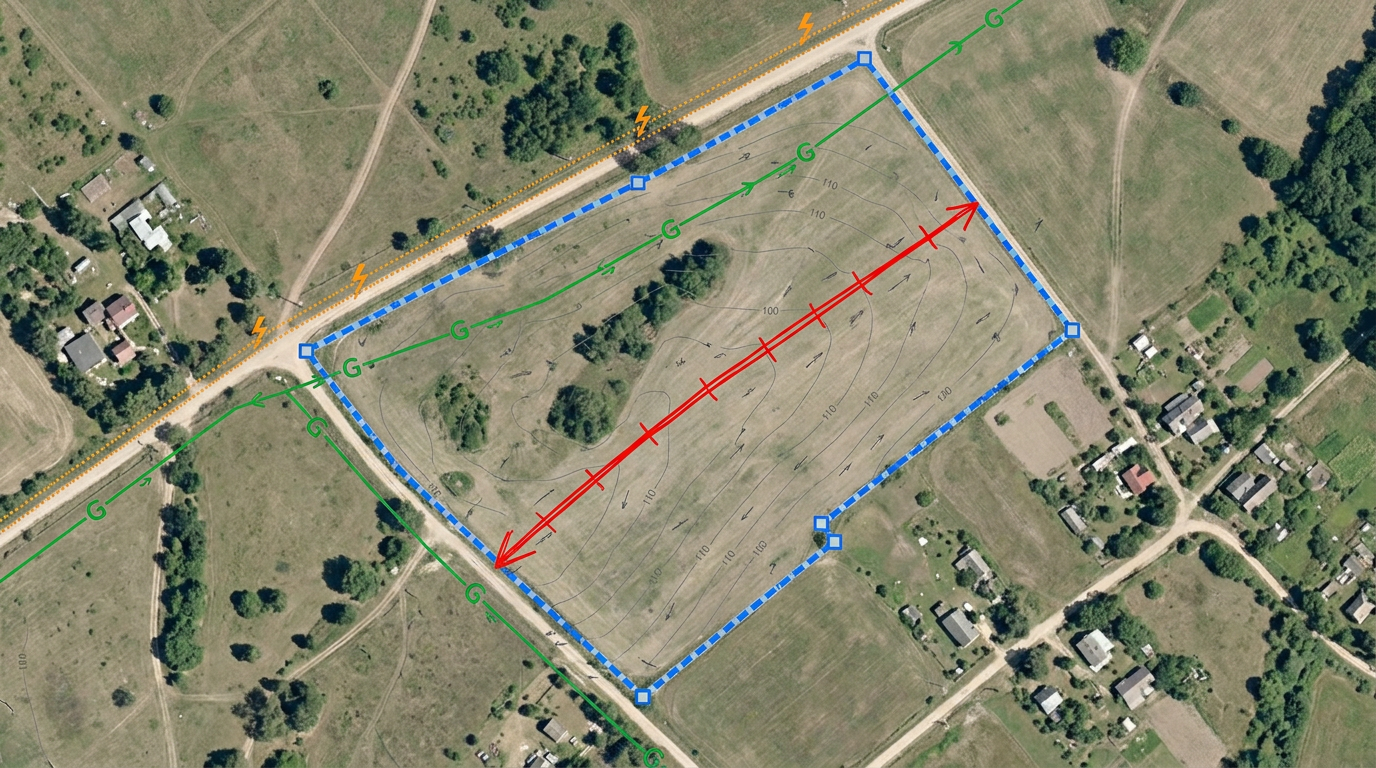
Draw parcel boundaries, easements, setbacks and utility lines over satellite imagery. No CAD license, no drafting program.
Click Share and text the link to the crew. They open the recon map on a phone or tablet. No app, no install.
Import KML, Shapefile, GeoJSON, DXF and CSV. Export to DXF, KML or PDF for the CAD station or the client packet.
Build plat sketches, property exhibits and boundary diagrams for proposals, client meetings and council packets.
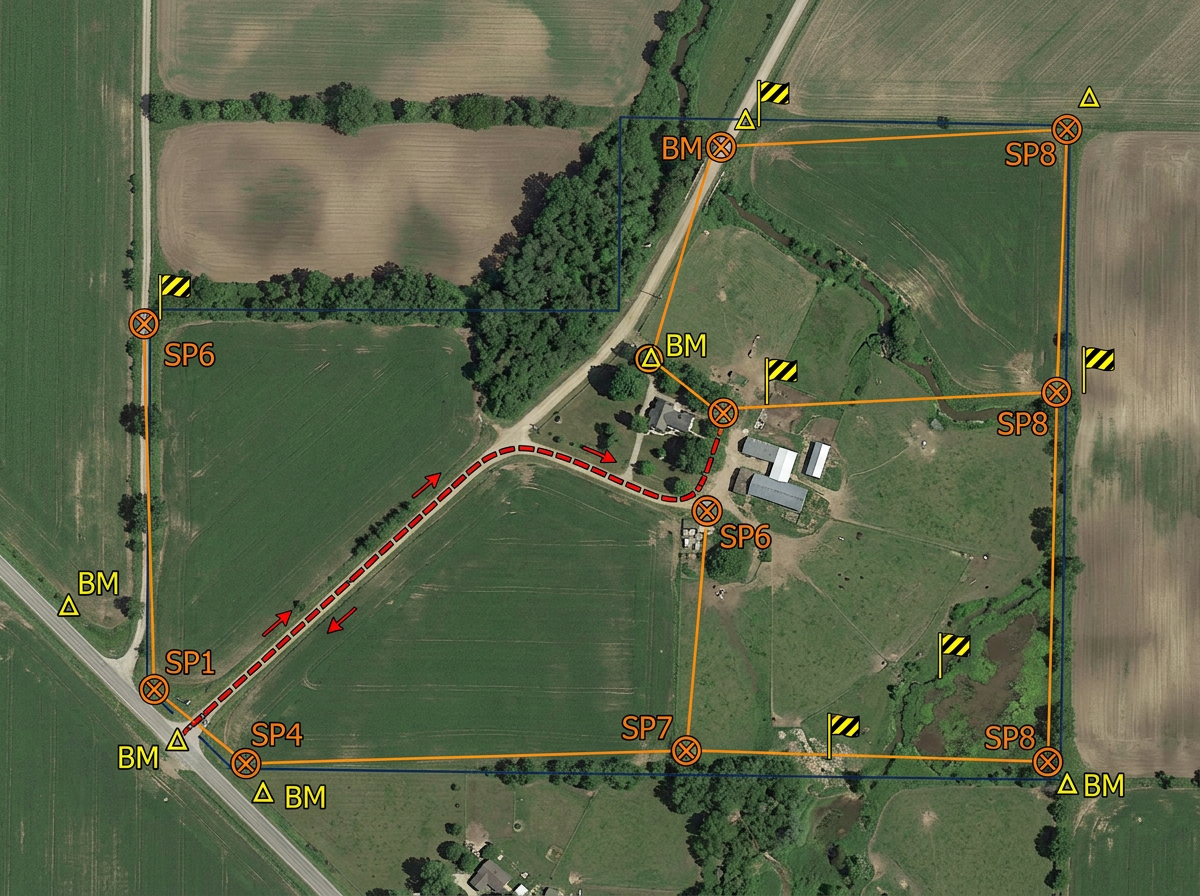
Plan the survey before the crew rolls: mark access routes, setup points, hazards and known benchmarks on a shared map.
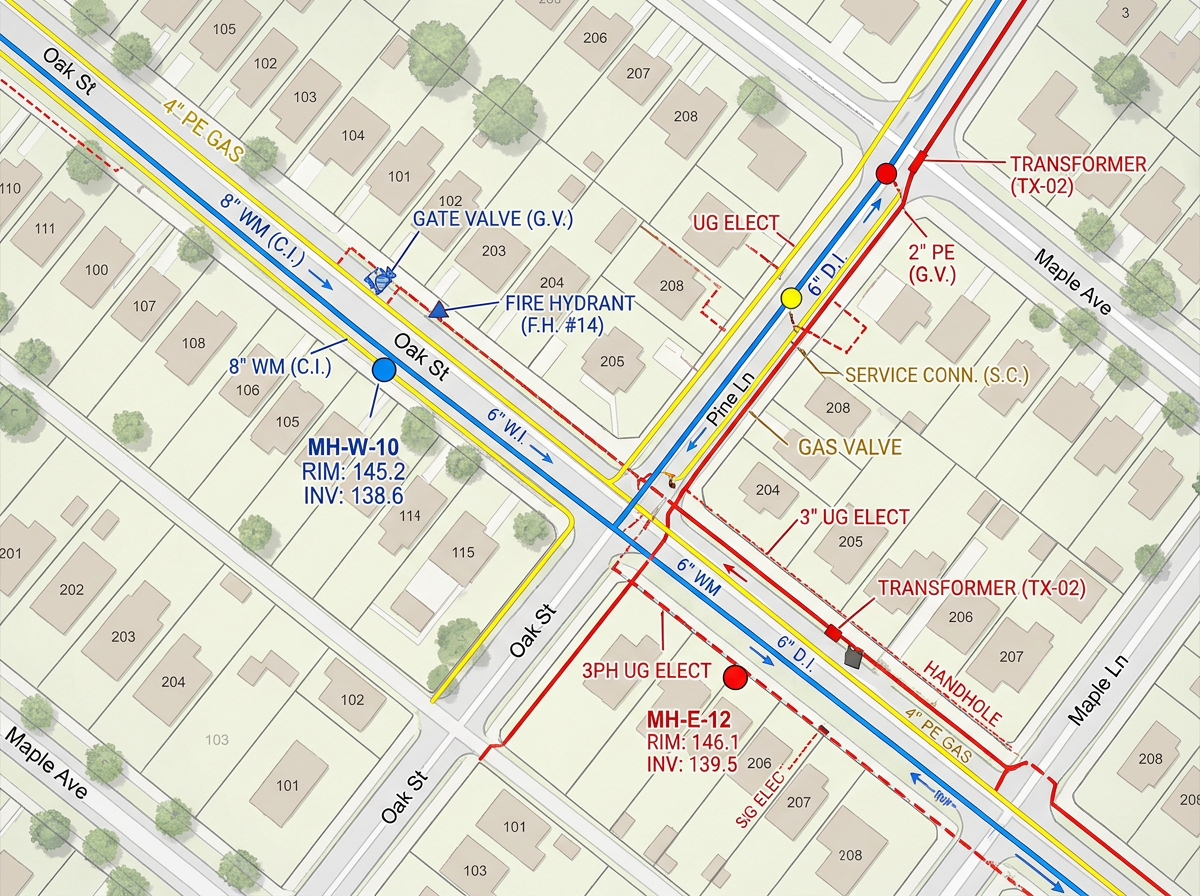
Sketch known or suspected utility lines, manholes and hydrants on a red-line exhibit for design and safety briefings.
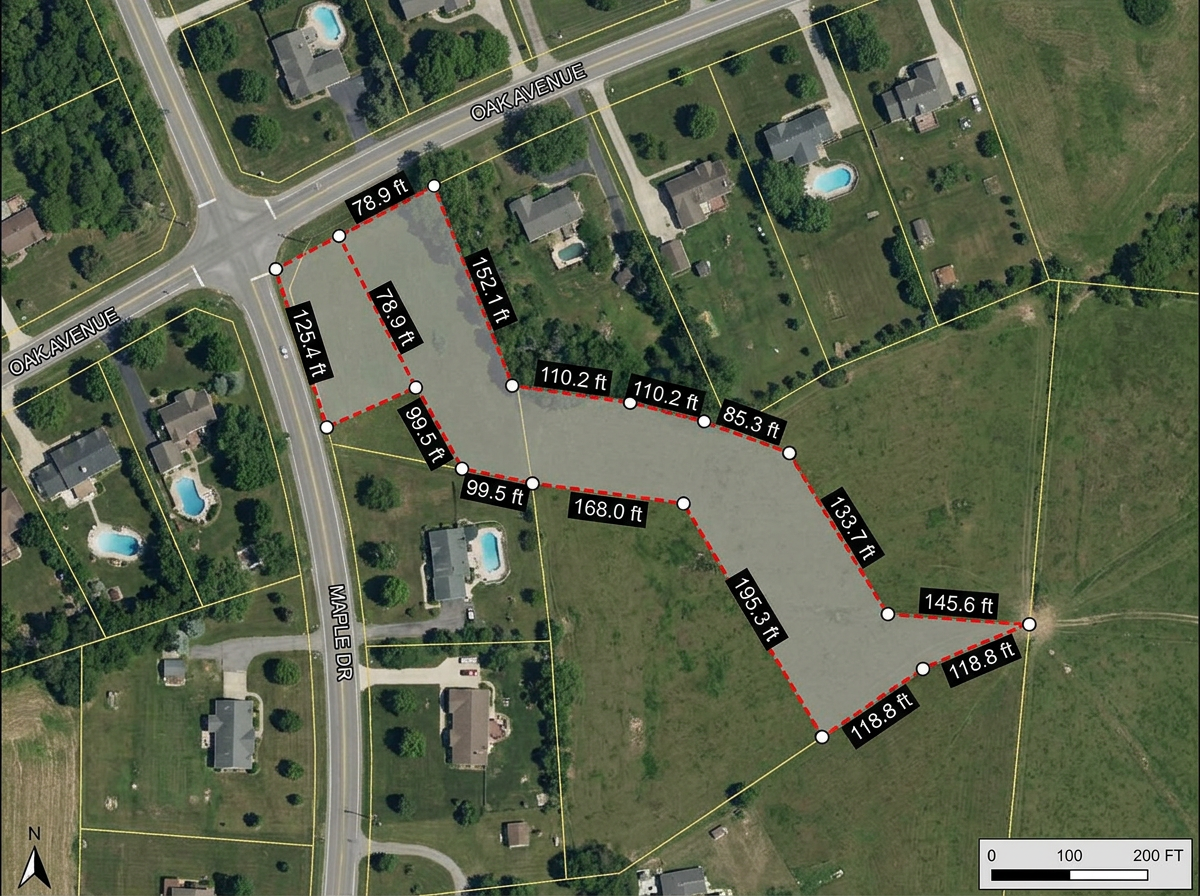
Build easement and right-of-way exhibits for attorneys, title work and landowner meetings.
Scribble AI
Tell Scribble AI what you need. Try “draw a 500m buffer around every site,” “import this CSV and color by status,” or “measure the route from the depot to each stop.” It does it in seconds. No GIS training needed, and your team gets the same map, ready to share.
Try Scribble AI →★ ★ ★ ★ ★“Scribble is the most intuitive mapping software I've found.”
★ ★ ★ ★“Exceptional mapping tool for land surveying. The interface is clean and the layers and tools make even complex survey workflows manageable.”
Yes. Export any map to DXF, KML or GeoJSON for use in AutoCAD, Civil 3D or any CAD package that accepts these formats.
Yes. Import KML, Shapefile, GeoJSON, DXF or GPX. Layer existing work onto satellite imagery and annotate from there.
No. Scribble Maps is for sketches, exhibits, field reconnaissance and shareable client maps. It works alongside Civil 3D and AutoCAD for the everyday tasks that don't need a full CAD package.
Yes. Click Share and send the link. Clients open it in any browser. No install, no account.
Yes. Enter a U.S. Public Land Survey System (PLSS) legal description in search to preview and add the matching BLM reference boundary. This is available with Pro Business and is for mapping reference only, not a legal survey.