
 English
 Español
 Français
 Deutsch
 Português
 日本語
日本語
 中文
中文
 العربية
 한국어
한국어
 Italiano
 Русский
 Türkçe
 Nederlands
 Polski
 हिन्दी


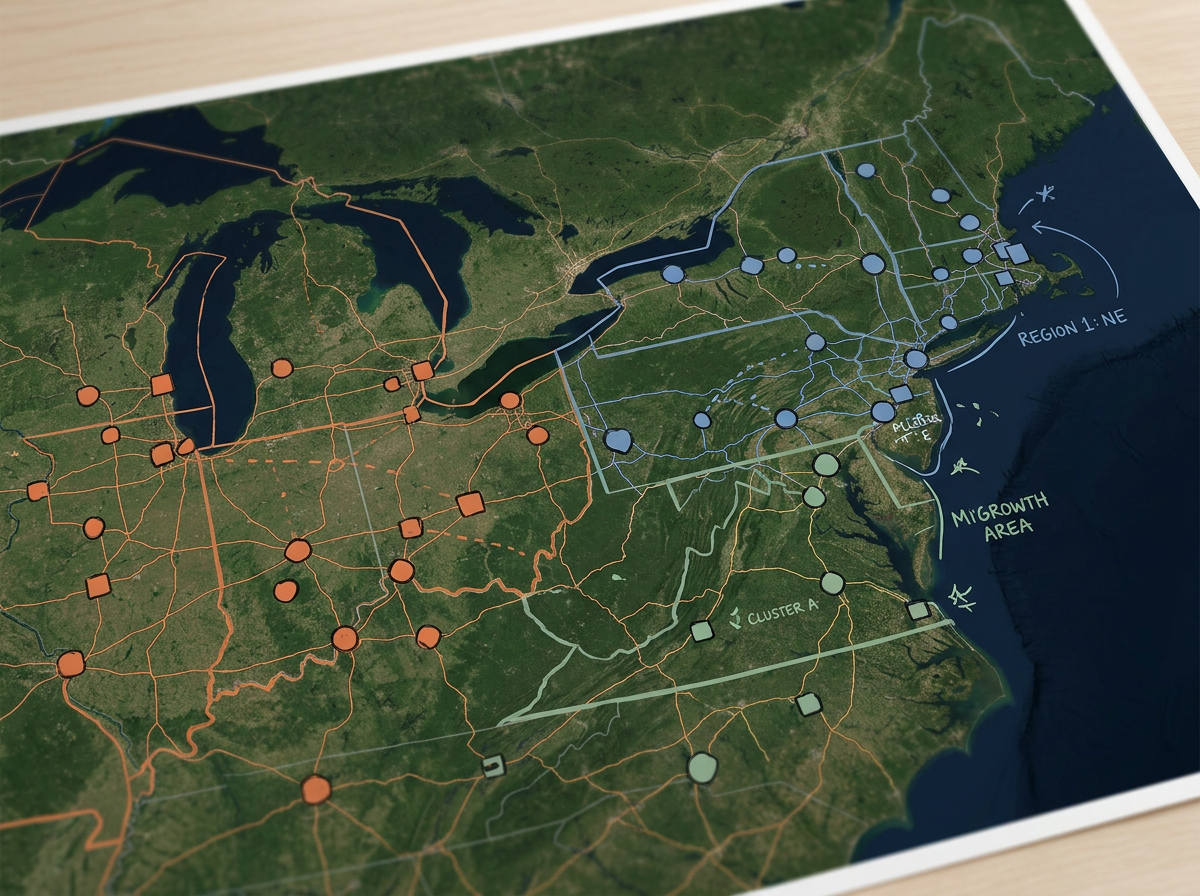
Full portfolio overview
See every property on one map. Color them by region or asset class to show the spread of the portfolio in a single view.
Map every property you manage. Color them by region, owner or status and brief leadership in one link. Plan inspection routes and share them with the field team. Free to start.
 4.7 / 5 · 200 reviews on G2
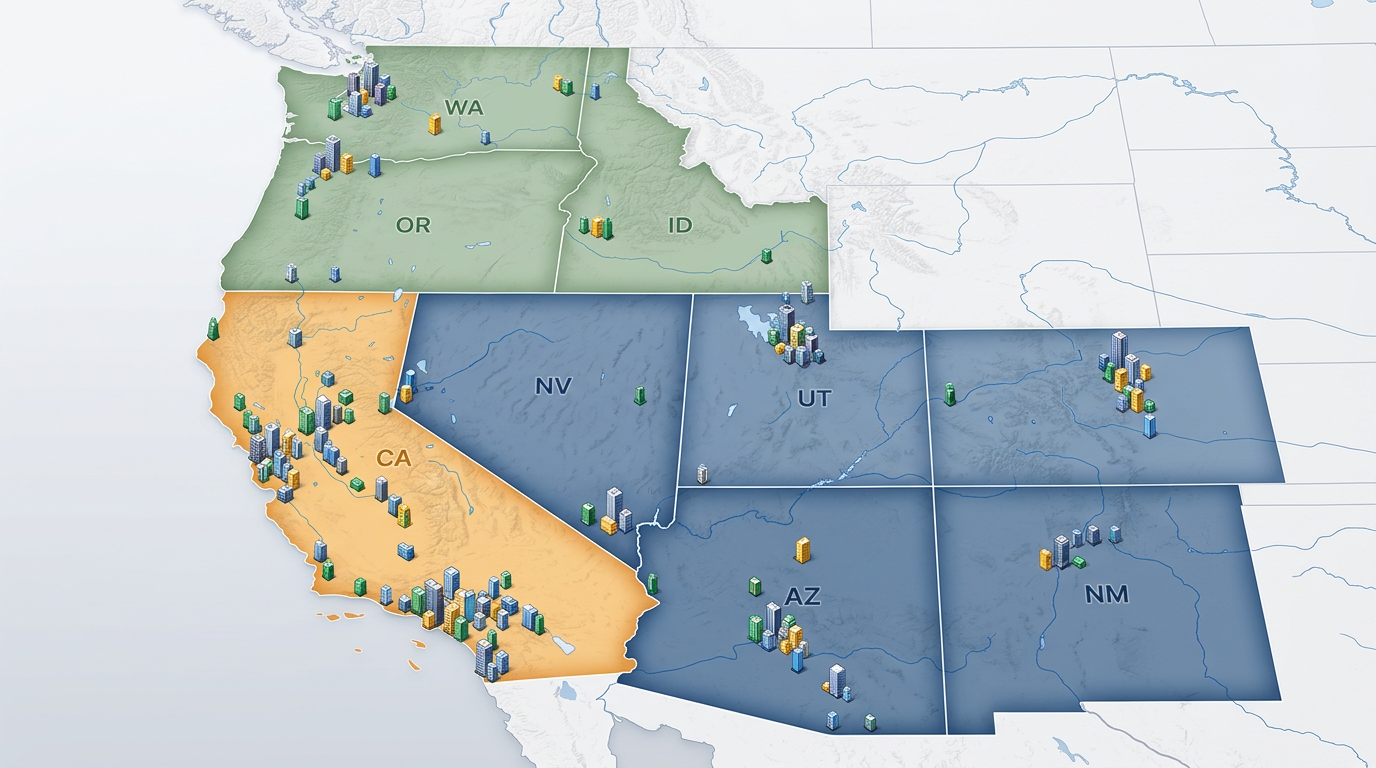
★ ★ ★ ★ ★“I use scribble maps to plot all of the apartment communities our company has over 18 states. This visual helps when I make presentations to the owner of the company and helps demonstrate the balance of properties.”
Drop in a CSV of every property you manage. Each row is geocoded and dropped on the map. Update the file when the portfolio changes.
Group properties by region, owner, asset class or occupancy. Spot the gaps and the strong spots in seconds.
Share a clickable map with your owner, your asset manager or your board. They open it in any browser. No installs and no logins.
See every property on one map. Color them by region or asset class to show the spread of the portfolio in a single view.
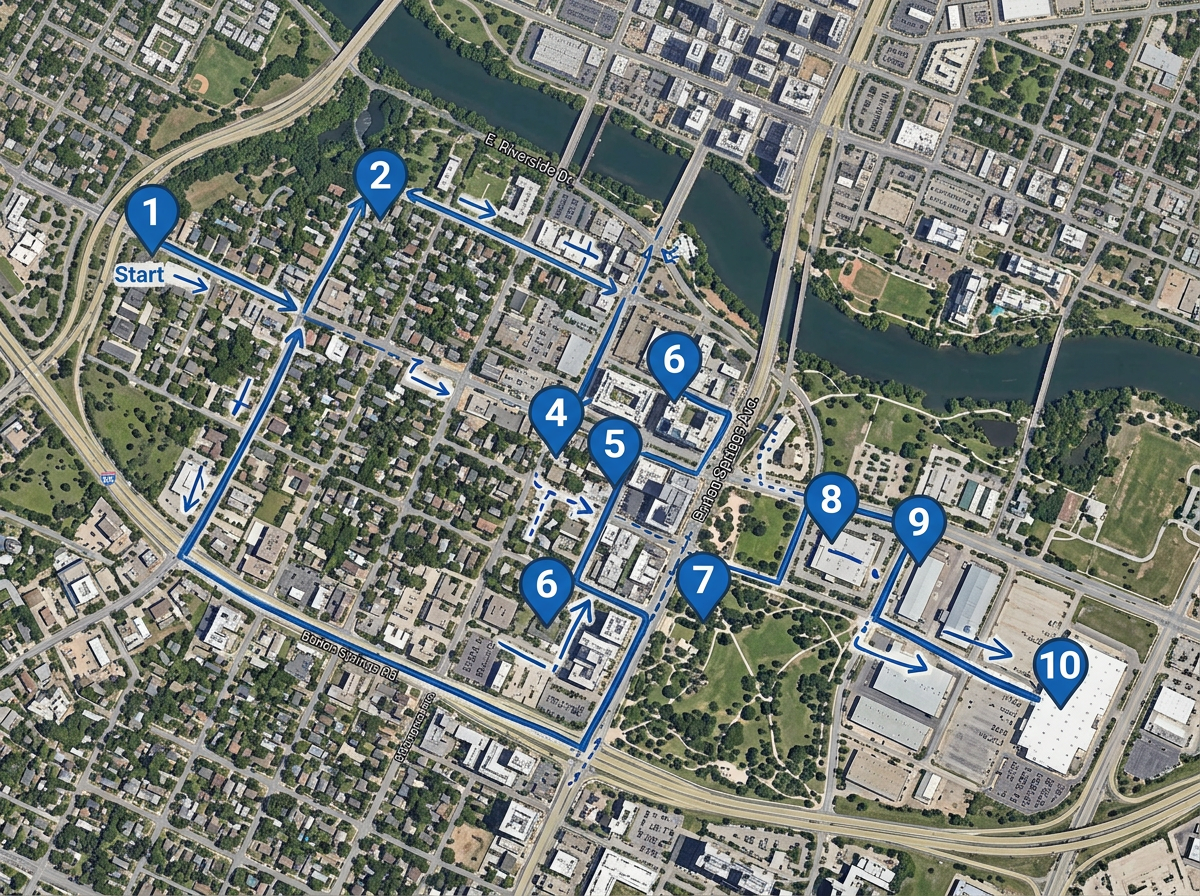
Plan a day of property inspections. Share the route on the inspector's phone with our Lite mobile web app at lite.scribblemaps.com.
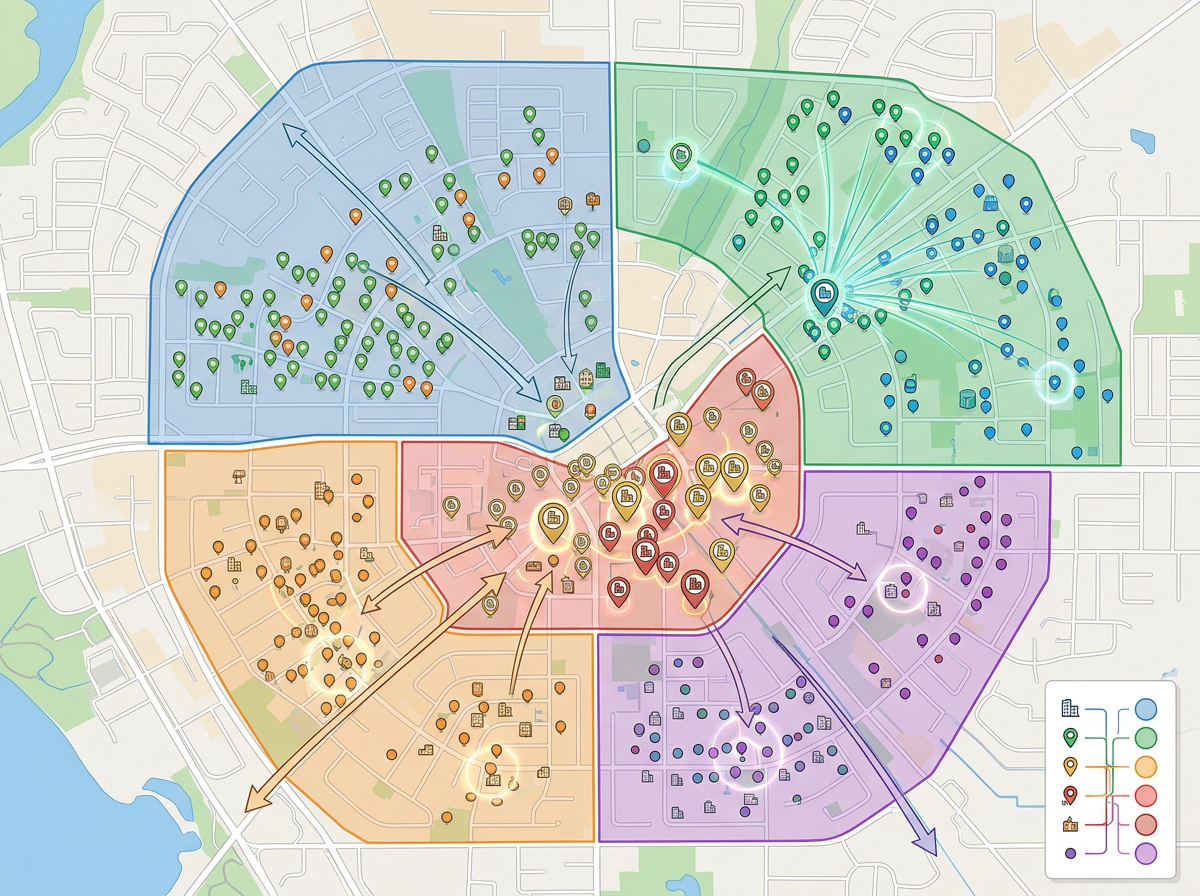
Build a portfolio map for your next owner update. Show every property, every region and every milestone on one view.
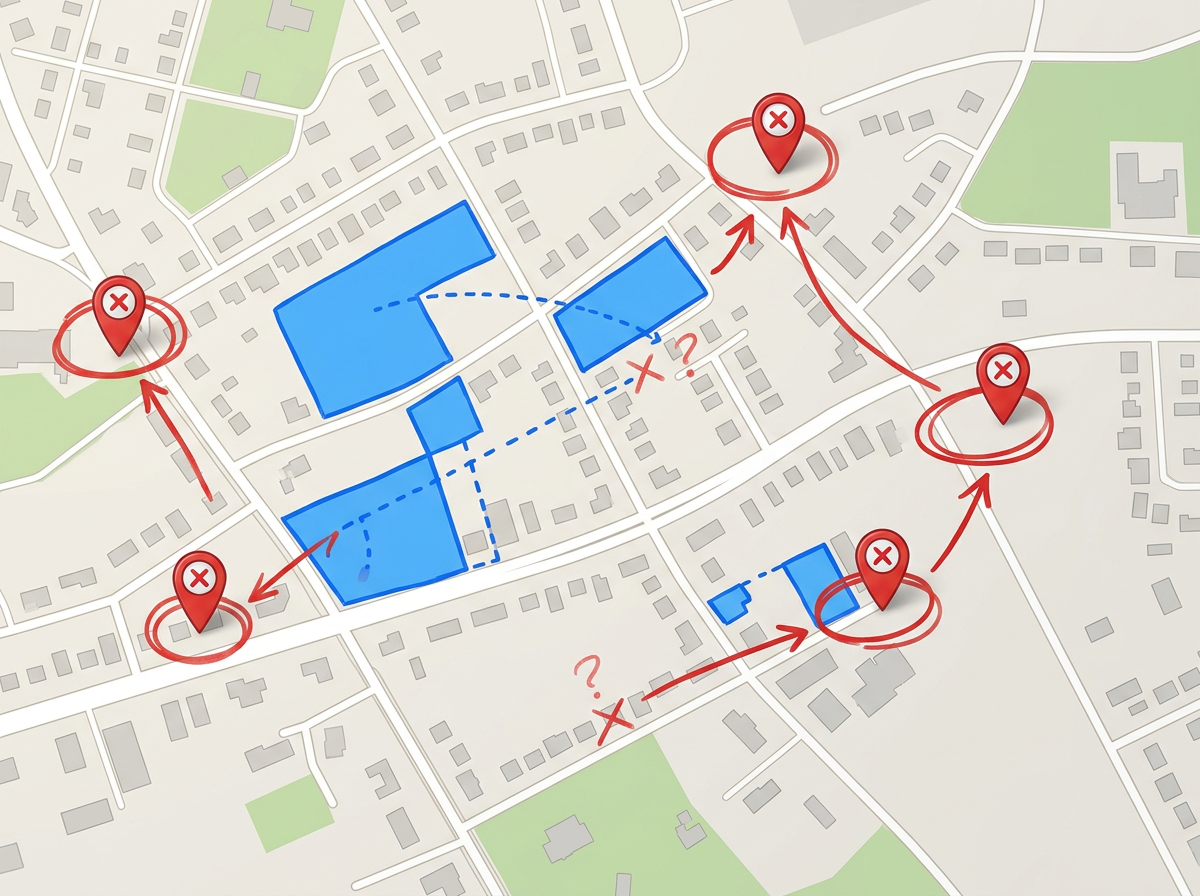
Plot acquisition targets next to properties you already manage. Spot the markets where you have scale and the markets where you do not.
Scribble AI
Tell Scribble AI what you need. Try “draw a 500m buffer around every site,” “import this CSV and color by status,” or “measure the route from the depot to each stop.” It does it in seconds. No GIS training needed, and your team gets the same map, ready to share.
Try Scribble AI →★ ★ ★ ★ ★“I use scribble maps to plot all of the apartment communities our company has over 18 states. This visual helps when I make presentations to the owner of the company and helps demonstrate the balance of properties.”
★ ★ ★ ★ ★“It enables me to easily draw, label, and personalize maps without needing advanced GIS expertise.”
Yes. Drop in a CSV with addresses or coordinates. Each row is geocoded and dropped on the map in one pass.
Yes. Click Share, copy the link and send it. Your owner opens it in any browser. No install and no account.
Yes. Use our Lite mobile web app at lite.scribblemaps.com. Inspectors can drop pins, draw zones and add notes from their phone.
Yes. Scribble Maps is free for individuals and small teams. See the pricing page for larger imports, private maps and admin controls.
Yes. Export to PDF or PNG for slides, or to KML and GeoJSON for handing data off to another tool.