
 English
 Español
 Français
 Deutsch
 Português
 日本語
日本語
 中文
中文
 العربية
 한국어
한국어
 Italiano
 Русский
 Türkçe
 Nederlands
 Polski
 हिन्दी


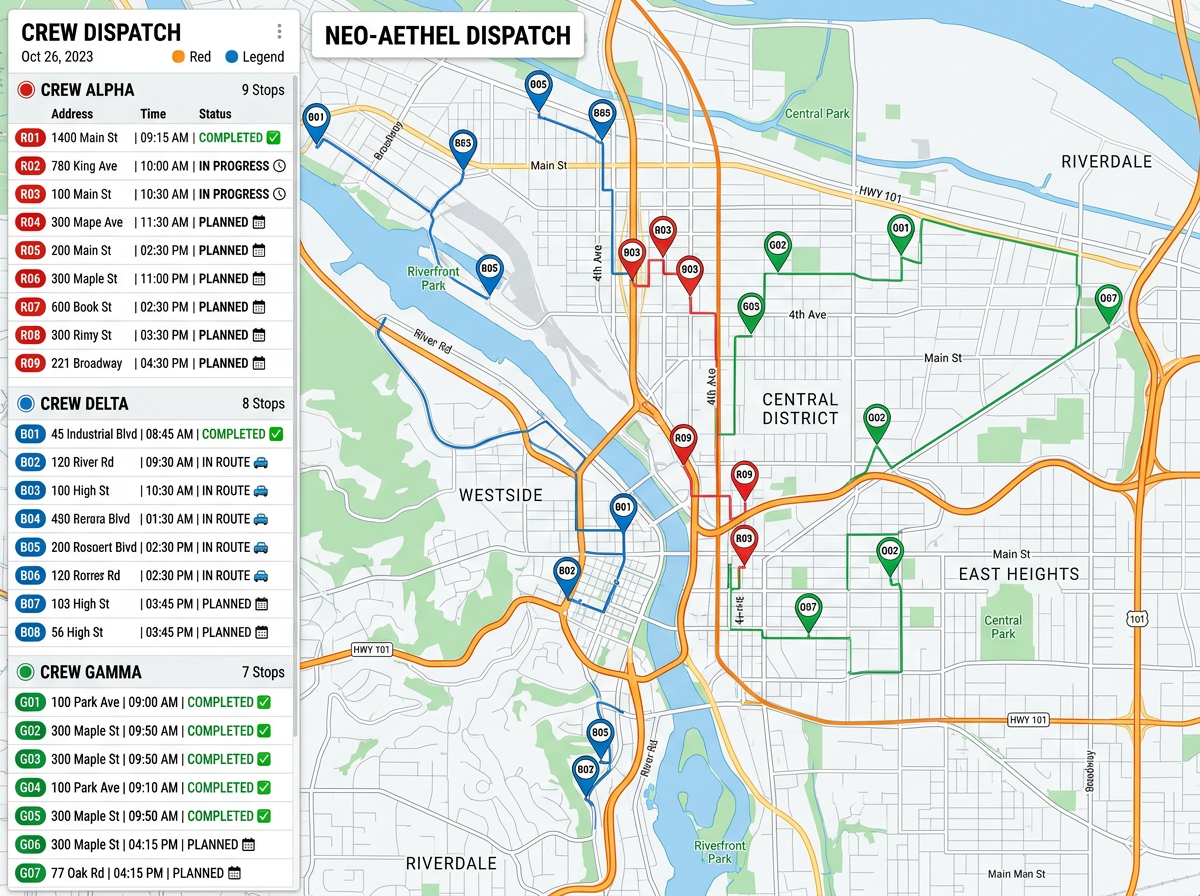
Daily job assignments
Hand each crew their list on a map. Color jobs by crew, by status, or by job type. Crews see the day at a glance and head out faster.
Show every crew the day's jobs, the route, and the latest updates from the office. Crews open the map on a phone, no app to install. Office staff updates the map and crews see it.
★ ★ ★ ★ ★“It's especially useful for planning logistics, routes, or presentations where visual clarity matters.”
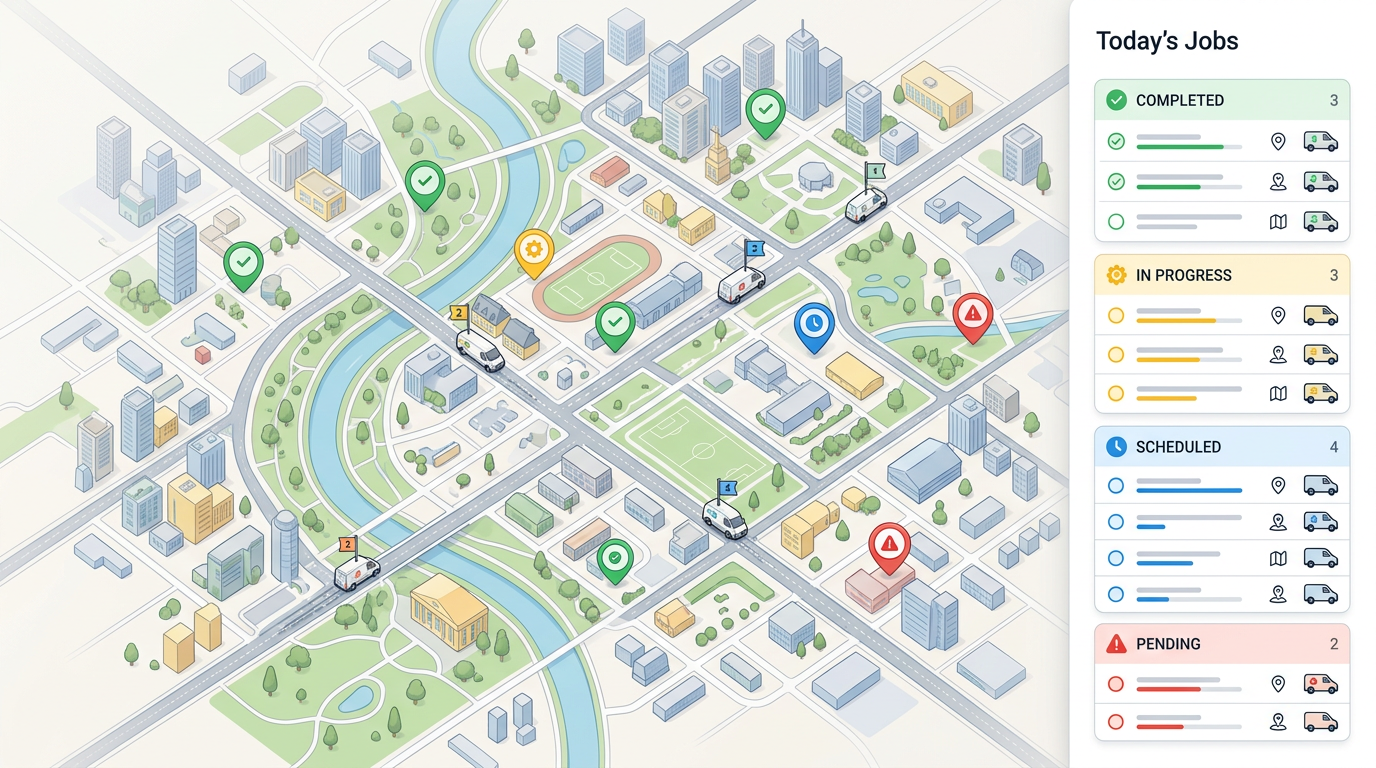
Import a job list and every row turns into a pin. Group by crew, color by status, and connect stops in the order you want them done.
Send a single link. Crews pan, zoom, and tap any job to see address, contact, and notes. No app to install and no training needed.
Office staff updates the map and crews see the change. Move a job, add a new one, or mark one done and everyone stays on the same page.
Hand each crew their list on a map. Color jobs by crew, by status, or by job type. Crews see the day at a glance and head out faster.
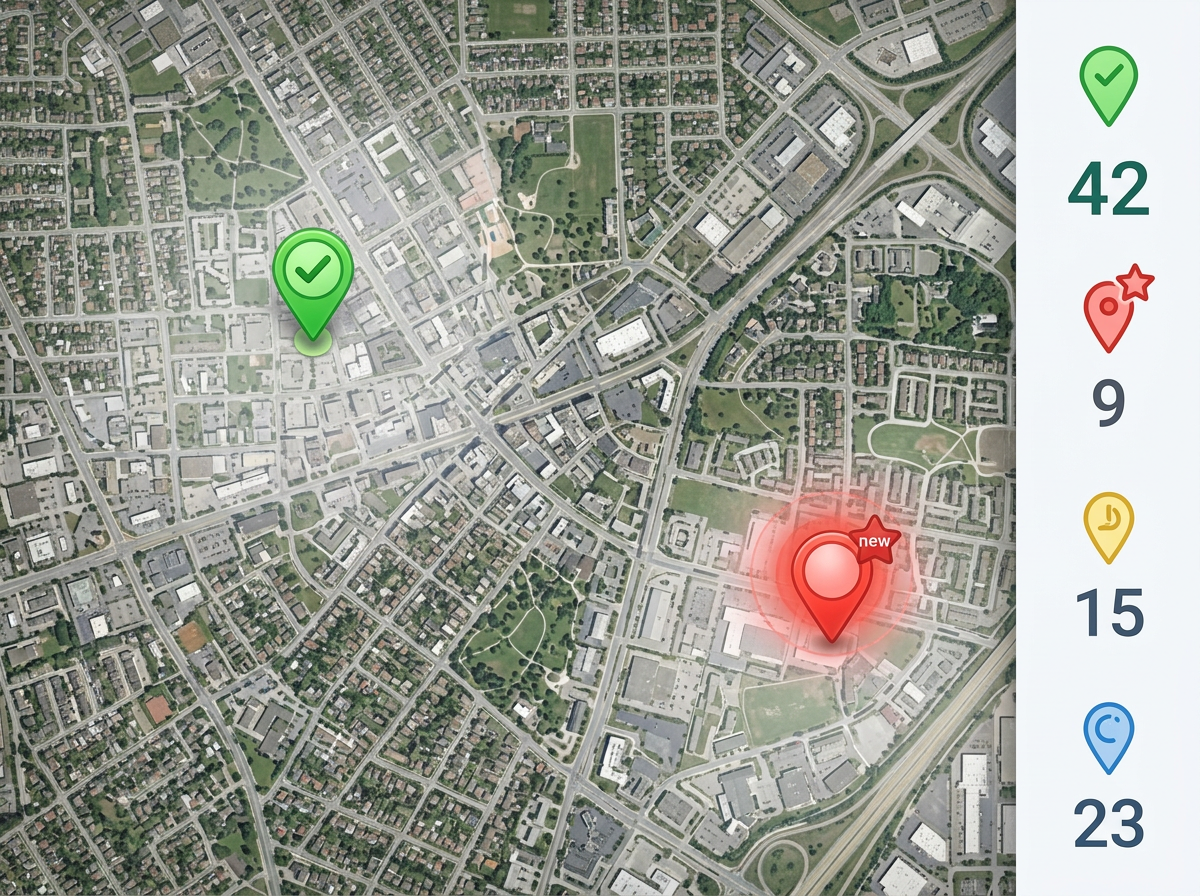
Mark jobs done, add a new one, or change a status from the office. Crews see the update the next time they open the map link.
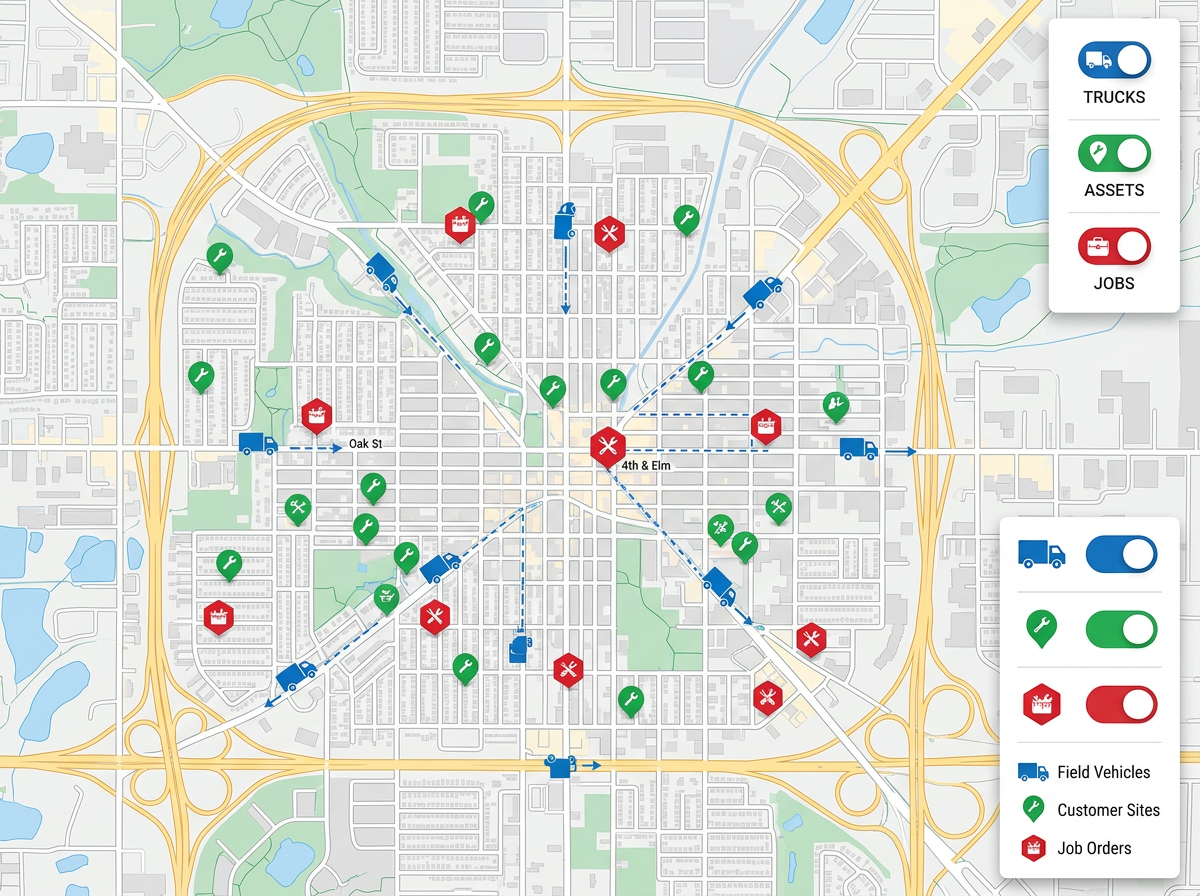
Layer in your trucks, assets, and crews on the same map as the jobs. Plan the day so the right crew picks up the closest job.
Scribble AI
Tell Scribble AI what you need. Try “draw a 500m buffer around every site,” “import this CSV and color by status,” or “measure the route from the depot to each stop.” It does it in seconds. No GIS training needed, and your team gets the same map, ready to share.
Try Scribble AI →Field operations mapping means showing the day's jobs, crews, and assets on one map so the office and the field stay on the same page. Crews open the map on a phone and see the latest plan.
No. The map opens in any modern phone or laptop browser. Send a link and the crew is in within a few seconds.
Yes. Move a job, add a new one, or mark one done from the office. The next time a crew opens the link they see the update.
Yes. Layer crews, trucks, and assets on the same map as the jobs. Toggle layers on and off to focus on what you need.