
 English
 Español
 Français
 Deutsch
 Português
 日本語
日本語
 中文
中文
 العربية
 한국어
한국어
 Italiano
 Русский
 Türkçe
 Nederlands
 Polski
 हिन्दी


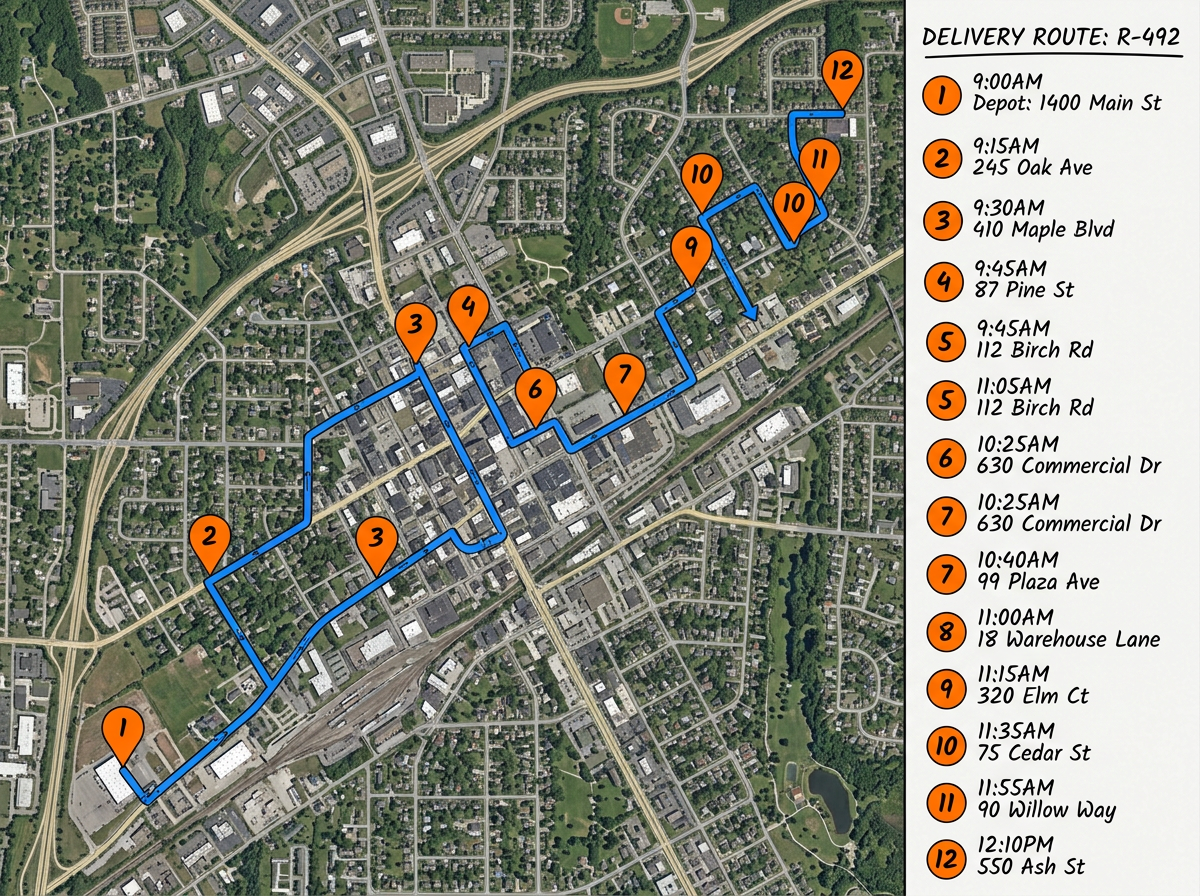
Multi-stop delivery routes
Drop every delivery address in one map. Reorder stops to cut backtracking and share the route with your driver before they leave the depot.
Drop addresses on a map, drag to reorder, and see the full route with distance and time. Share a single link with your driver or crew so they always have the latest plan in their pocket.
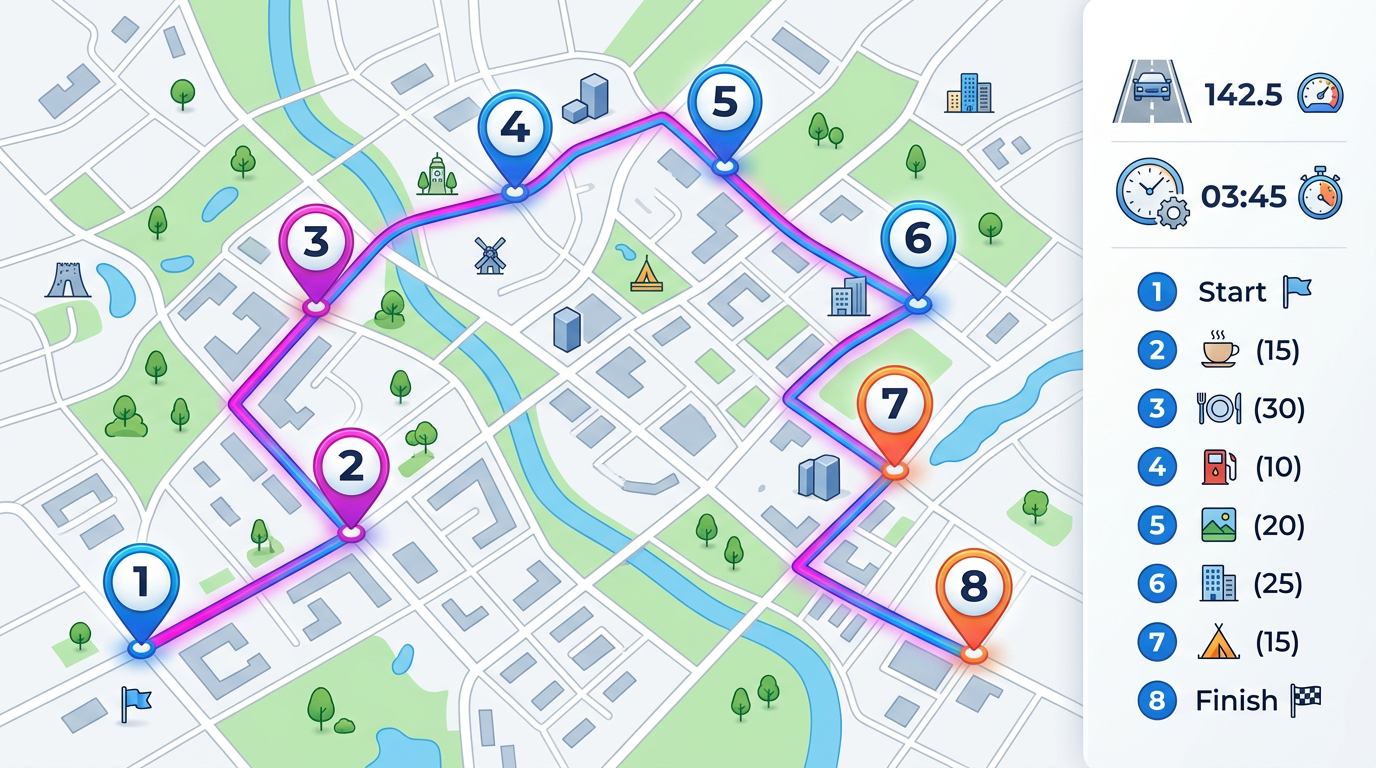
★ ★ ★ ★ ★“Route finding is beneficial for our couriers that need to establish the border line between each courier.”
Type or paste a list of stops. Drop them on the map, then drag pins to set the order. The route line and total distance update right away.
Send the route to your driver or crew with a single link. Open it on any phone or computer to see every stop and the full path.
Import a CSV or spreadsheet of addresses to skip manual entry. Update the file later and refresh the map without rebuilding the route.
Drop every delivery address in one map. Reorder stops to cut backtracking and share the route with your driver before they leave the depot.
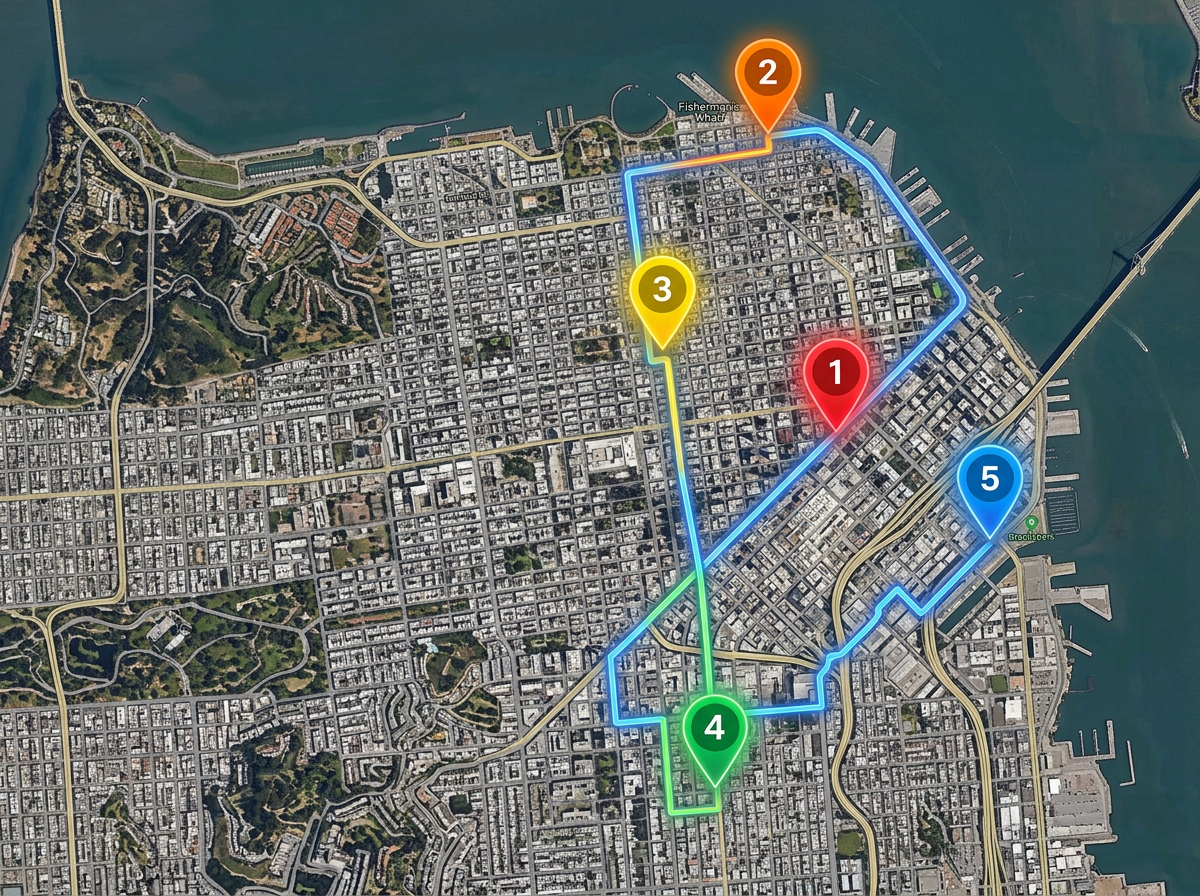
Plan a day of customer visits in the order that makes sense. Group nearby accounts so reps spend more time selling and less time driving.
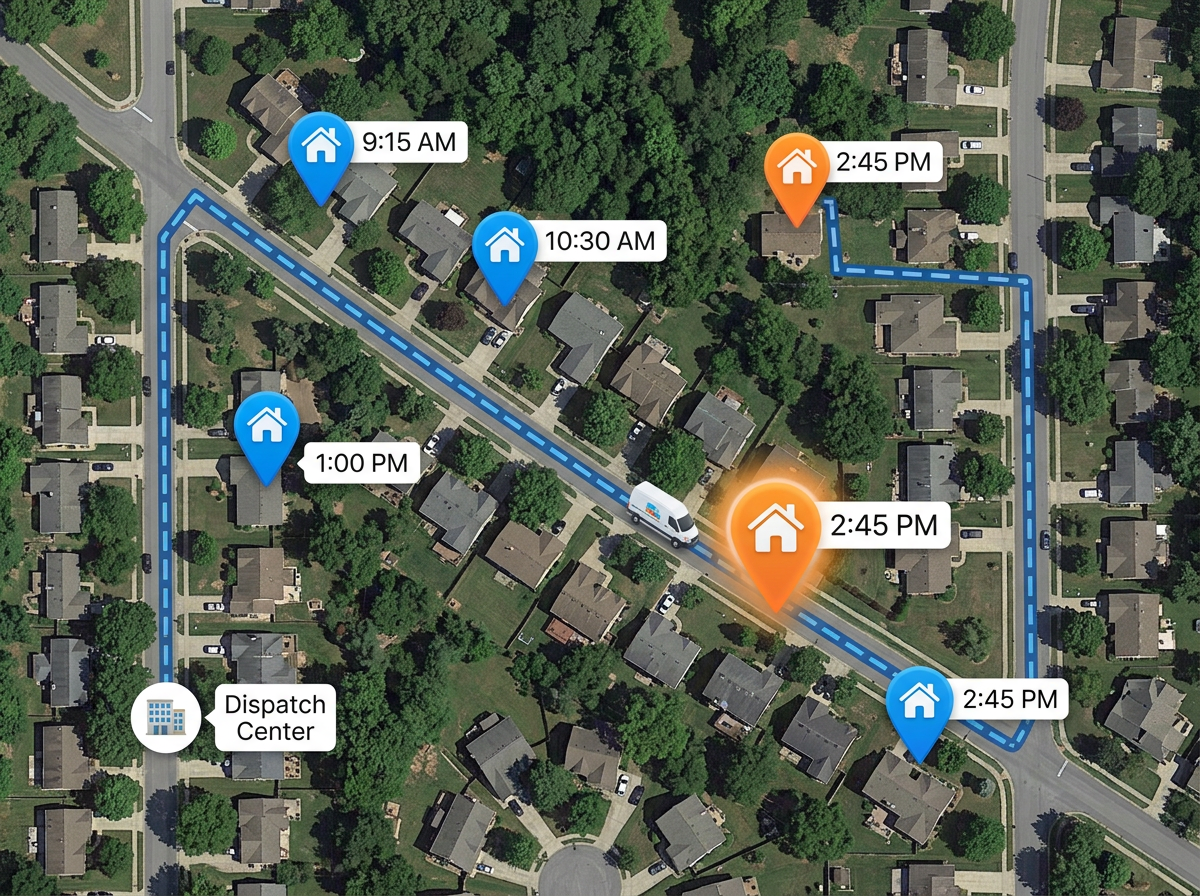
Build the day's job list on a map. Crews see every stop, the order, and the route path. Office staff can update the list and crews see it.
Scribble AI
Tell Scribble AI what you need. Try “draw a 500m buffer around every site,” “import this CSV and color by status,” or “measure the route from the depot to each stop.” It does it in seconds. No GIS training needed, and your team gets the same map, ready to share.
Try Scribble AI →Route planning means picking the order of your stops and drawing the path between them on a map. You can see total distance, share the route, and update it any time.
Yes. Paste a list or import a CSV. Each row becomes a pin on the map. From there you can reorder the stops and share the route.
Click Share to copy a link. Open the link on any phone or laptop to see every stop and the route path. You can also send a private or password protected link.
Yes. Edit the route any time. The next time your driver opens the link they see the latest plan, so you do not need to send it again.