
 English
 Español
 Français
 Deutsch
 Português
 日本語
日本語
 中文
中文
 العربية
 한국어
한국어
 Italiano
 Русский
 Türkçe
 Nederlands
 Polski
 हिन्दी


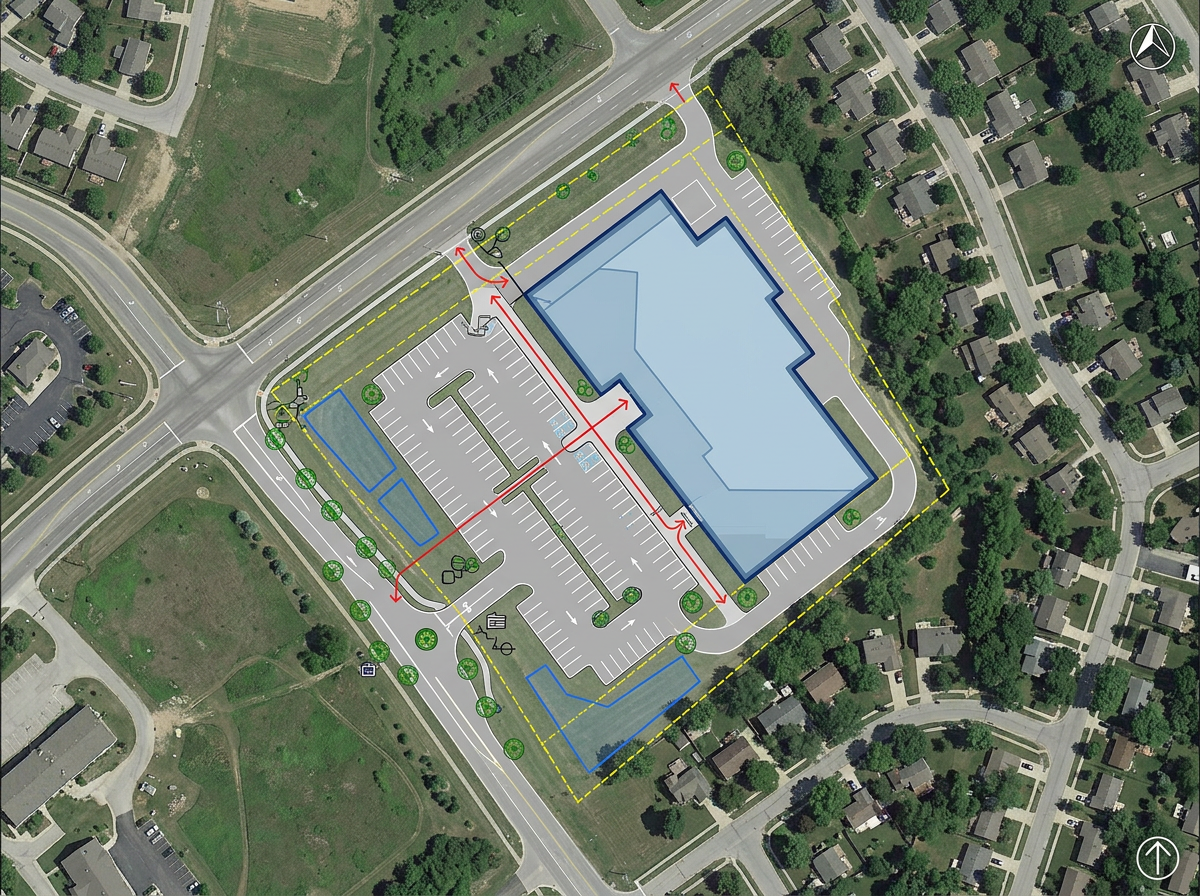
Concept site plans
Sketch the first version of a site plan on a real map. Draw the building footprint, the access road and the parking lot in minutes.
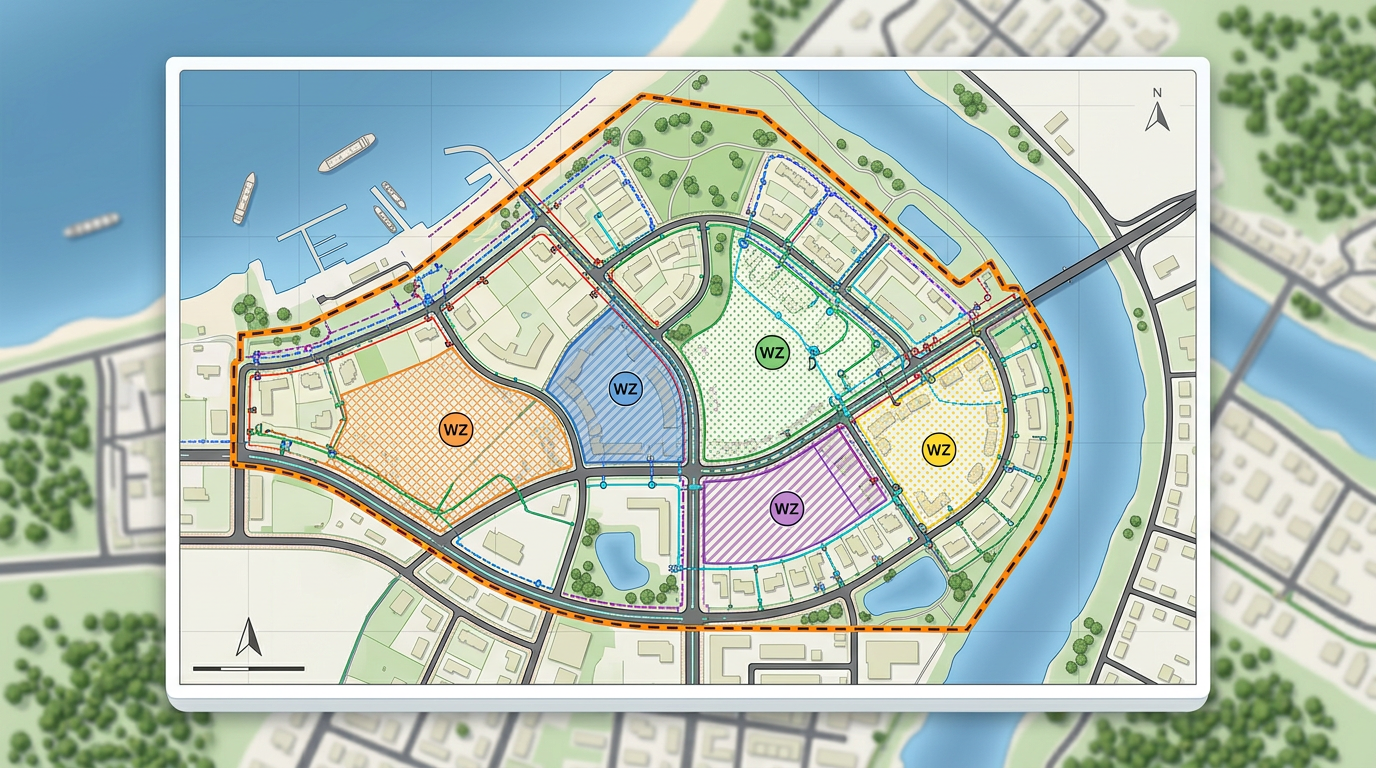
Draw work zones, mark utility lines and label every site on a real satellite or street view. Brief stakeholders in one link. Free to start.
 4.7 / 5 · 200 reviews on G2
★ ★ ★ ★“Scribble maps lets me quickly sketch and share concept maps with the project team without firing up a full GIS. The import options are great for handing off data.”
Draw work zones, mark setbacks and label every site on a real map. Skip the heavy GIS for early concept work.
Drop in your existing layers from ArcGIS, QGIS or any GIS tool. View them on a real basemap with the rest of the project.
Share a clickable map with the project team, the client or the city. They open it in any browser. No installs and no logins.
Sketch the first version of a site plan on a real map. Draw the building footprint, the access road and the parking lot in minutes.
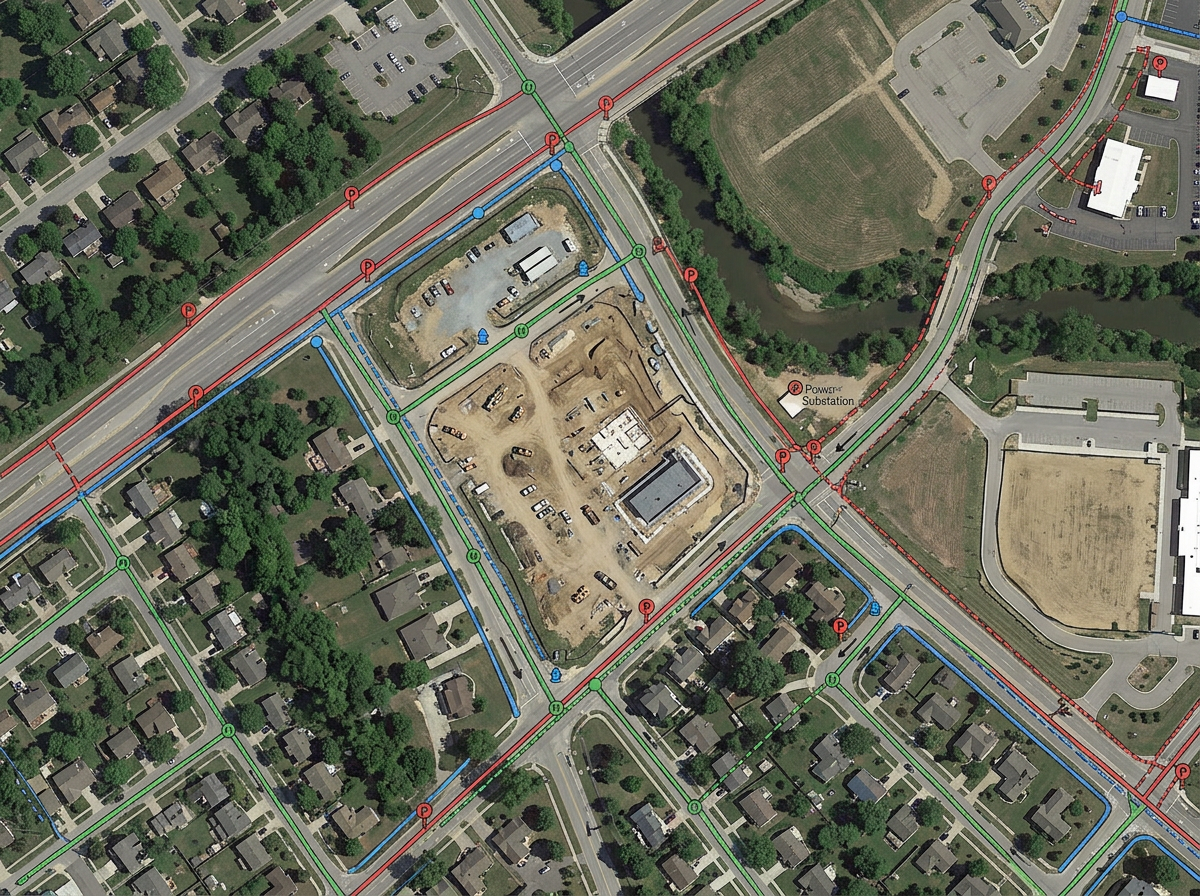
Import a Shapefile of utility lines and view them on a real basemap. Spot the conflicts before the design moves forward.
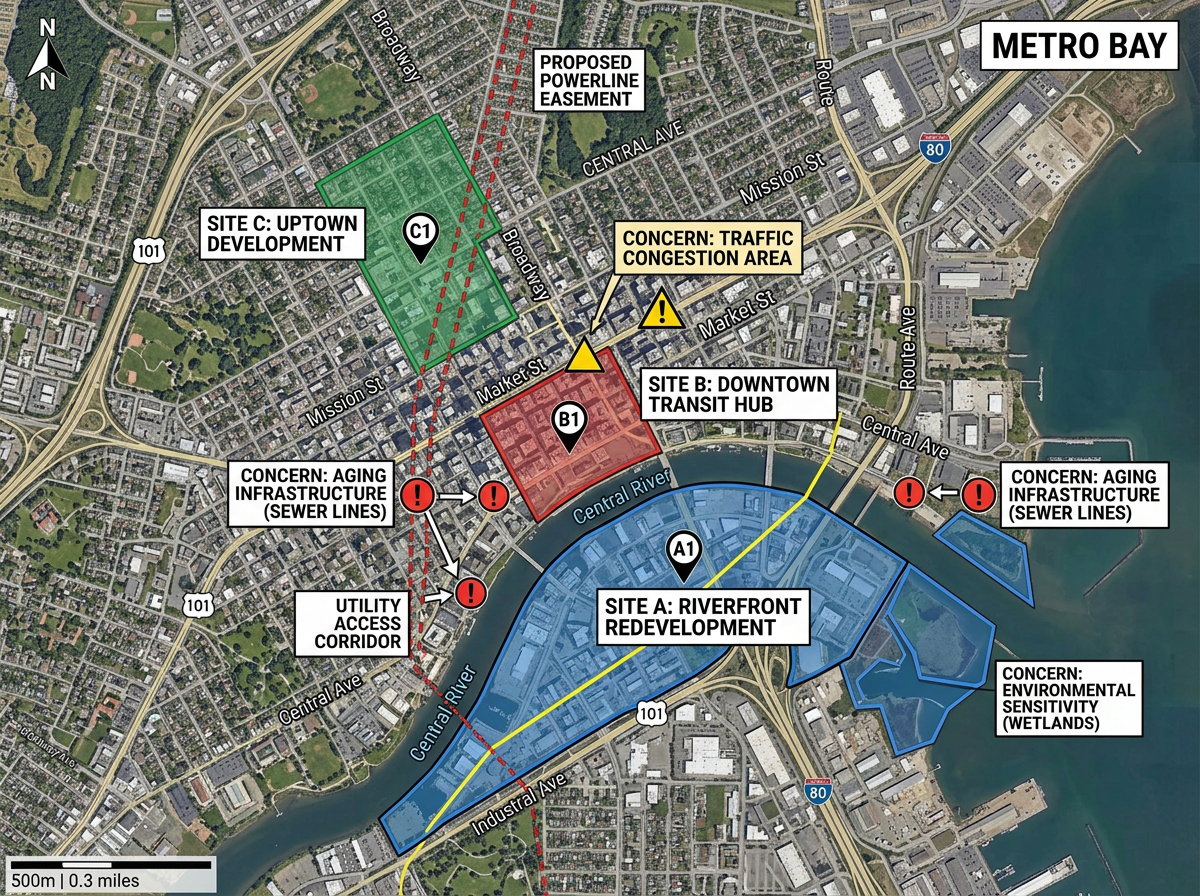
Build a project map for a council meeting or a public hearing. Show every site, every easement and every concern on one view.
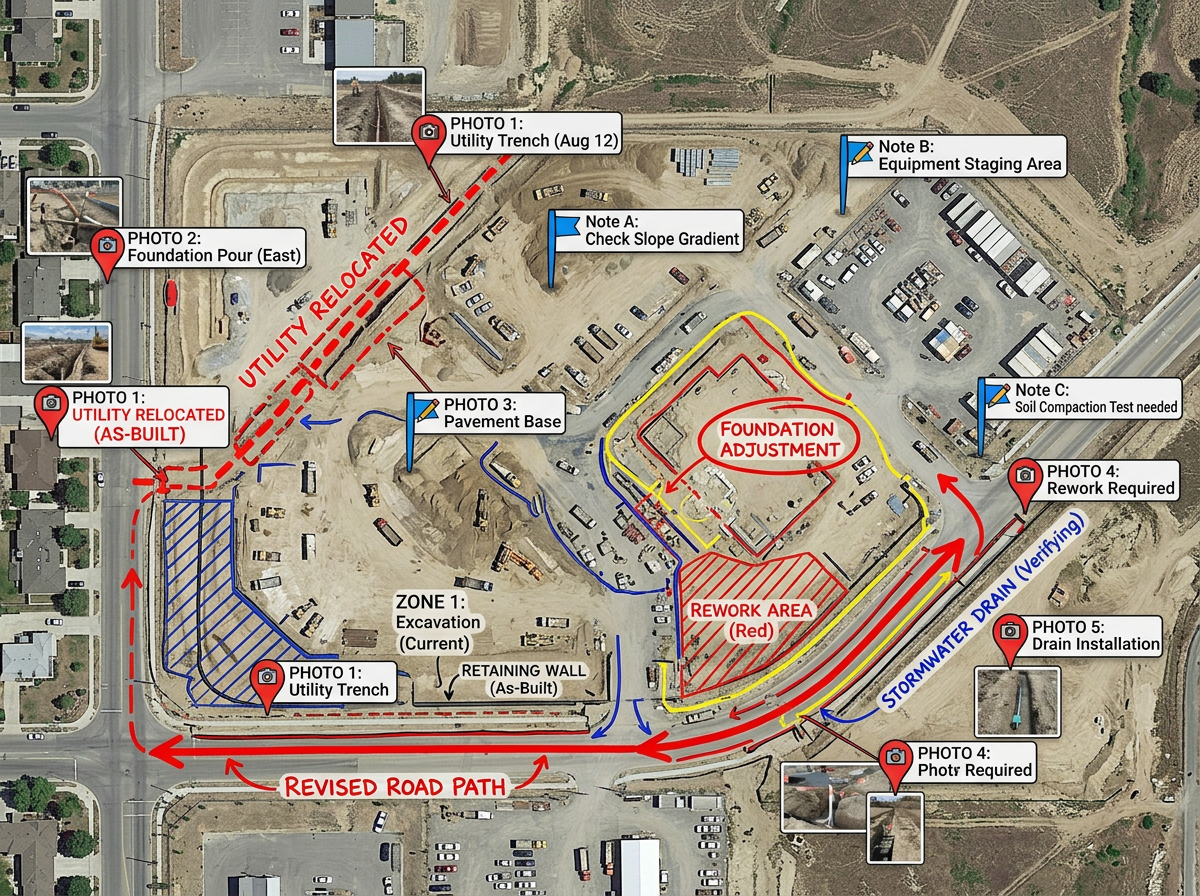
Bring the map to the field with our Lite mobile web app at lite.scribblemaps.com. Drop pins on what you see and update the office map in seconds.
Scribble AI
Tell Scribble AI what you need. Try “draw a 500m buffer around every site,” “import this CSV and color by status,” or “measure the route from the depot to each stop.” It does it in seconds. No GIS training needed, and your team gets the same map, ready to share.
Try Scribble AI →★ ★ ★ ★“Scribble maps lets me quickly sketch and share concept maps with the project team without firing up a full GIS.”
★ ★ ★ ★“Helps the user to import, overlay various data related to a location and draw it on the map and analyze it.”
Yes. Drop in KML, Shapefile, GeoJSON or GPX and view it on a real basemap with the rest of the project.
Yes. Measure distance, area and bearing right on the map. Use the result for early site checks or for client briefings.
Yes. Use our Lite mobile web app at lite.scribblemaps.com. The crew can drop pins, draw zones and add notes from their phone.
Yes. Scribble Maps is free for individuals and small teams. See the pricing page for larger imports, private maps and admin controls.
Yes. Export to PDF or PNG for slides, or to KML and GeoJSON for handing data off to another tool.