
 English
 Español
 Français
 Deutsch
 Português
 日本語
日本語
 中文
中文
 العربية
 한국어
한국어
 Italiano
 Русский
 Türkçe
 Nederlands
 Polski
 हिन्दी


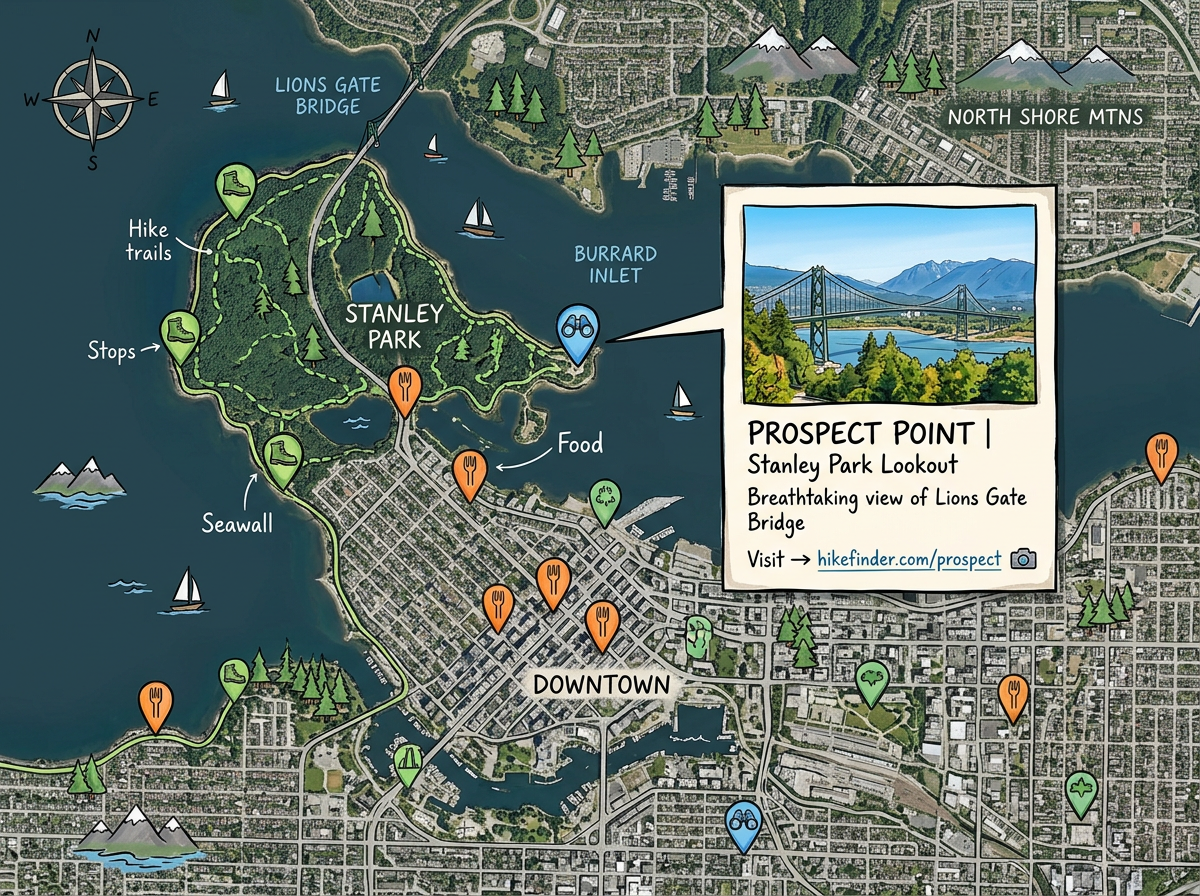
Visitor and travel guides
Pin every stop on a tour, trail, or trip. Add photos, hours, and notes to each pin. Send the map to friends or post it on your blog so people can explore on their own.
Drop pins, draw shapes, and add photos and links. Share a live link or embed the map on your site. Viewers can pan, zoom, search, and tap pins on any phone, tablet, or computer.
★ ★ ★ ★ ★“I love how I can share interactive maps with my team or clients in just a few clicks.”
Pick a base map, drop pins, draw shapes, and add photos, videos, or links. No GIS training and no developer needed. You can have your first map ready in minutes.
Send a single link by email, text, or chat. The map opens in any browser. You can update the map any time and every viewer sees the new version right away.
Paste a short snippet into your website, blog, course, or report. The live map sits inside the page so visitors can pan, zoom, and tap pins without leaving.
Pin every stop on a tour, trail, or trip. Add photos, hours, and notes to each pin. Send the map to friends or post it on your blog so people can explore on their own.

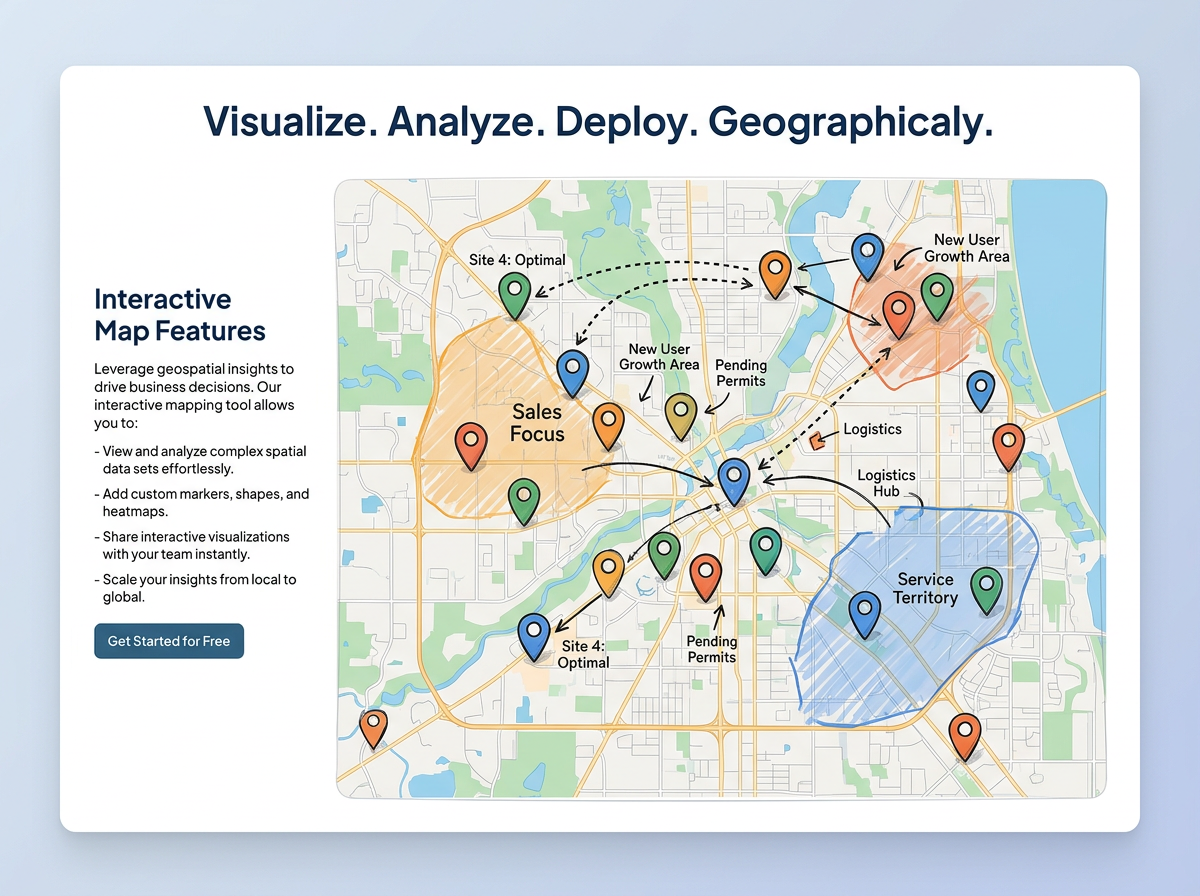
Mark zones, drop site pins, and draw the route between them. Crews open the same live map on a phone in the field and see the latest updates from the office.
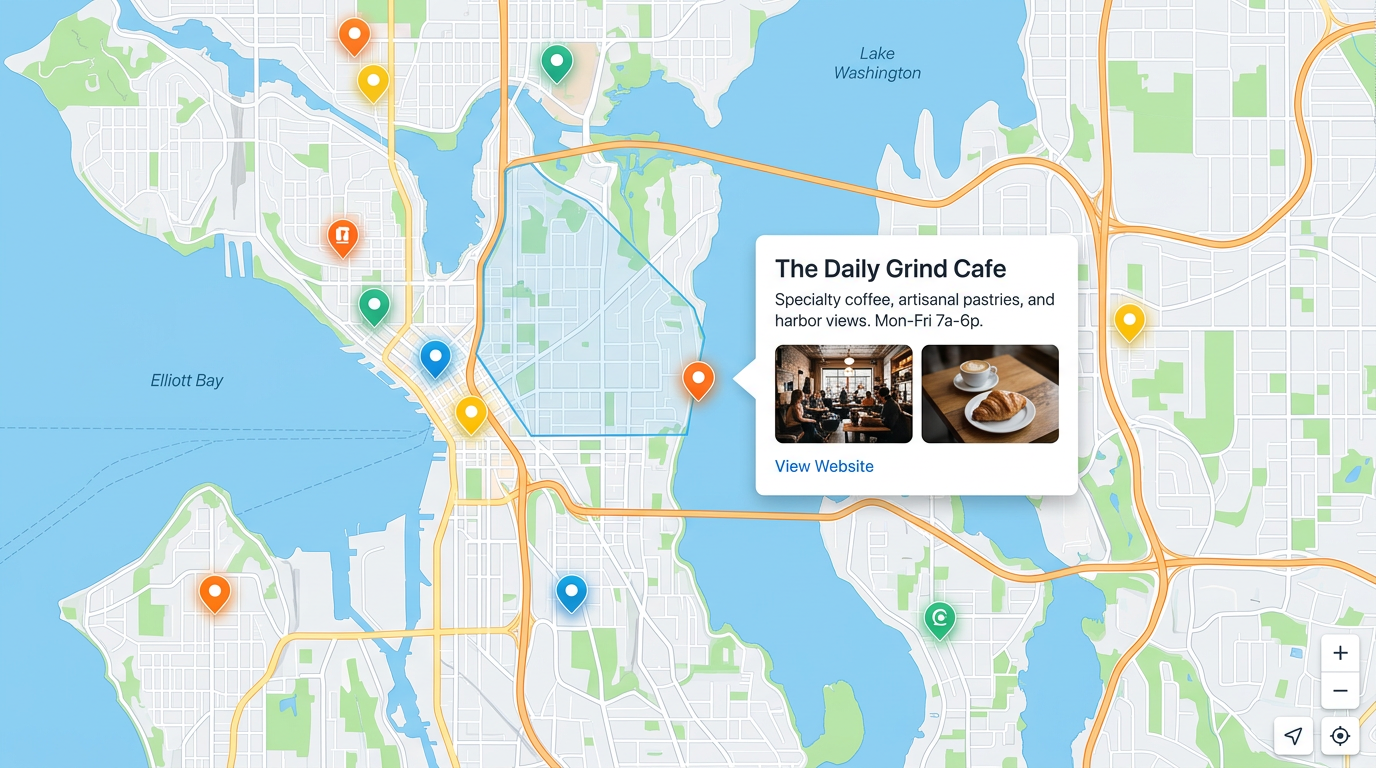
Drop a live map into a property listing, news story, or product page. Visitors pan, zoom, and tap pins right on your page. They never need to sign up to view.
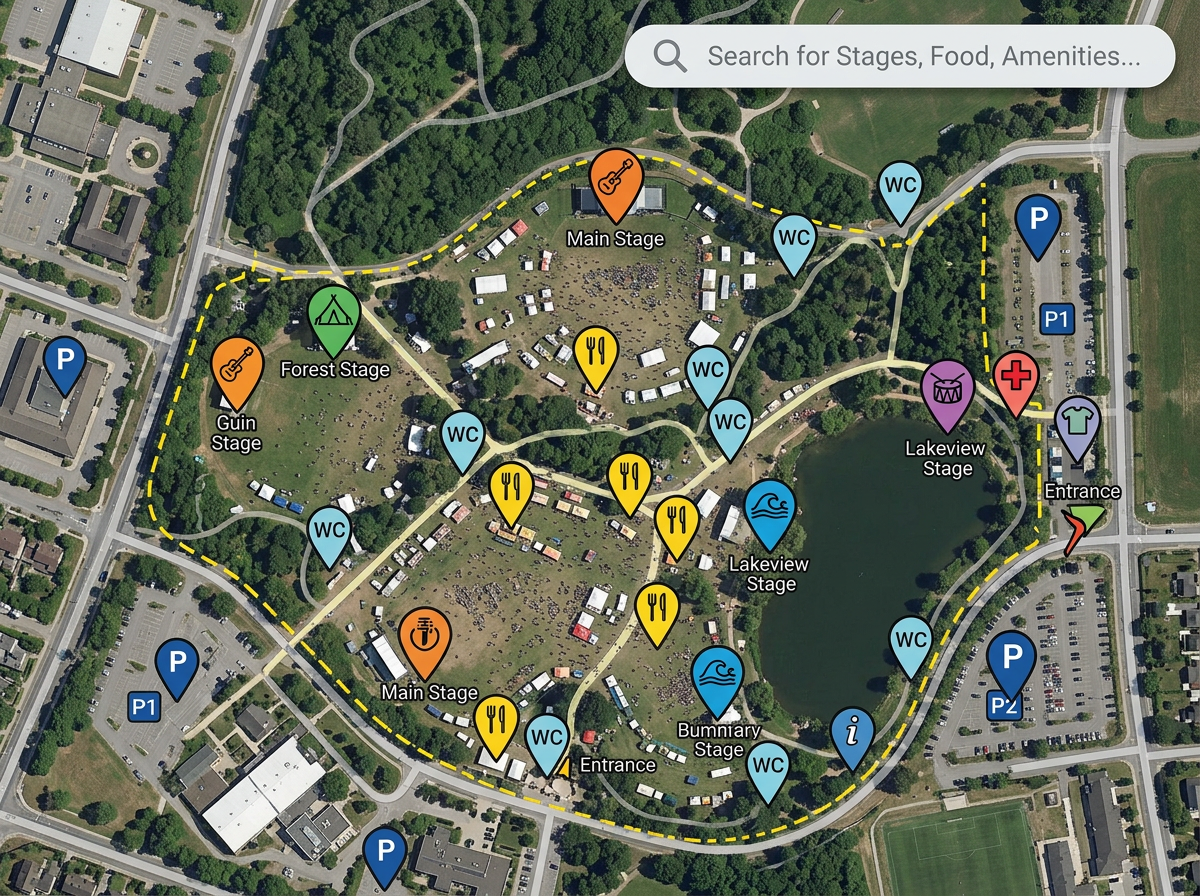
Show stages, parking, food, and exits on one shareable map. Guests pull it up on their phone, tap a pin to see times, and search the map for what they need.
Scribble AI
Tell Scribble AI what you need. Try “draw a 500m buffer around every site,” “import this CSV and color by status,” or “measure the route from the depot to each stop.” It does it in seconds. No GIS training needed, and your team gets the same map, ready to share.
Try Scribble AI →An interactive map is a map you can pan, zoom, and click. Viewers can tap a pin to read more, search for a place, or open photos and links. You can share the map with a link or embed it on a website.
No. Scribble Maps is a drag and drop editor. You pick a base map, drop pins, and draw shapes. Most people make their first interactive map in less than ten minutes.
Click Share to get a public link, a private link, or a password protected link. You can also copy a short embed snippet and paste it into your website, blog, or course.
Yes. Maps load on every modern browser. Viewers can pan, zoom, search, and tap pins on phones, tablets, and computers.
Yes. You can edit the map any time. Every viewer sees the latest version the next time they open the link, so you do not need to resend it.