
 English
 Español
 Français
 Deutsch
 Português
 日本語
日本語
 中文
中文
 العربية
 한국어
한국어
 Italiano
 Русский
 Türkçe
 Nederlands
 Polski
 हिन्दी


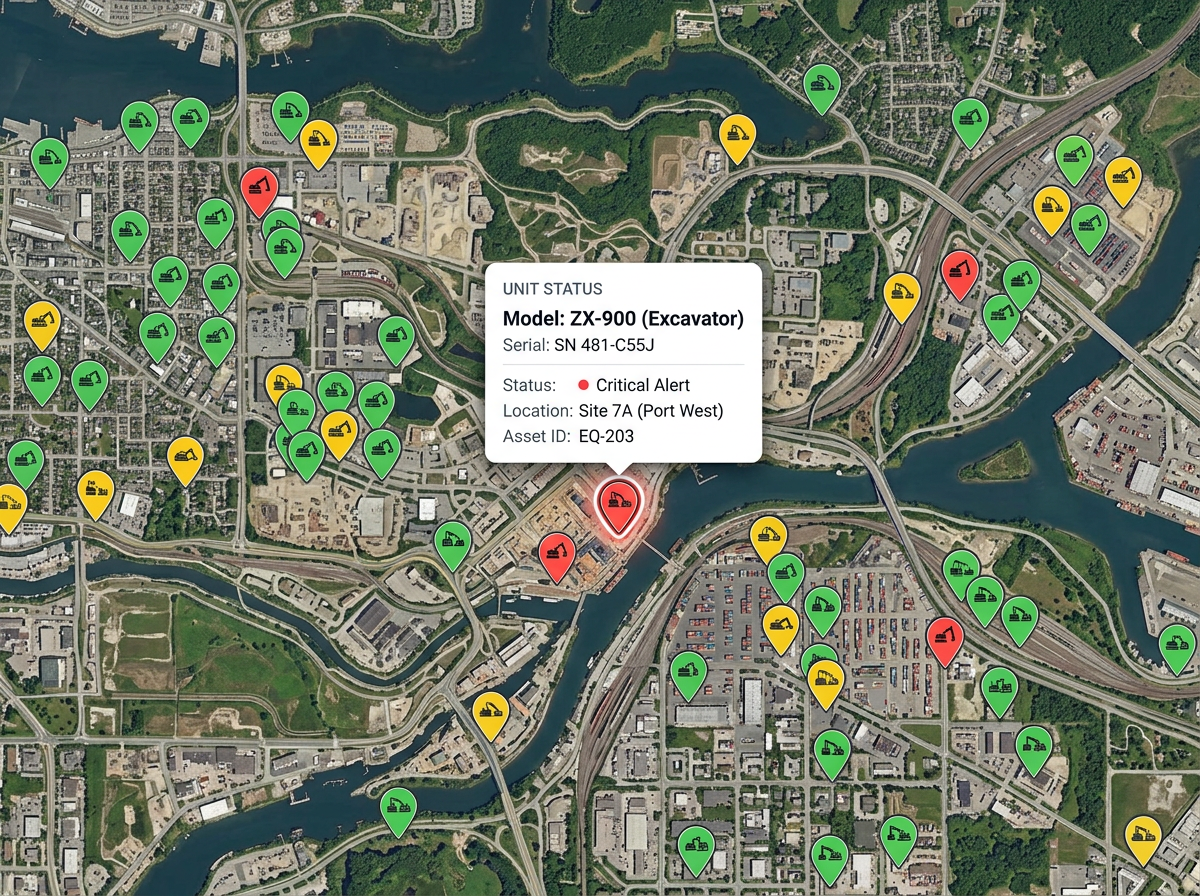
Equipment and tools
Pin every piece of equipment by site or job. Color by status so the crew can grab the closest available unit and skip the ones in service.
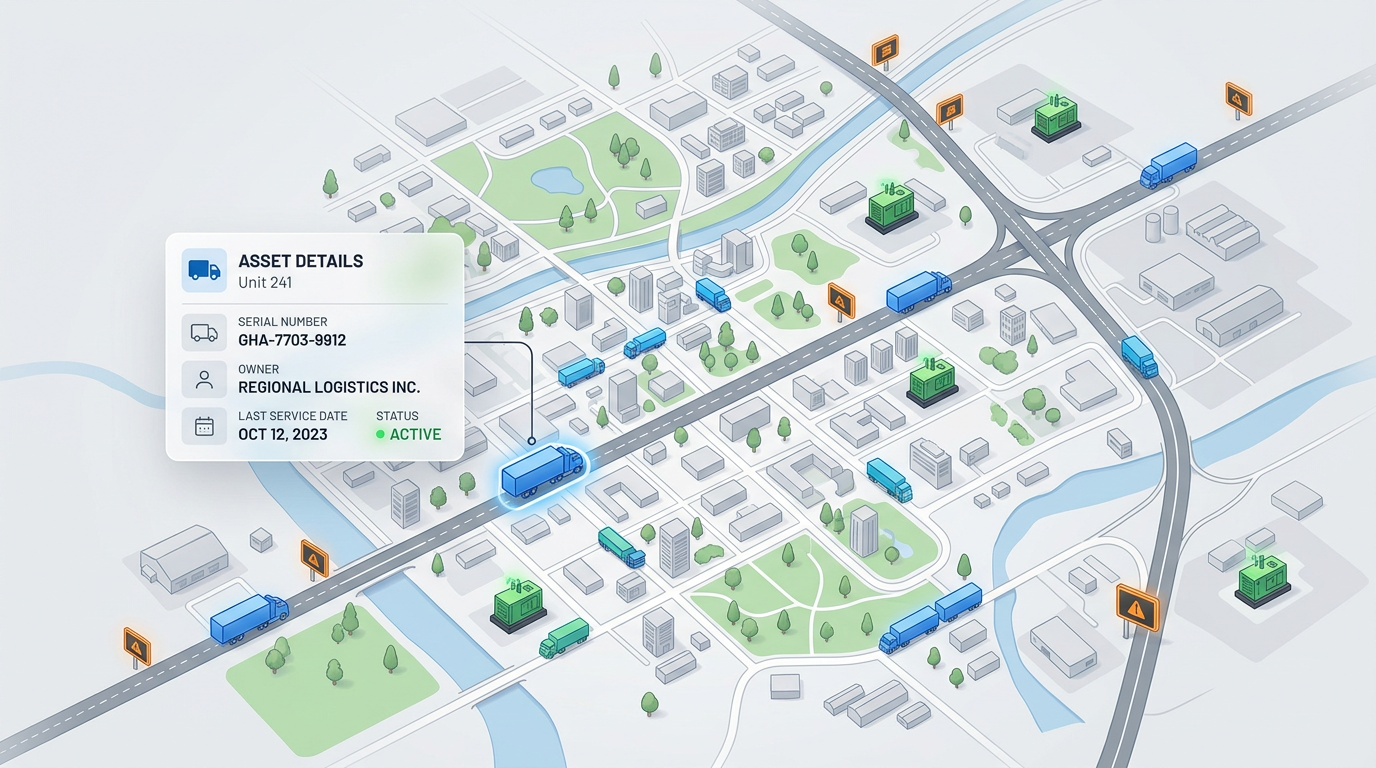
Pin equipment, vehicles, sites, and inventory on one shared map. Add notes, photos, and serial numbers to every asset. Share a link your team opens from any phone or laptop.
★ ★ ★ ★ ★“I use it regularly to outline territories, mark key locations and share visual plans with the team.”
Drop your asset register as a CSV or Excel file. Every row turns into a pin on the map. Click any pin to see the full row in a clean popup.
Use different icons and colors for each asset type. Filter by owner, status, or location so the team finds the right asset in seconds.
Send one link to the team. They open the map on a phone and see every asset with notes, photos, and the latest service date.
Pin every piece of equipment by site or job. Color by status so the crew can grab the closest available unit and skip the ones in service.
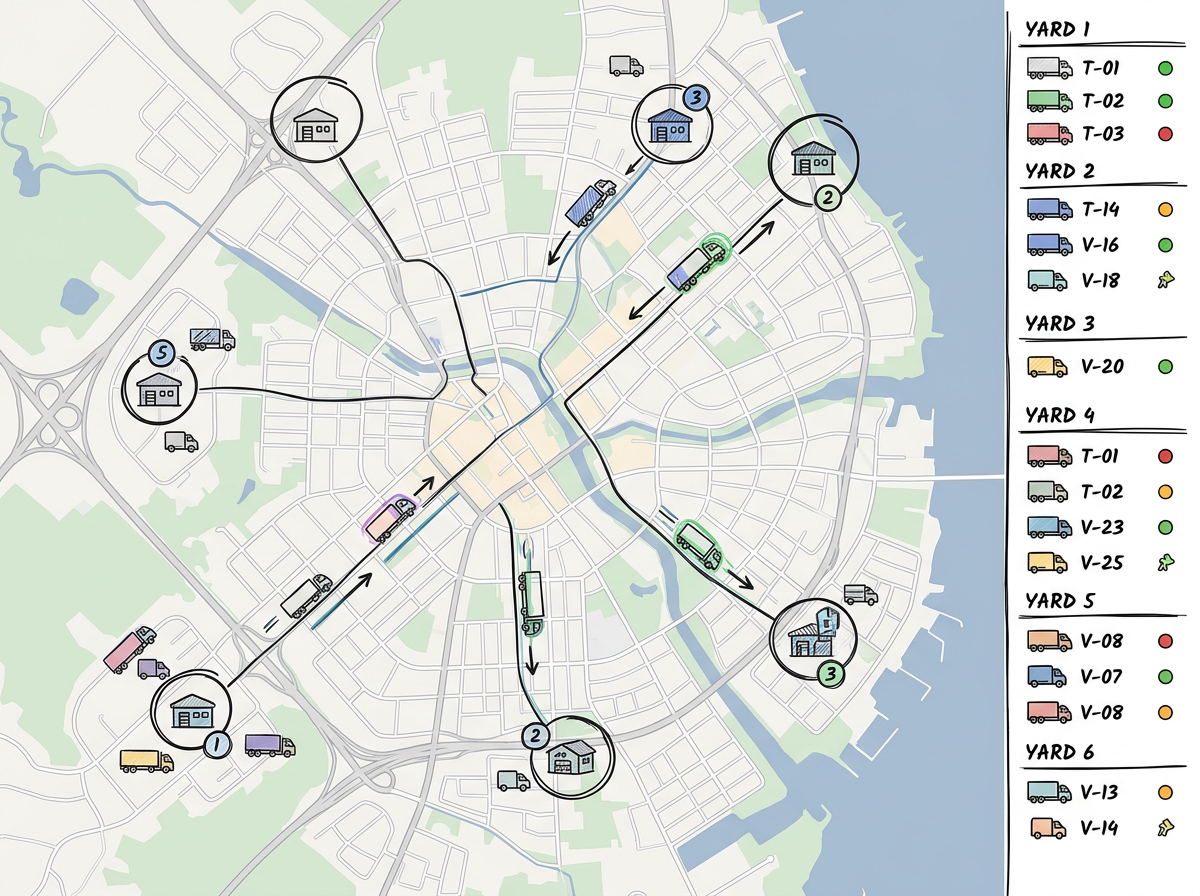
Map your fleet across yards and depots. See where each vehicle lives, who owns it, and when it last got serviced. Plan moves with the full picture.
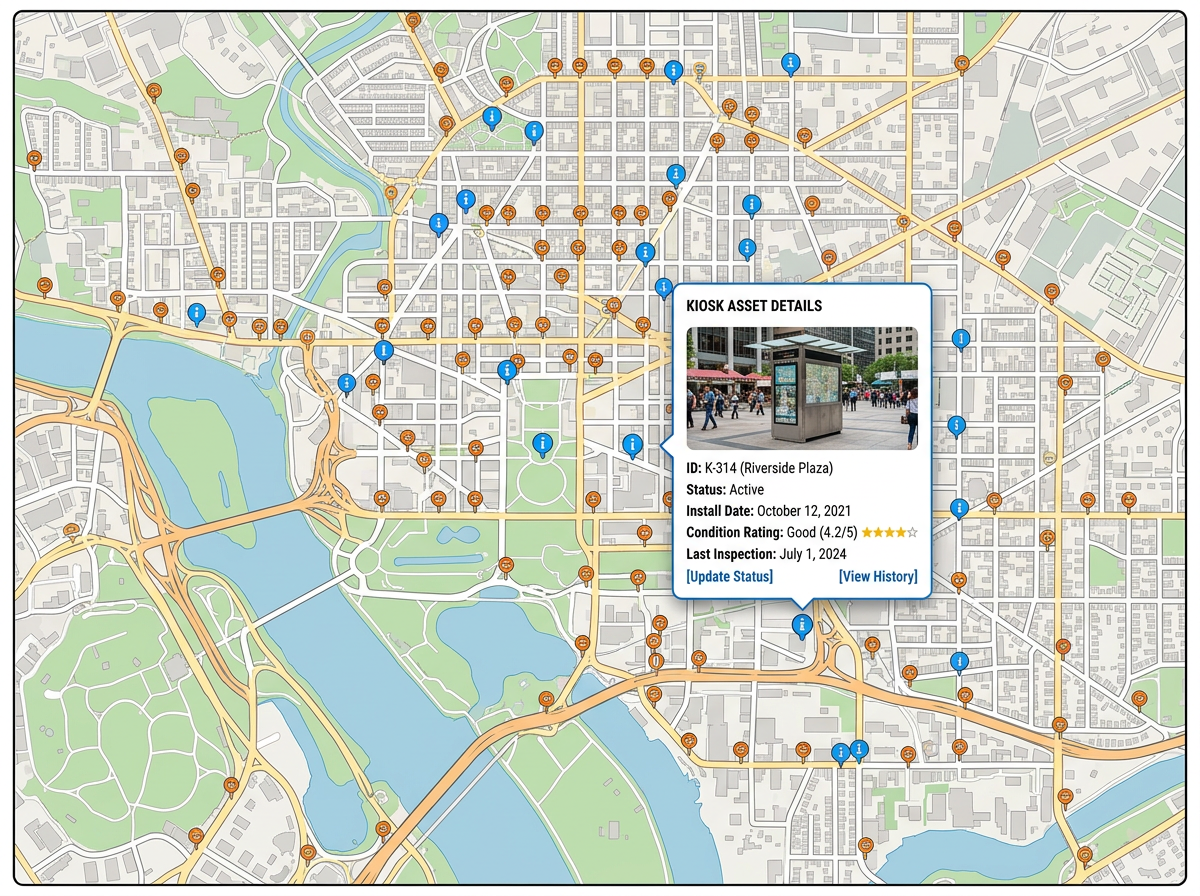
Pin every sign, kiosk, or display in the field. Know what is where, what needs swapping, and which sites are next on the list.
Scribble AI
Tell Scribble AI what you need. Try “draw a 500m buffer around every site,” “import this CSV and color by status,” or “measure the route from the depot to each stop.” It does it in seconds. No GIS training needed, and your team gets the same map, ready to share.
Try Scribble AI →Asset mapping means pinning every piece of equipment, vehicle, or inventory on a shared map. The team finds what they need by looking, not by digging through a spreadsheet.
Yes. Drop a CSV, Excel, or Google Sheet. Every row becomes a pin. Click any pin to read every column from the row.
Yes. Send the link and the team opens it in any phone or laptop browser. No app to install.
Yes. Re-import your register or edit pins by hand. Anyone with the link sees the update the next time they open the map.