
 English
 Español
 Français
 Deutsch
 Português
 日本語
日本語
 中文
中文
 العربية
 한국어
한국어
 Italiano
 Русский
 Türkçe
 Nederlands
 Polski
 हिन्दी


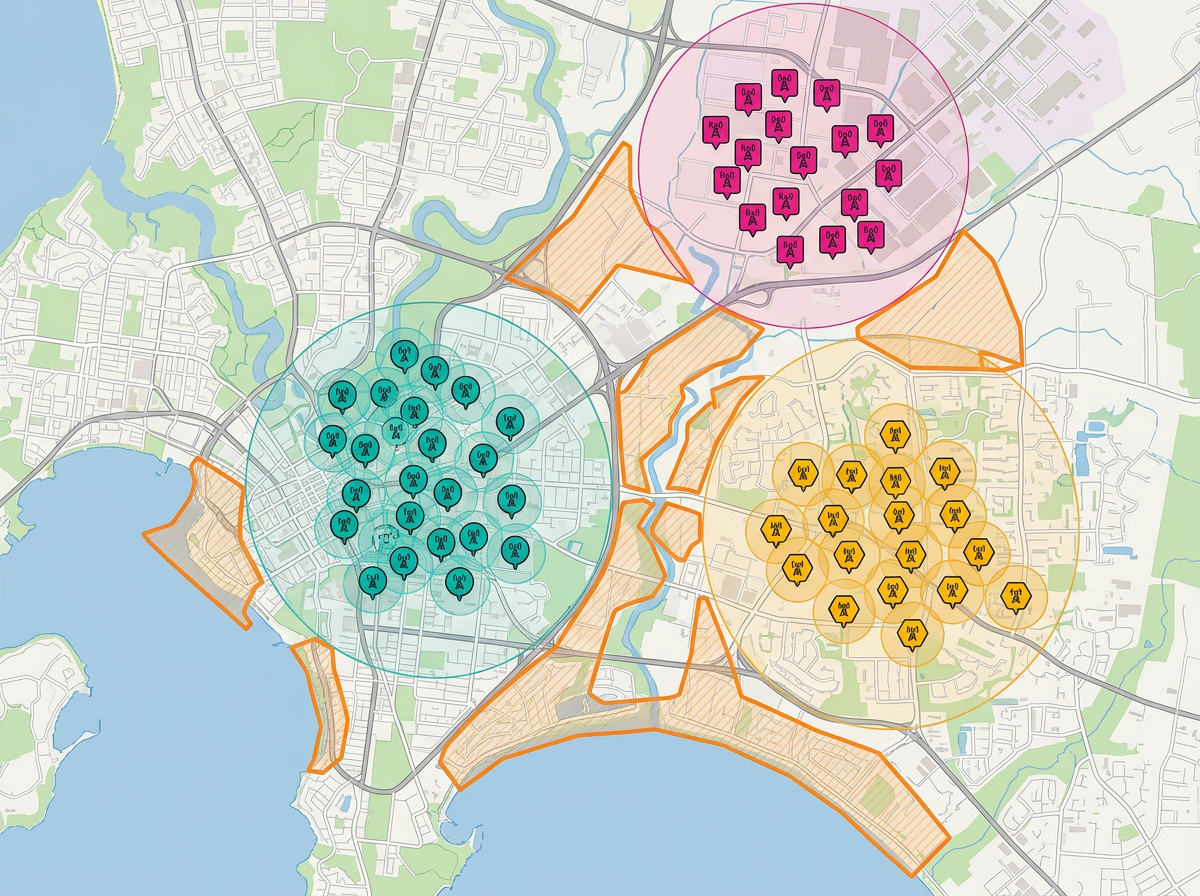
Multi-site coverage maps
See every site on one map and find the gaps. Color code by region, status or service line so you can spot what is missing in seconds.
Map all your sites, plan field routes and share live updates with the team. Spot coverage gaps and brief leadership with one click. Free to start.
 4.7 / 5 · 200 reviews on G2
★ ★ ★ ★ ★“From simple to intensely detailed, very intuitive map editor. The vast amount of options for saving and sharing makes it valuable.”
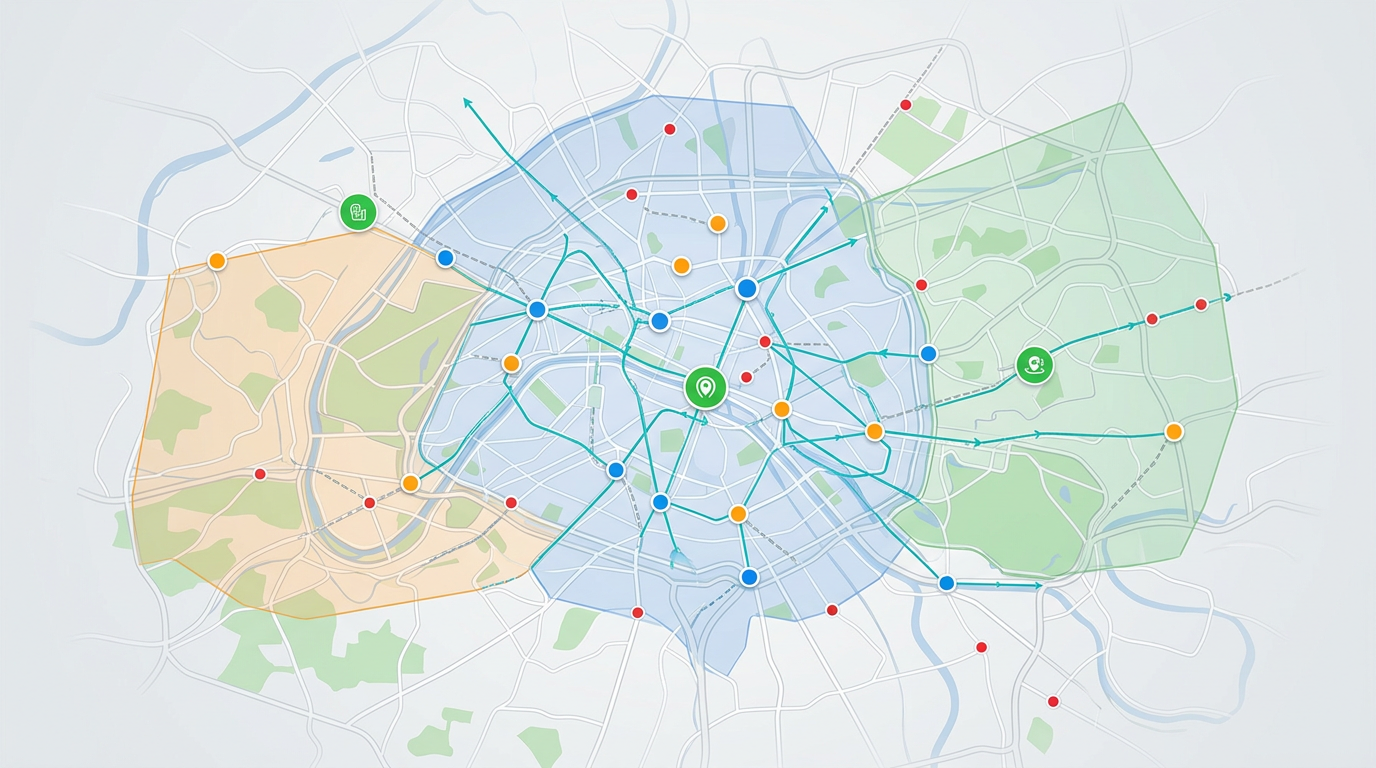
Plot offices, depots, customer sites or job sites on a real map. Color them by region, status or owner.
Drop in a CSV of locations. Each row is geocoded and dropped on the map. Update the file when sites change.
Share a clickable map with the team or with leadership. They open it in a browser. No installs and no logins.
See every site on one map and find the gaps. Color code by region, status or service line so you can spot what is missing in seconds.
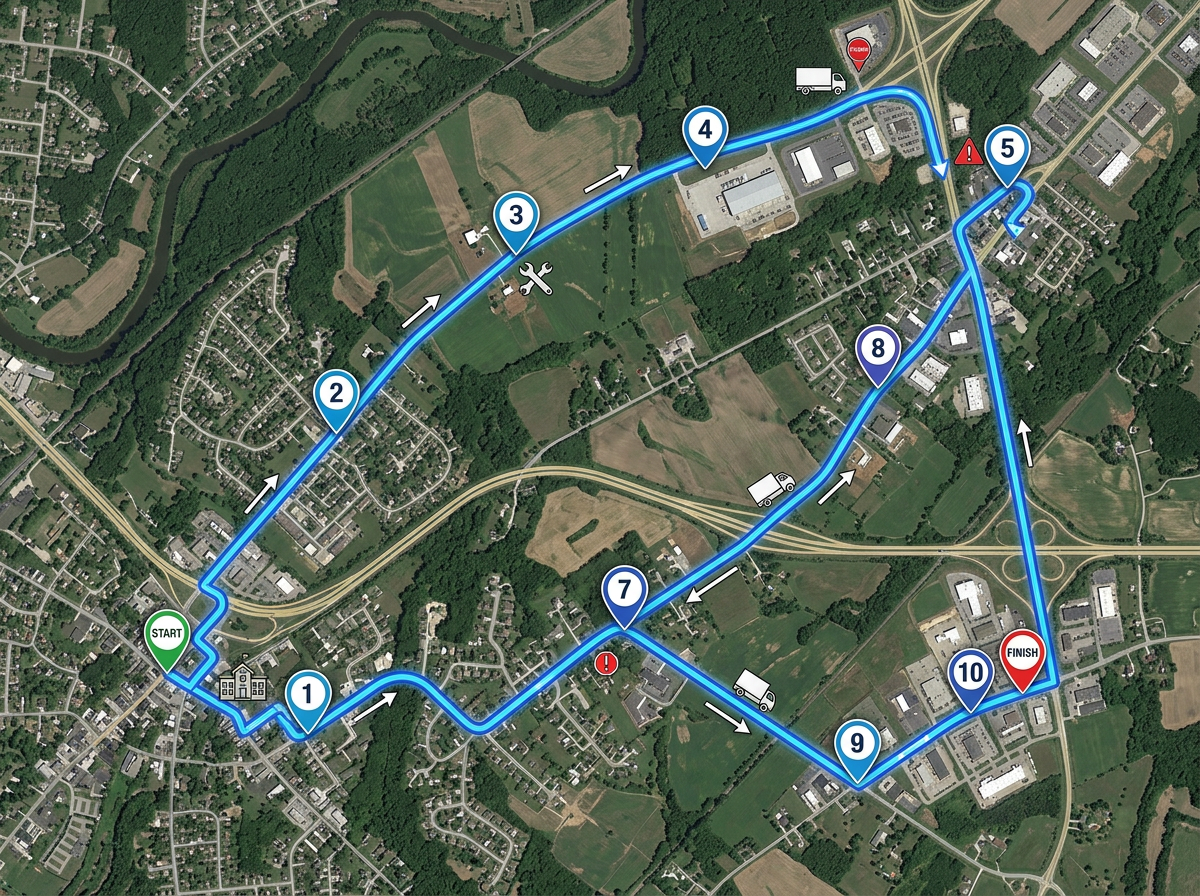
Plan routes for inspectors, drivers or service techs. Share the route on their phone with our Lite mobile web app at lite.scribblemaps.com.
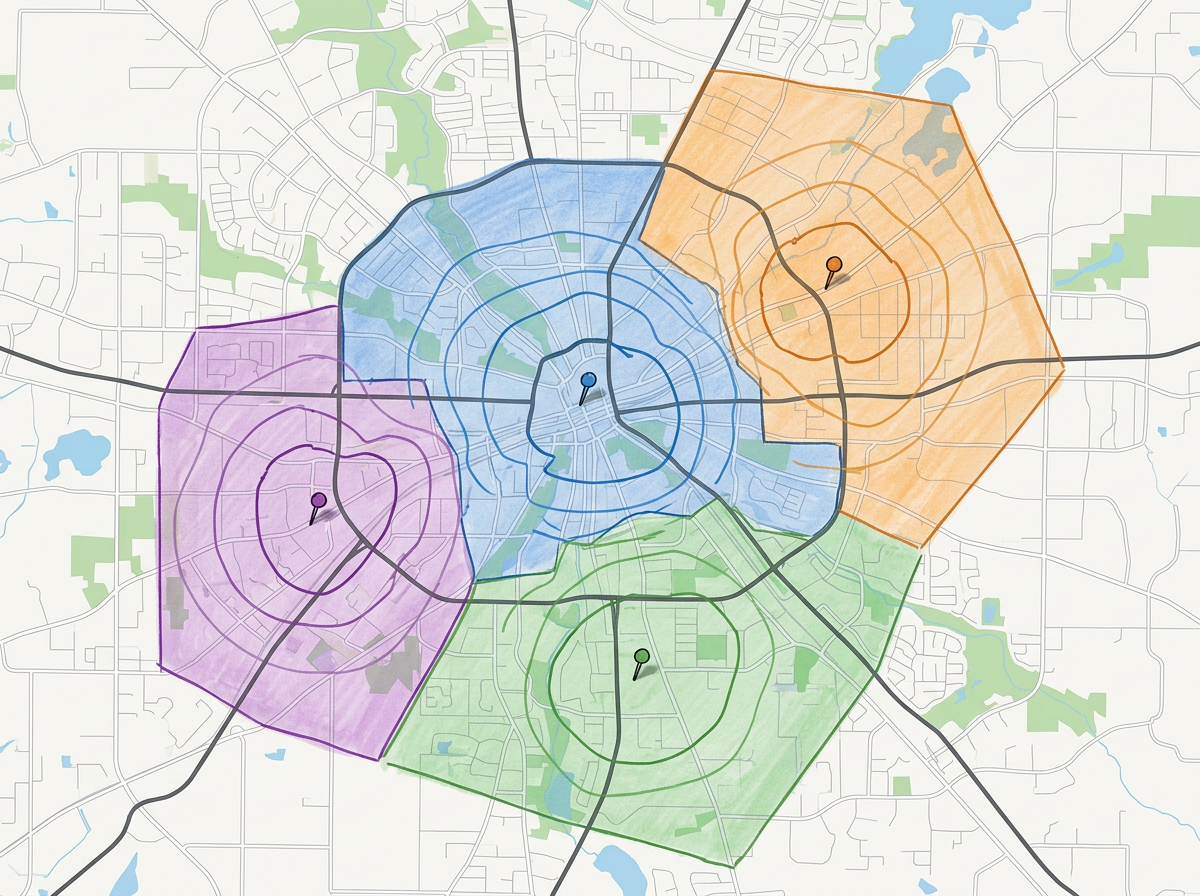
Draw service areas for each branch or rep. Use travel-time zones to set fair coverage and avoid overlap.
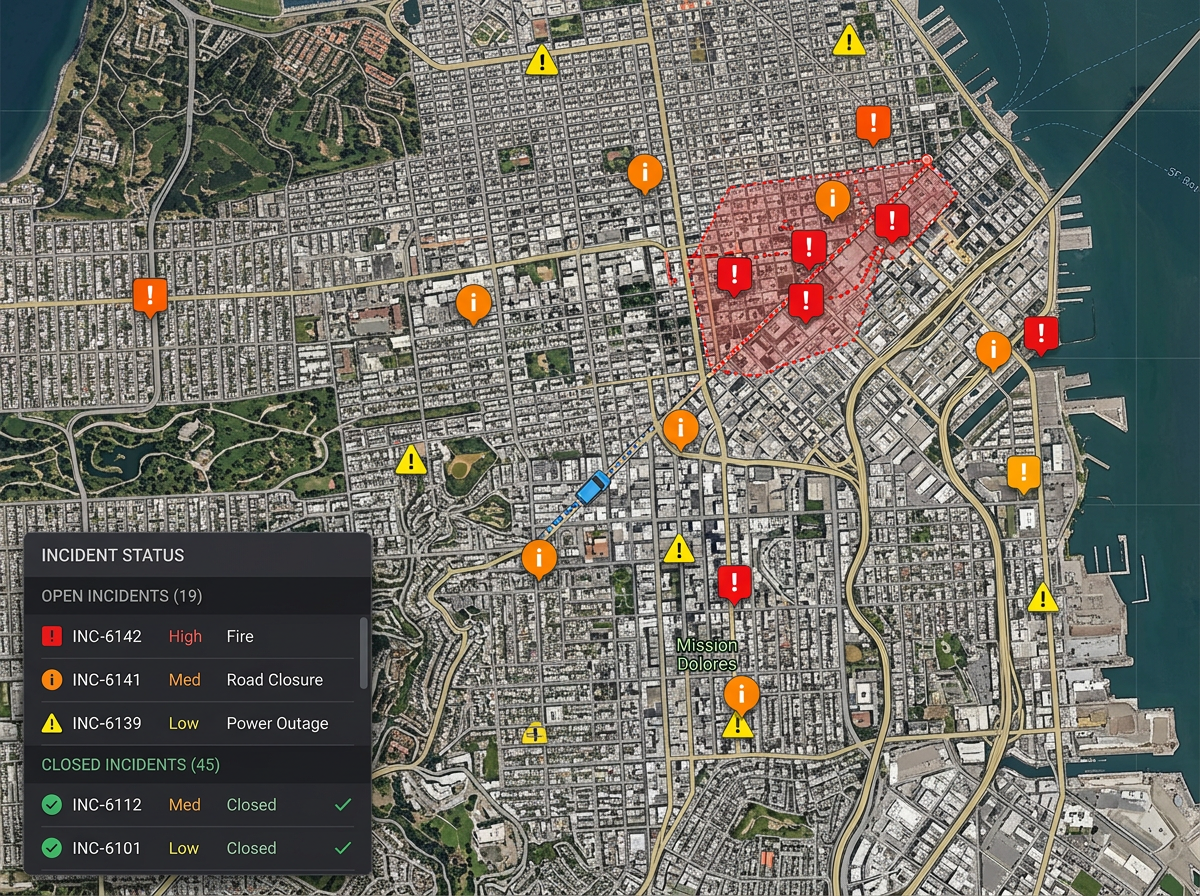
Plot live incidents on the map. Color them by severity and update the same map throughout the day so the team always sees the current view.
Scribble AI
Tell Scribble AI what you need. Try “draw a 500m buffer around every site,” “import this CSV and color by status,” or “measure the route from the depot to each stop.” It does it in seconds. No GIS training needed, and your team gets the same map, ready to share.
Try Scribble AI →★ ★ ★ ★“From simple to intensely detailed, very intuitive map editor. The vast amount of options for saving and sharing makes it valuable.”
★ ★ ★ ★ ★“I use scribble maps to plot all of the apartment communities our company has over 18 states. This visual helps when I make presentations to the owner of the company and helps demonstrate the balance of properties.”
Yes. Drop in a CSV with addresses or coordinates. Each row is geocoded and dropped on the map in one pass.
Yes. Share a link or use our Lite mobile web app at lite.scribblemaps.com. The field team sees the same map as HQ.
Yes. Color code your sites by region or service line and the gaps will jump out. Share the link or export a PDF for the deck.
Yes. Scribble Maps is free for individuals and small teams. See the pricing page for larger imports, private maps and admin controls.
Yes. Edit the source map and the shared link shows the new view next time it is opened.