
 English
 Español
 Français
 Deutsch
 Português
 日本語
日本語
 中文
中文
 العربية
 한국어
한국어
 Italiano
 Русский
 Türkçe
 Nederlands
 Polski
 हिन्दी


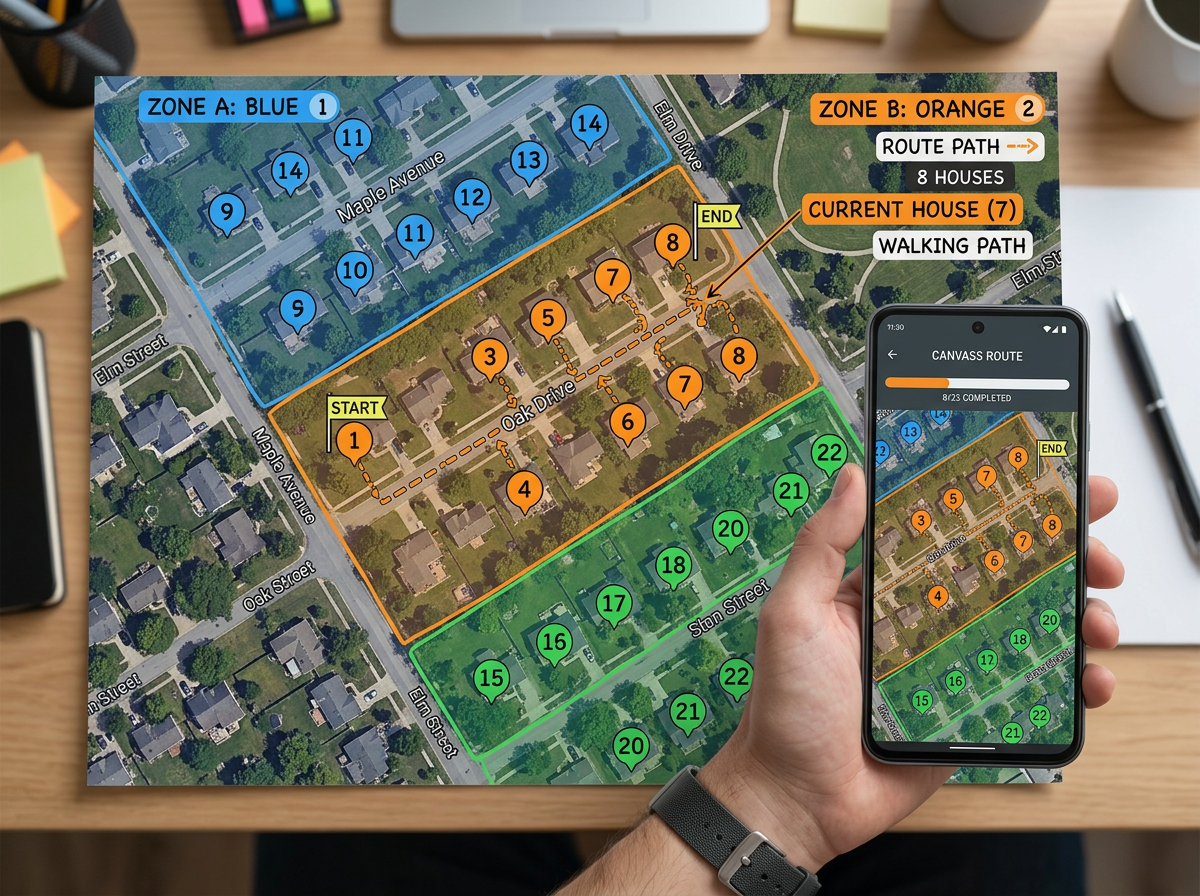
Canvassing routes
Split a neighborhood between canvassers. Send each person a clickable map with their route. They check off houses from their phone as they go.
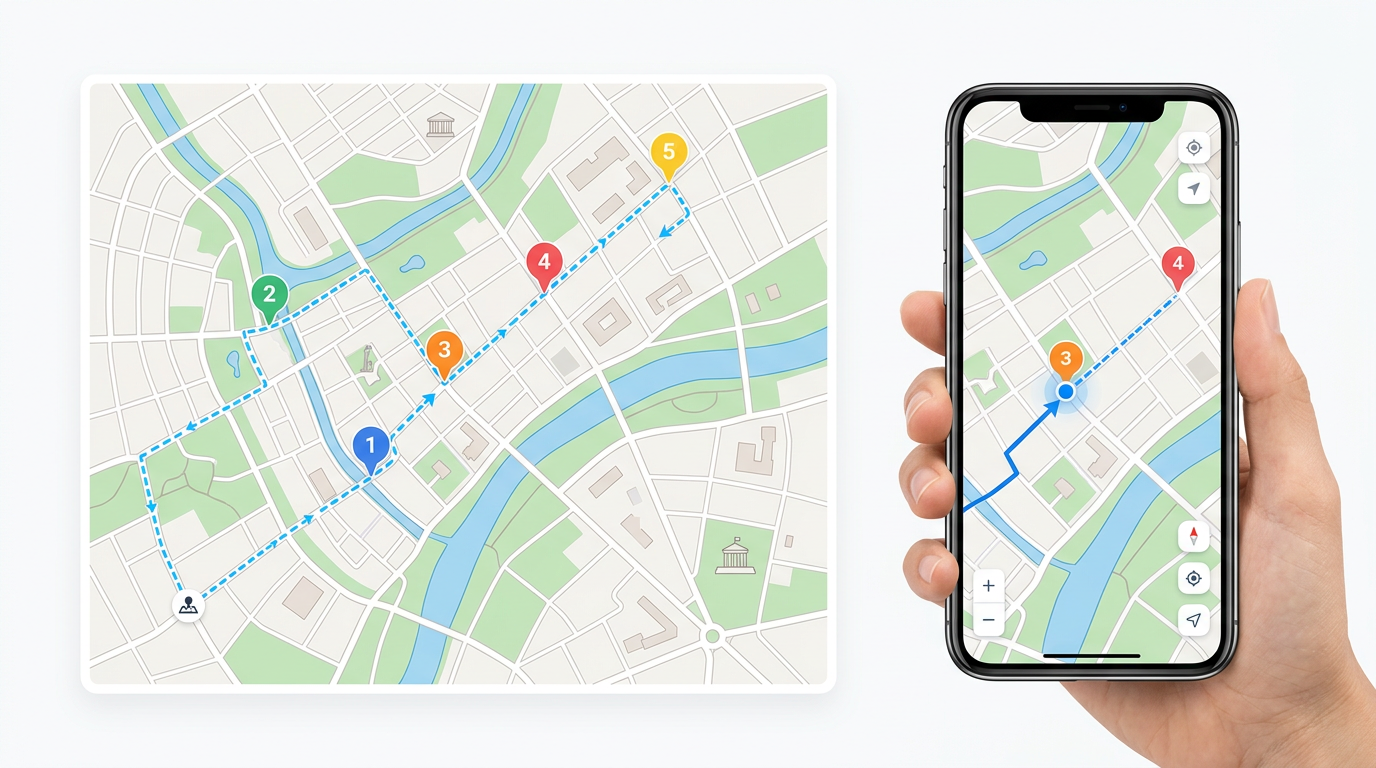
Build the route at your desk and share it with the field team in one link. Crews open the same map on their phone, drop pins from the field and update zones on the go. Free to start.
 4.7 / 5 · 200 reviews on G2
★ ★ ★ ★“We used scribble maps for route planning for our logistics requirement and the ease of use was fantastic. Also helped in saving time in creating presentations.”
Draw the route, mark every stop and label every site at your desk. Get the day ready before the team leaves the office.
Share the map with crews on their phones. They open it in any browser with our Lite mobile web app at lite.scribblemaps.com. No installs and no logins.
Crews can drop pins, draw zones and add notes from their phone. The data shows up on the same map at HQ in seconds.
Split a neighborhood between canvassers. Send each person a clickable map with their route. They check off houses from their phone as they go.
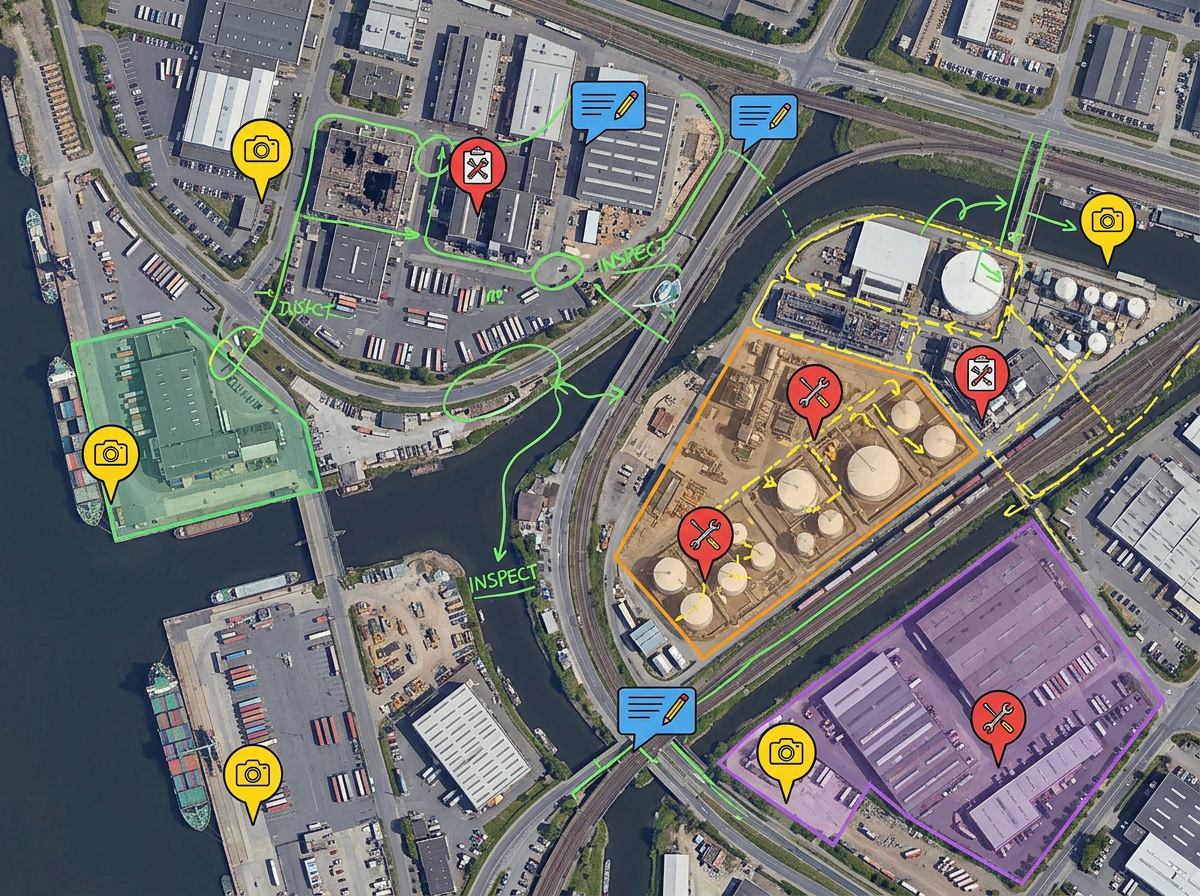
Send crews out to inspect sites or collect samples. They drop pins, take notes and snap photos from the Lite mobile web app at lite.scribblemaps.com.
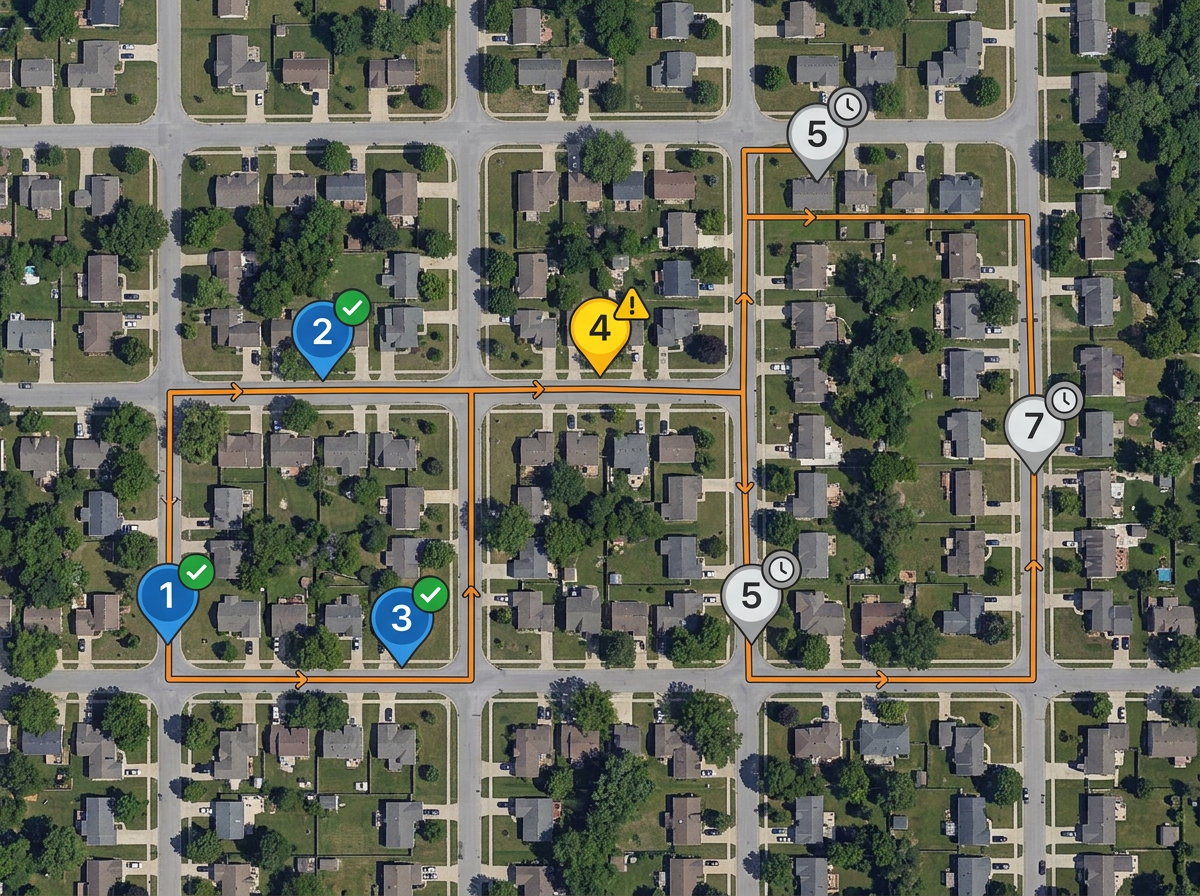
Plan a day of service visits or inspections. Share the route on the tech's phone. They can update the status of each stop as they finish.
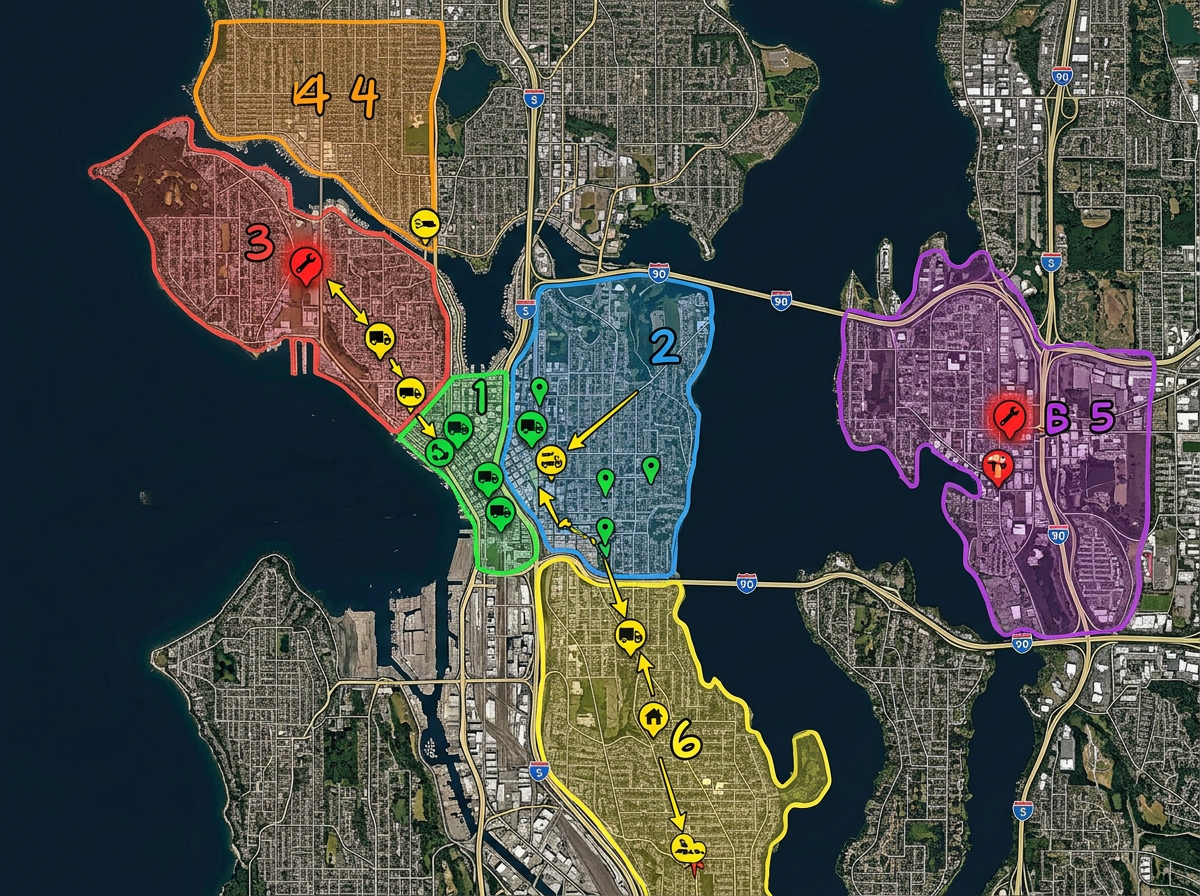
Dispatch crews to the right job by sharing a map with each team's stops. Crews update the same map from the field so HQ always sees the current view.
Scribble AI
Tell Scribble AI what you need. Try “draw a 500m buffer around every site,” “import this CSV and color by status,” or “measure the route from the depot to each stop.” It does it in seconds. No GIS training needed, and your team gets the same map, ready to share.
Try Scribble AI →★ ★ ★ ★“We used scribble maps for route planning for our logistics requirement and the ease of use was fantastic.”
★ ★ ★“I work in territory strategies and this is helping me lay out visuals in my work.”
★ ★ ★ ★“The features of drawing maps, highlighting certain areas, customisation according to the need and no limit on size of the map.”
No. Our Lite mobile web app at lite.scribblemaps.com runs in any mobile browser. No app store install.
Yes. They can drop pins, draw zones, add notes and snap photos from their phone. HQ sees the updates in seconds.
Yes. Build the route in any browser at your desk and share the link. Crews open the same map on their phone.
Yes. Scribble Maps is free for individuals and small teams. See the pricing page for larger imports, private maps and admin controls.
The Lite app needs a data connection to sync with HQ. Crews can keep the map open and the last view stays loaded if the signal drops for a moment.