
 English
 Español
 Français
 Deutsch
 Português
 日本語
日本語
 中文
中文
 العربية
 한국어
한국어
 Italiano
 Русский
 Türkçe
 Nederlands
 Polski
 हिन्दी


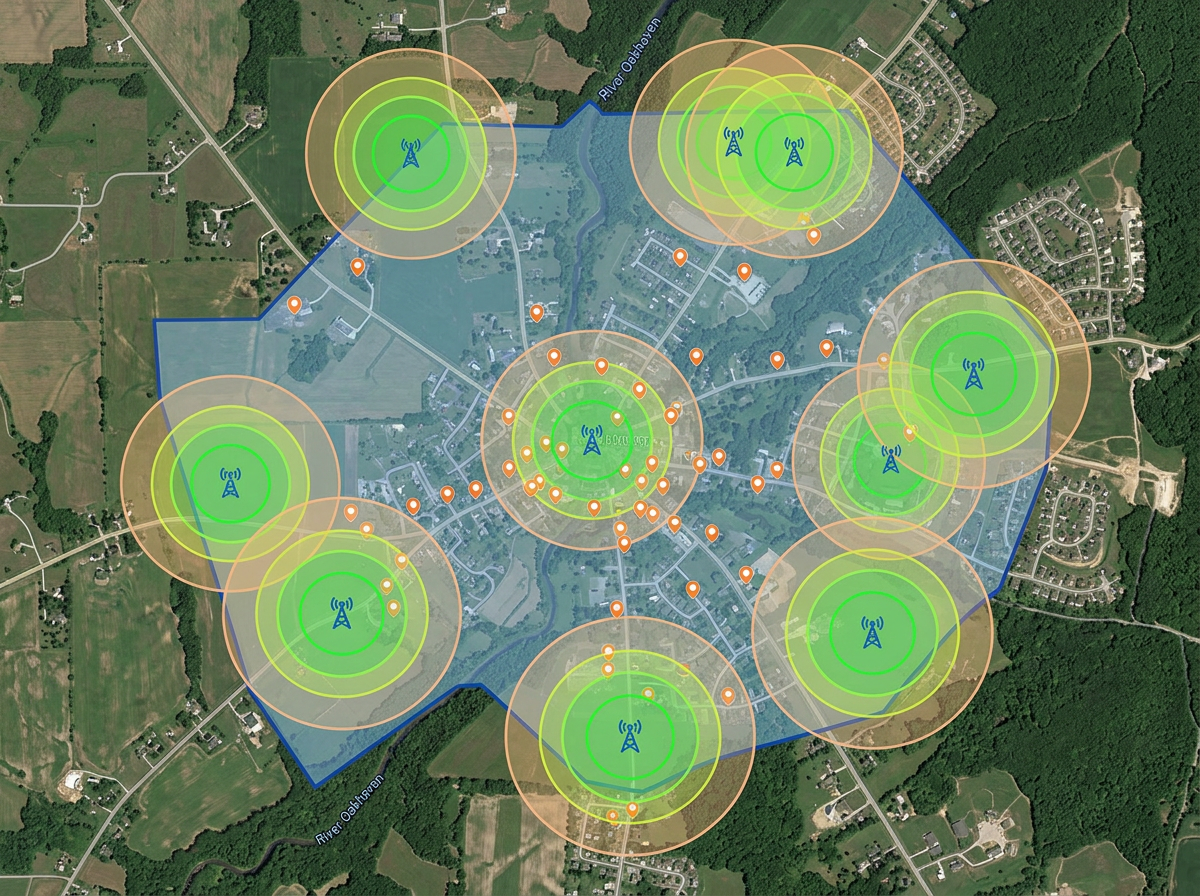
Service area and coverage maps
Draw your service footprint and tower coverage rings. Share with prospects, regulators and partner ISPs.
Map service areas, plan tower coverage, sketch fiber routes and brief installers. Built for WISPs, fiber contractors and MDU installers who don't run a carrier-grade GIS.
 4.7 / 5 · 200 reviews on G2
★ ★ ★ ★ ★“Finding the locations and information before making a site visit. I can plan the route since the area is usually inhabited and inaccessible by standard transportation. Scribble Maps uses Google Maps as the base map, which is a perfect choice as users are already familiar with Google Maps' properties and layout. It decreases the learning curve by far.”
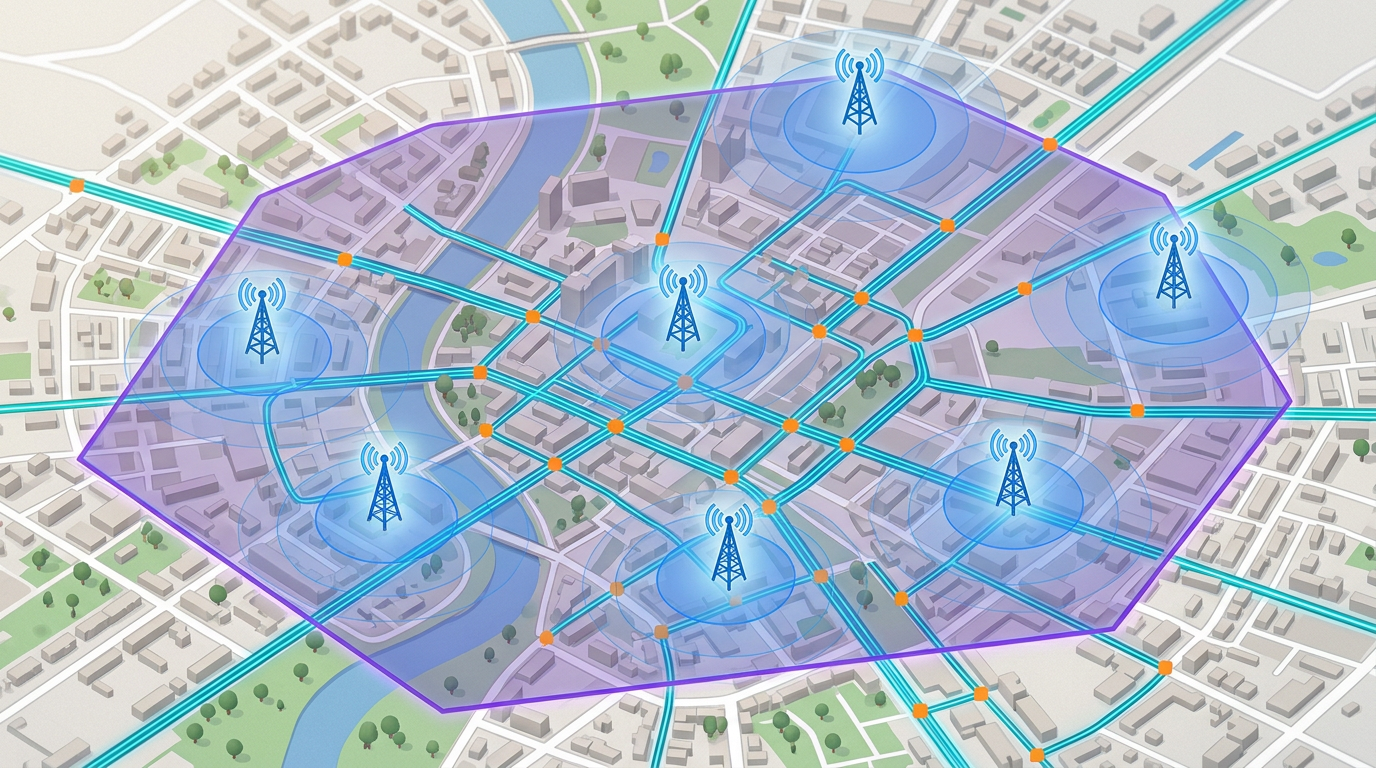
Draw tower coverage rings, fiber routes and service area boundaries on a real satellite view. No carrier-grade GIS deployment required.
Send the day's build map to the field crew. They open it on a phone. No app, no install, no friction.
Import KML, Shapefile, GeoJSON and GPX of existing fiber routes, towers and splice points. Layer it all on one map.
Draw your service footprint and tower coverage rings. Share with prospects, regulators and partner ISPs.
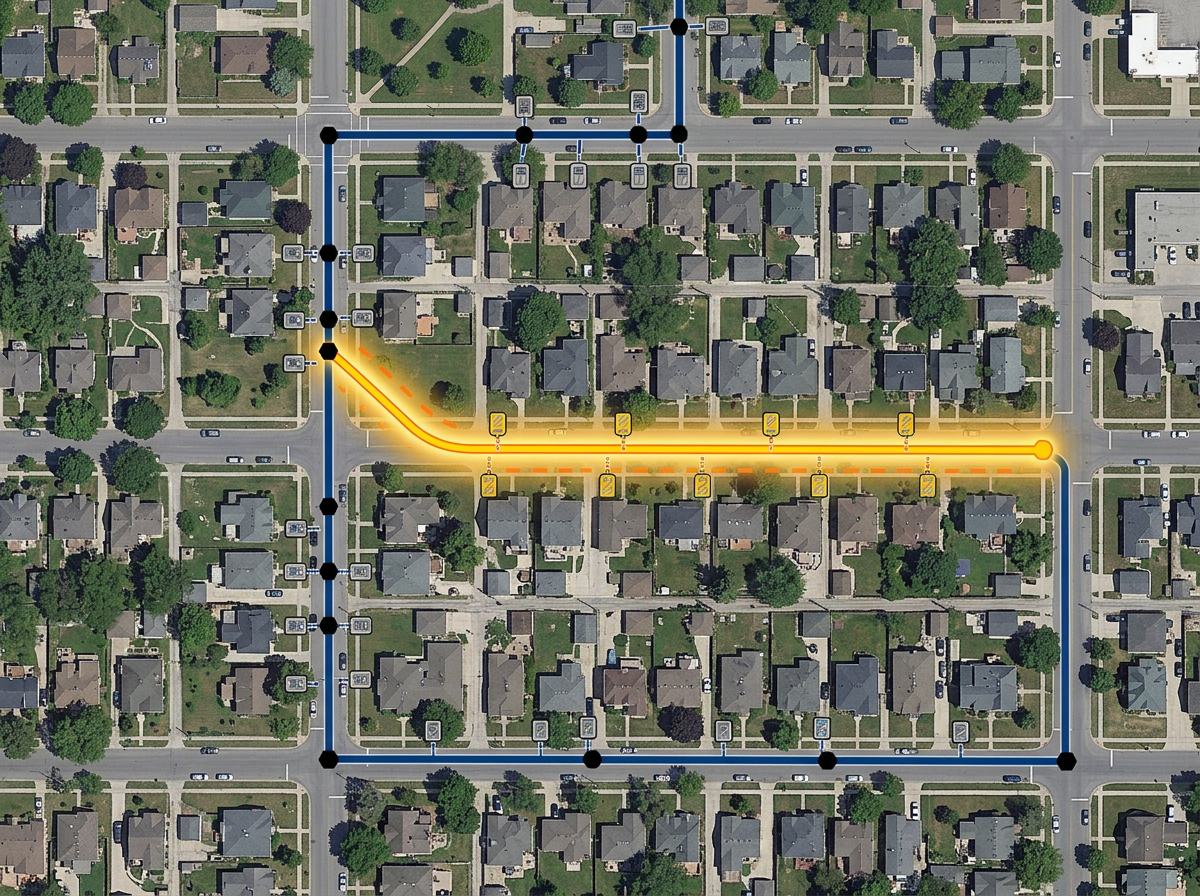
Sketch fiber routes along streets, mark splice points and pedestals, and brief the build crew with a clickable map.
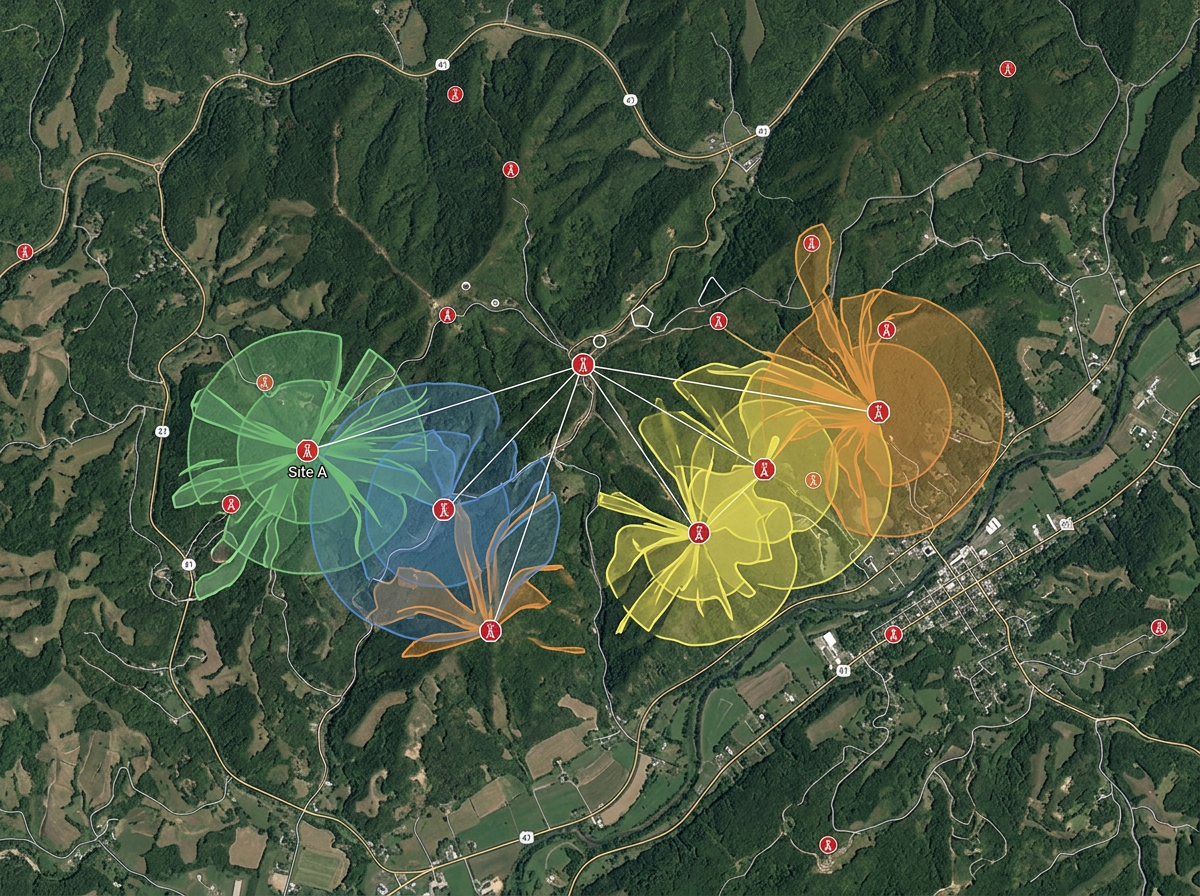
Drop candidate tower sites, draw line-of-sight buffers and compare against terrain on hybrid imagery.
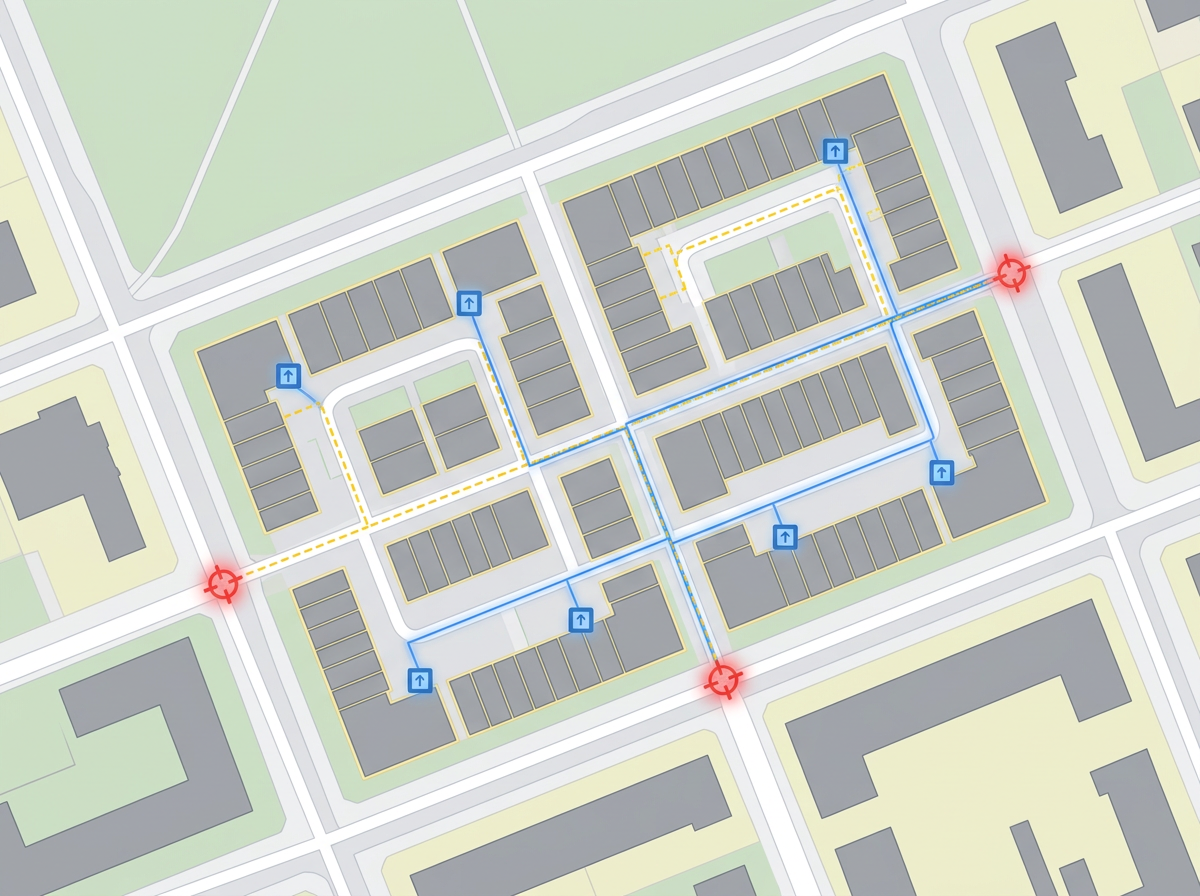
Map every unit, riser and demarc point in an MDU build for the install crew and the property owner.
Scribble AI
Tell Scribble AI what you need. Try “draw a 500m buffer around every site,” “import this CSV and color by status,” or “measure the route from the depot to each stop.” It does it in seconds. No GIS training needed, and your team gets the same map, ready to share.
Try Scribble AI →★ ★ ★ ★ ★“Finding the locations and information before making a site visit. I can plan the route since the area is usually inhabited and inaccessible by standard transportation.”
★ ★ ★ ★ ★“User-friendly website interface and ease of use.”
Yes. Generate an embed code and paste it into your website. Prospects can pan, zoom and check coverage without leaving the page.
Yes. Import KML, Shapefile, GeoJSON or GPX. Existing routes layer onto satellite imagery for re-use and re-share.
Yes. Click Share, copy the link and text it to the crew. They open it in any mobile browser. No install.
Yes. Drop a tower marker, set a radius and the buffer is drawn. Switch to terrain or satellite to compare against landscape.