
 English
 Español
 Français
 Deutsch
 Português
 日本語
日本語
 中文
中文
 العربية
 한국어
한국어
 Italiano
 Русский
 Türkçe
 Nederlands
 Polski
 हिन्दी


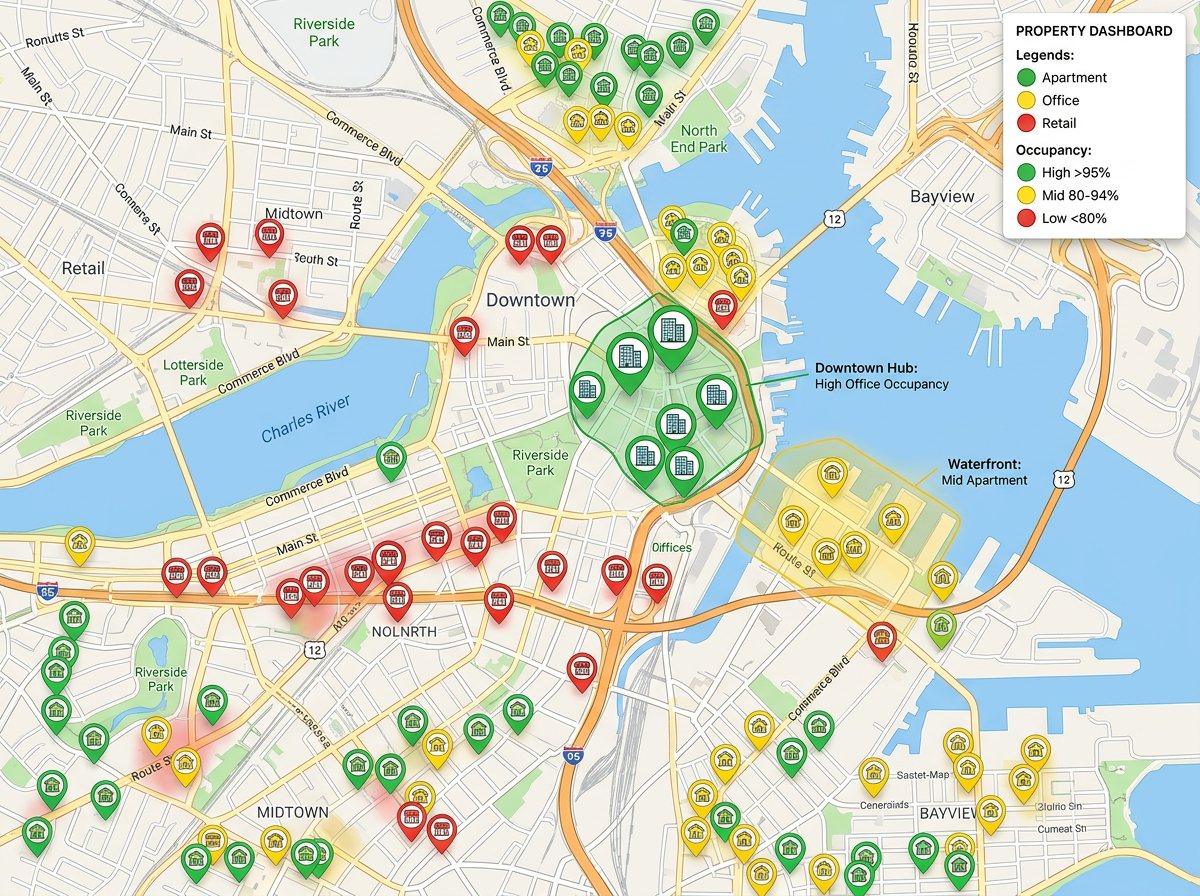
Portfolio overview
Plot every property in your portfolio with custom icons by asset class, then filter by status, occupancy or owner.
Map units, buildings, vendor zones and inspection routes, and share view-only links with owners, board members and field staff.
 4.7 / 5 · 200 reviews on G2
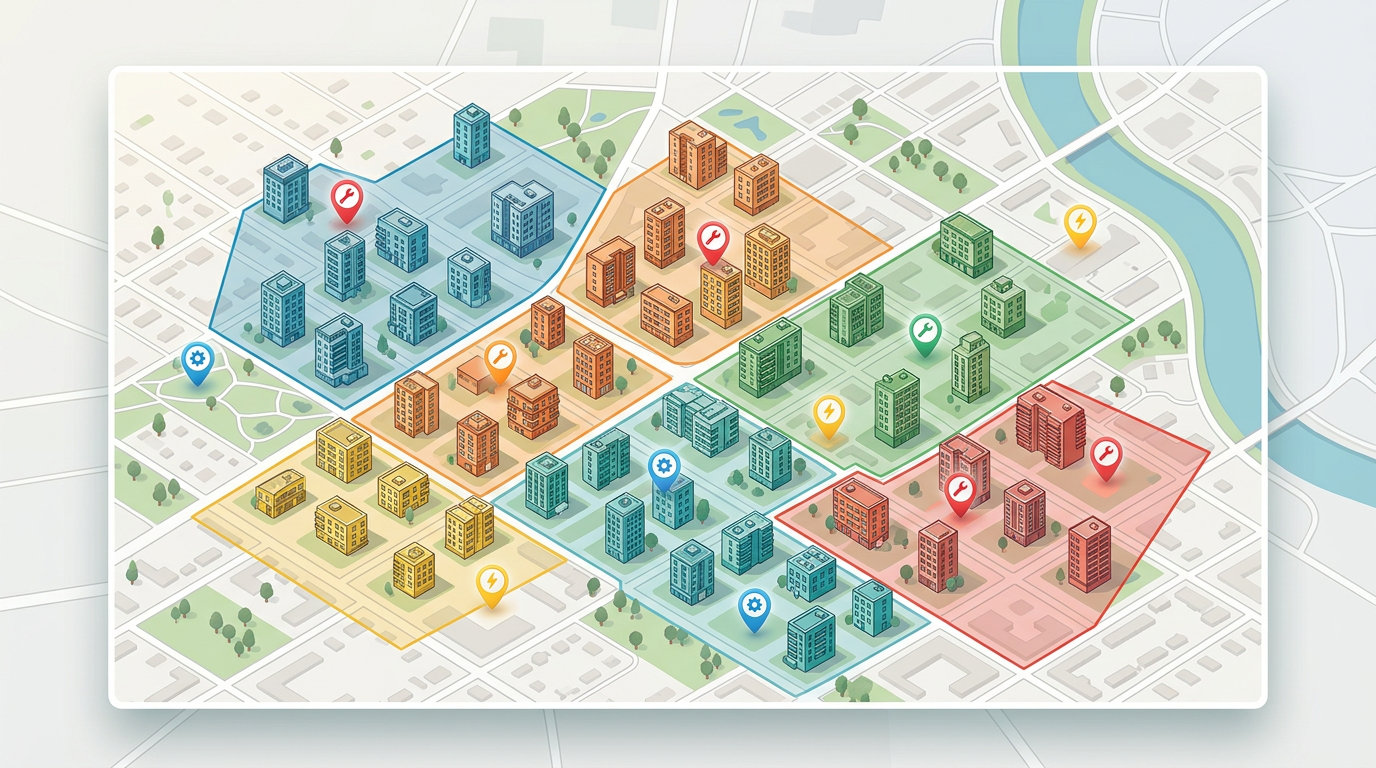
★ ★ ★ ★ ★“I use scribble maps to plot all of the apartment communities our company has over 18 states. This visual helps when I make presentations to the owner of the company and helps demonstrate the balance of properties that each of the regional managers oversees.”
Drop a marker on every property. Group by region, color by occupancy or asset type. Zoom from portfolio view to a single unit.
Send a read-only link to an owner or a turn-by-turn map to a vendor. They open it in a browser. No accounts. No training.
Paste a property list from Excel, import a CSV of work orders or upload KML/GeoJSON exports from your management system.
Plot every property in your portfolio with custom icons by asset class, then filter by status, occupancy or owner.
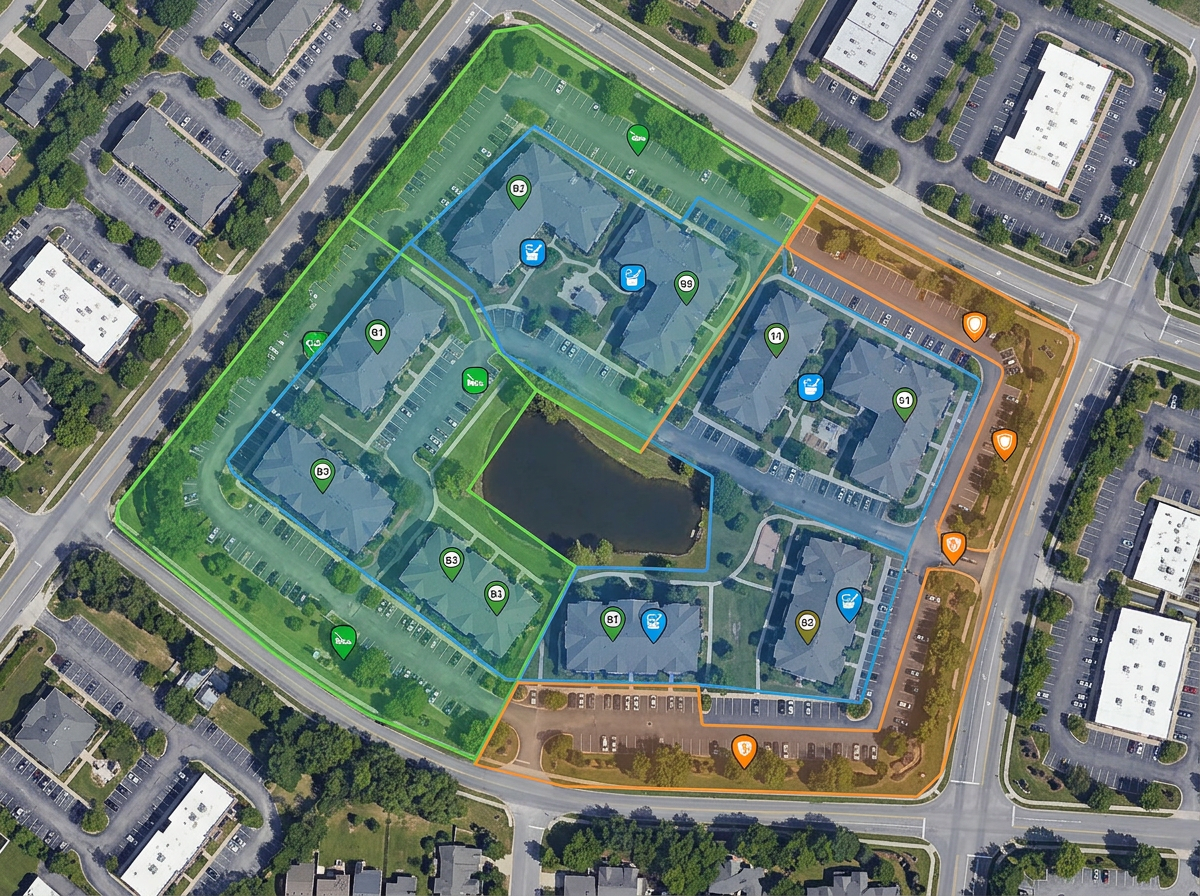
Draw the territories you assign to landscapers, snow removal, pest control or HVAC techs and share with each vendor.
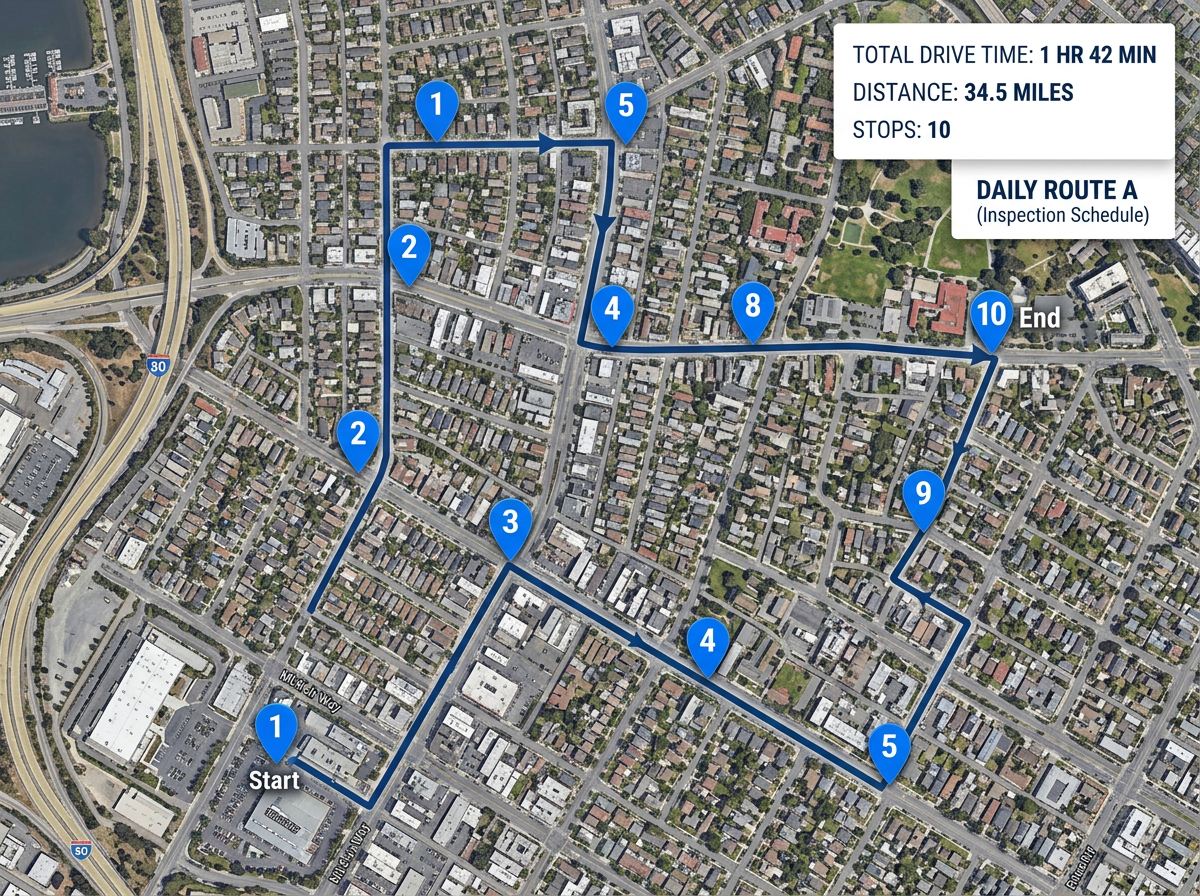
Plan an inspector's day with stops, ordering and travel-time estimates, then send a clickable route to their phone.
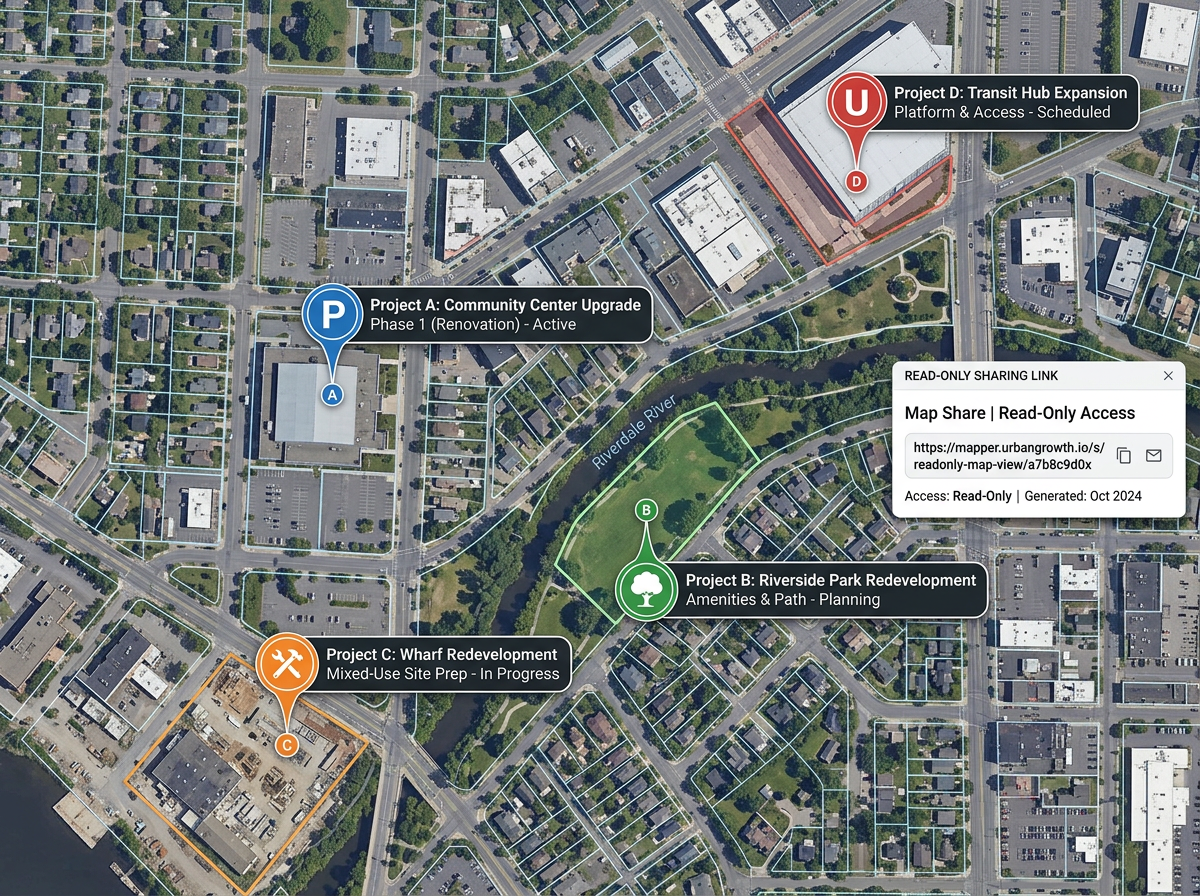
Annotate progress on a building or capital project and share a read-only link with absentee owners and board members.
Scribble Sight
Find the best locations for property management using Places, foot-traffic, Walkscore™, demographics, air quality, pollen and more. Compare candidates side by side and turn instinct into a data-backed decision.
Try Scribble Sight →Scribble AI
Tell Scribble AI what you need. Try “draw a 500m buffer around every site,” “import this CSV and color by status,” or “measure the route from the depot to each stop.” It does it in seconds. No GIS training needed, and your team gets the same map, ready to share.
Try Scribble AI →★ ★ ★ ★ ★“I use scribble maps to plot all of the apartment communities our company has over 18 states. This visual helps when I make presentations to the owner of the company.”
★ ★ ★ ★ ★“I like that we can highlight and fill in certain areas and mark features within a community such as a park, playground or pool. We use Scribble Maps nearly daily.”
★ ★ ★ ★ ★“Ease of use to create community maps for the Homeowners Associations (HOAs) we collaborate with.”
Yes. Scribble Maps uses a global base map and supports unlimited markers and layers, so a single map can span an entire portfolio.
Click Share, choose view-only and copy the link. Anyone you send it to can open it in a browser with no account or install.
Create a separate map per vendor with just their territory, or share a filtered view of the master map. Both work.
Free to start. Paid options add private maps, larger uploads and admin controls. See the pricing page for details.