
 English
 Español
 Français
 Deutsch
 Português
 日本語
日本語
 中文
中文
 العربية
 한국어
한국어
 Italiano
 Русский
 Türkçe
 Nederlands
 Polski
 हिन्दी


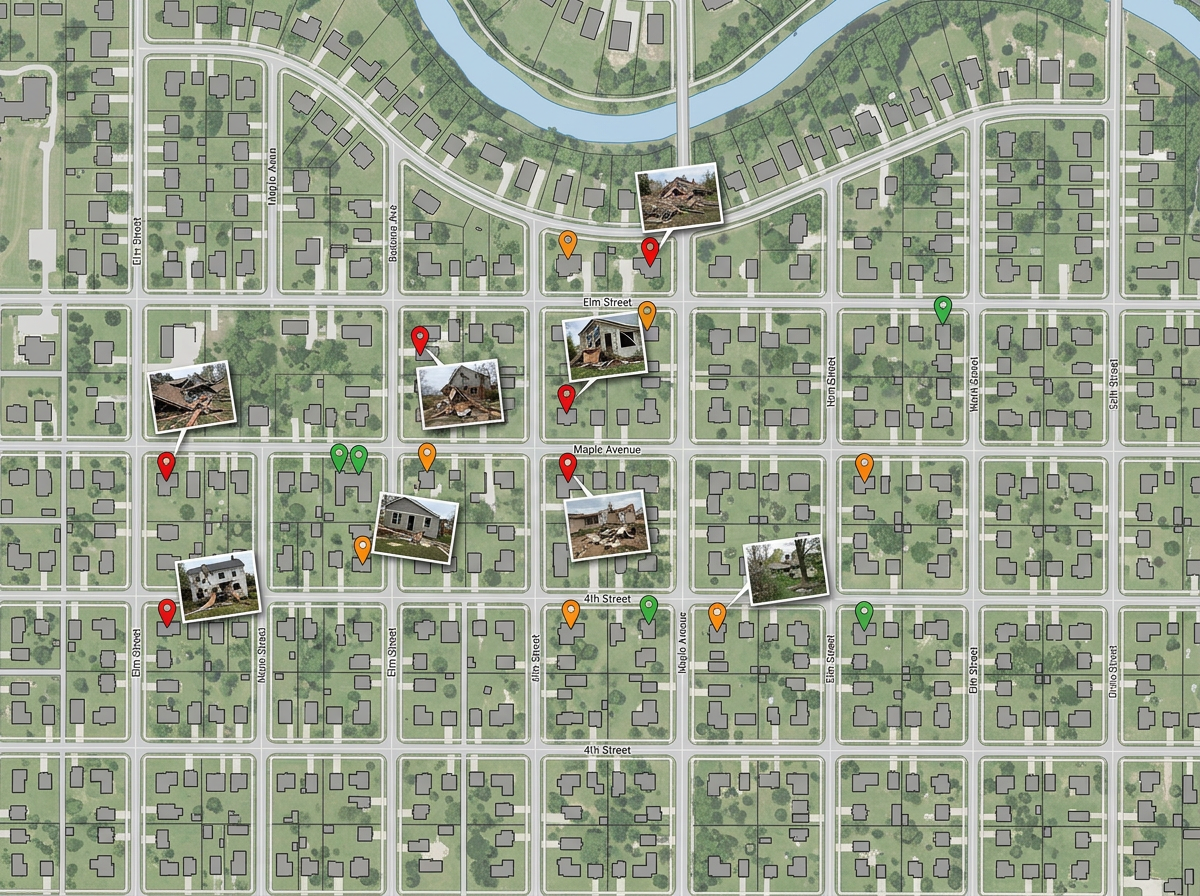
Damage assessment
Send teams into the field with a shared map. They drop pinned photos and severity ratings; you see the picture build in real time.
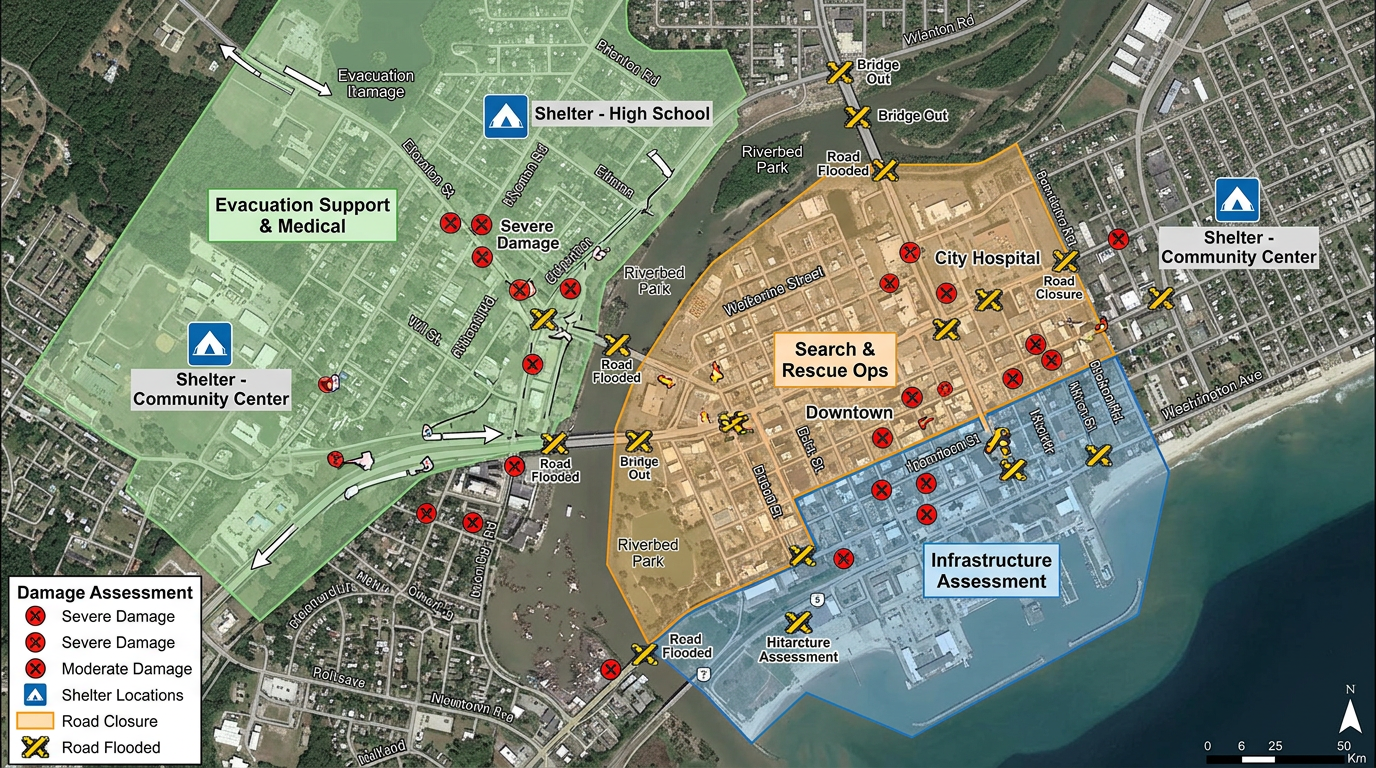
Damage assessments, shelter locations, supply caches, road closures and team assignments. Built fast and shared by link with mutual aid and partners.
 4.7 / 5 · 200 reviews on G2
★ ★ ★ ★ ★“The support we've received from Scribble Maps has been amazing.”
Drop damage markers, draw closure zones and color-code team assignments on a satellite view as conditions change.
Send a link to volunteer teams, partner agencies and the press. They open it in a browser. No account, no install.
Import KML, Shapefile, GeoJSON, GPX or CSV. Drop weather feeds, hazard zones, volunteer rosters or shelter lists onto a single map.
Send teams into the field with a shared map. They drop pinned photos and severity ratings; you see the picture build in real time.
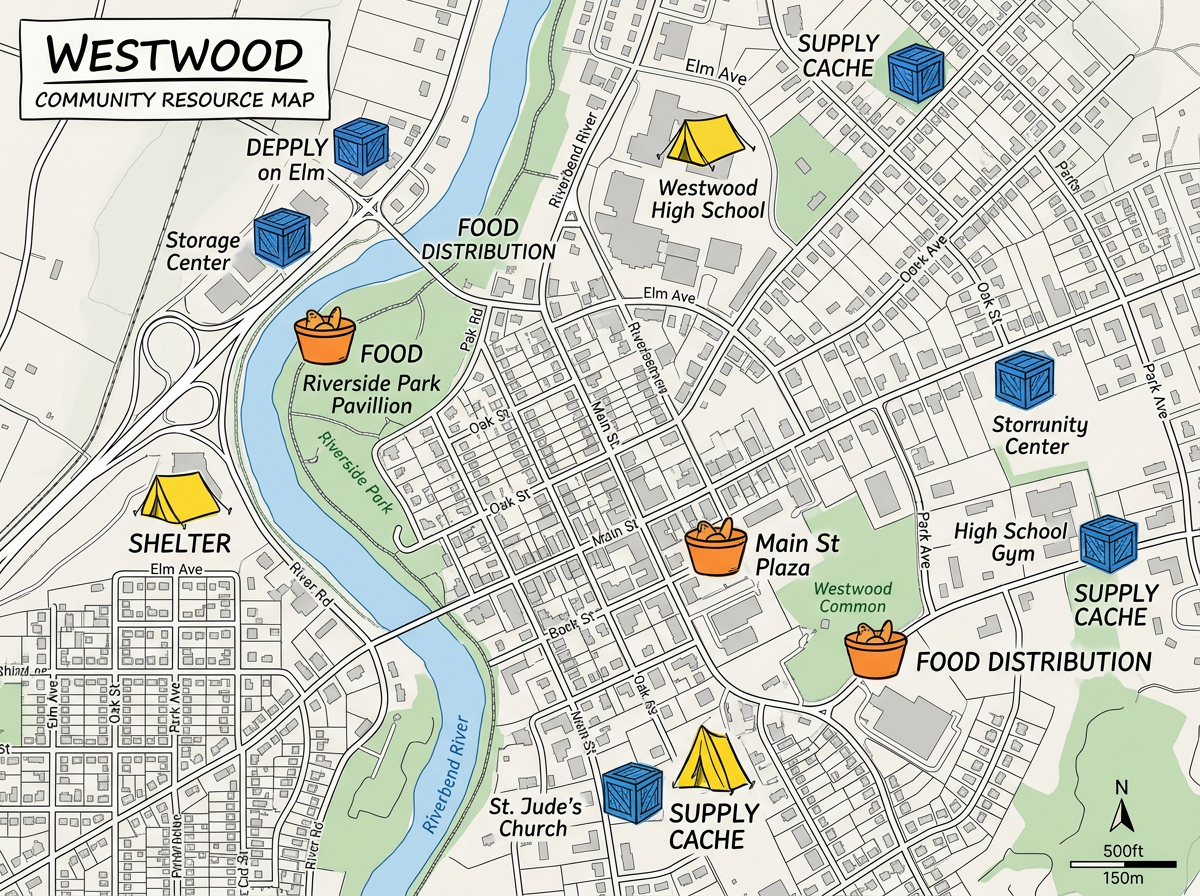
Map every open shelter, distribution point and supply cache and share a public link residents can use to find help.
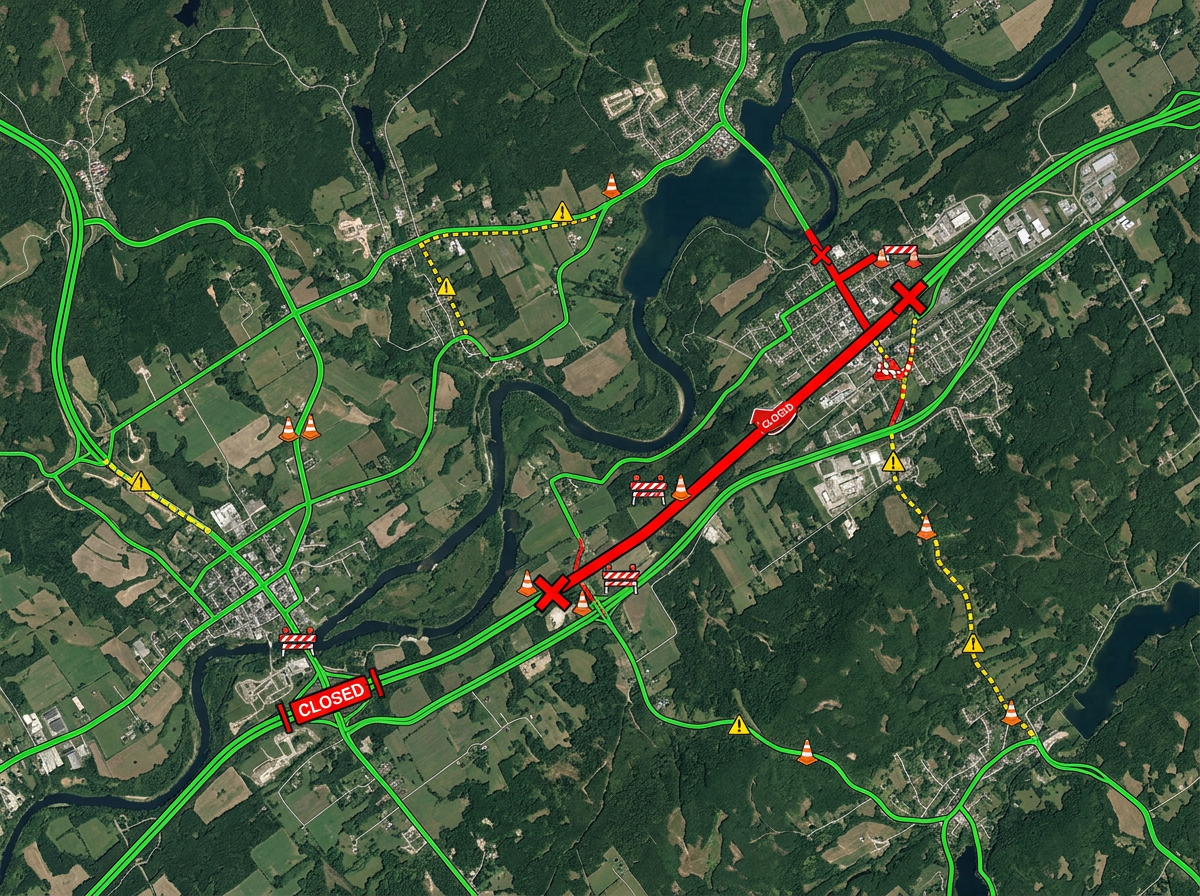
Mark closed roads, washed-out bridges and detours so responders and residents know what's passable.
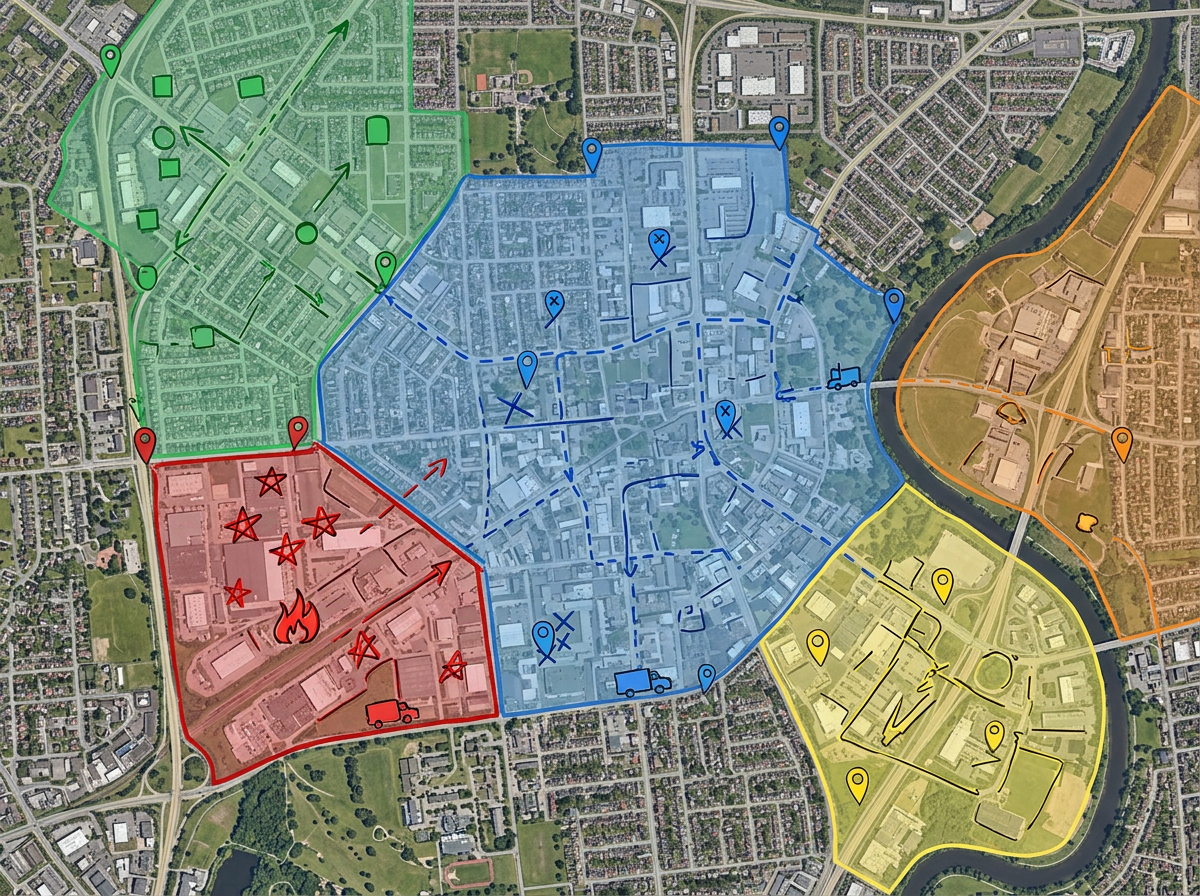
Divide an affected area into zones, color-code by team, and send each crew their own assignment map.
Scribble AI
Tell Scribble AI what you need. Try “draw a 500m buffer around every site,” “import this CSV and color by status,” or “measure the route from the depot to each stop.” It does it in seconds. No GIS training needed, and your team gets the same map, ready to share.
Try Scribble AI →★ ★ ★ ★ ★“The support we've received from Scribble Maps has been amazing.”
★ ★ ★ ★ ★“Created travel maps for my guys very quick and with amazing details. I can print large sharp images of travel lines.”
Yes. Use Manage Users or a team to grant Admin, Editor or Viewer access. Multiple responders can edit the same map; if two people save changes at the same time, Scribble Maps prompts to merge their edits or overwrite.
Scribble Maps runs in any modern browser. Once a map is loaded, you can keep adding markers and notes on a weak connection. New map tiles will load when the link comes back.
Yes. Scribble Maps supports private maps, password protection and AES-256 encryption.
Yes. Create a separate read-only version with only the public-safe layers and share it widely while keeping the internal map private.