
 English
 Español
 Français
 Deutsch
 Português
 日本語
日本語
 中文
中文
 العربية
 한국어
한국어
 Italiano
 Русский
 Türkçe
 Nederlands
 Polski
 हिन्दी


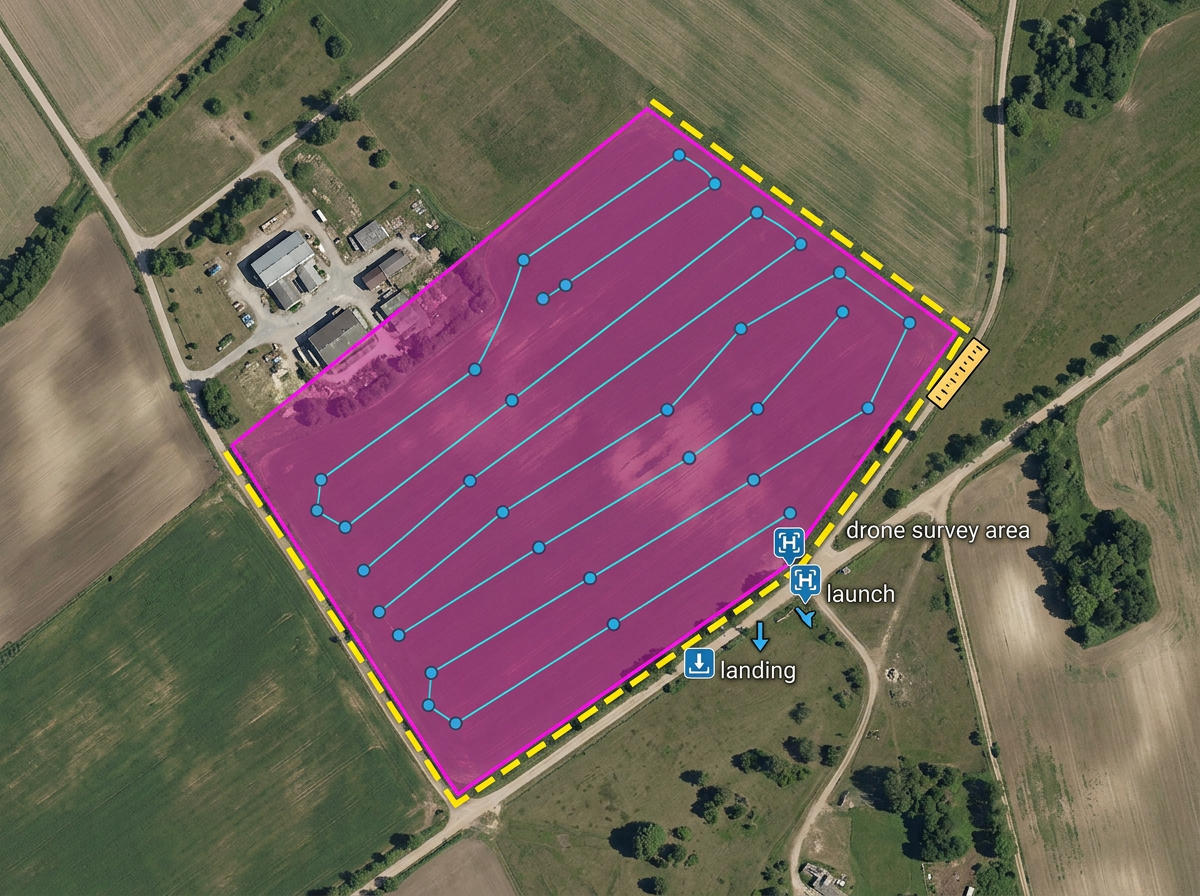
Drone mission planning
Outline the survey area, mark launch and landing points, drop waypoints and check distances against battery range.
Drone mission planning, flight zones, waypoint courses and pre-flight briefings, built fast and shared by link.
 4.7 / 5 · 200 reviews on G2
★ ★ ★ ★ ★“I knew there must be a better solution, and then I found Scribble Maps.”
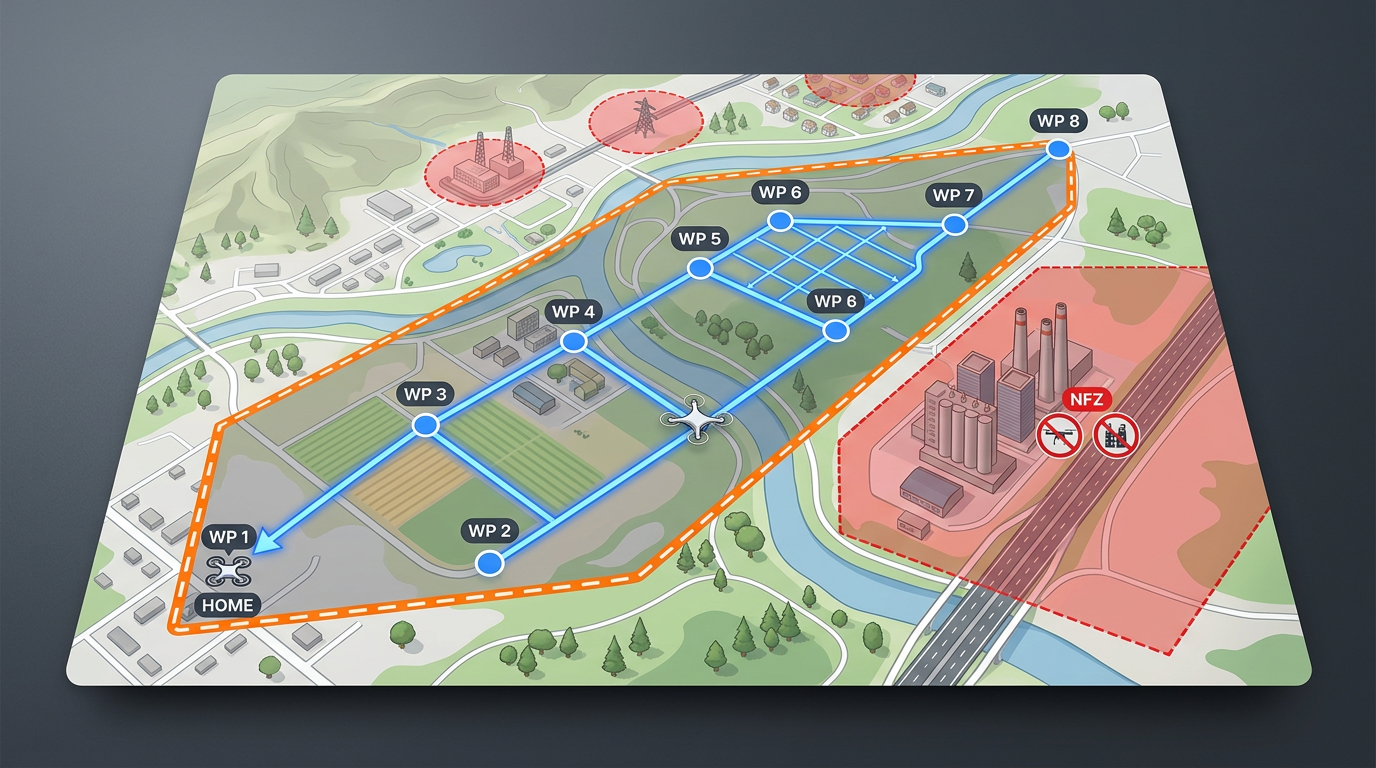
Draw flight areas, mark waypoints and outline survey grids on satellite imagery. No CAD program, no specialized software.
Share a pre-flight map with the pilot, observer and client. They open it in a browser. No install, no account.
Import KML, Shapefile, GeoJSON or GPX. Layer airspace files, no-fly zones and existing mission boundaries onto a single map.
Outline the survey area, mark launch and landing points, drop waypoints and check distances against battery range.
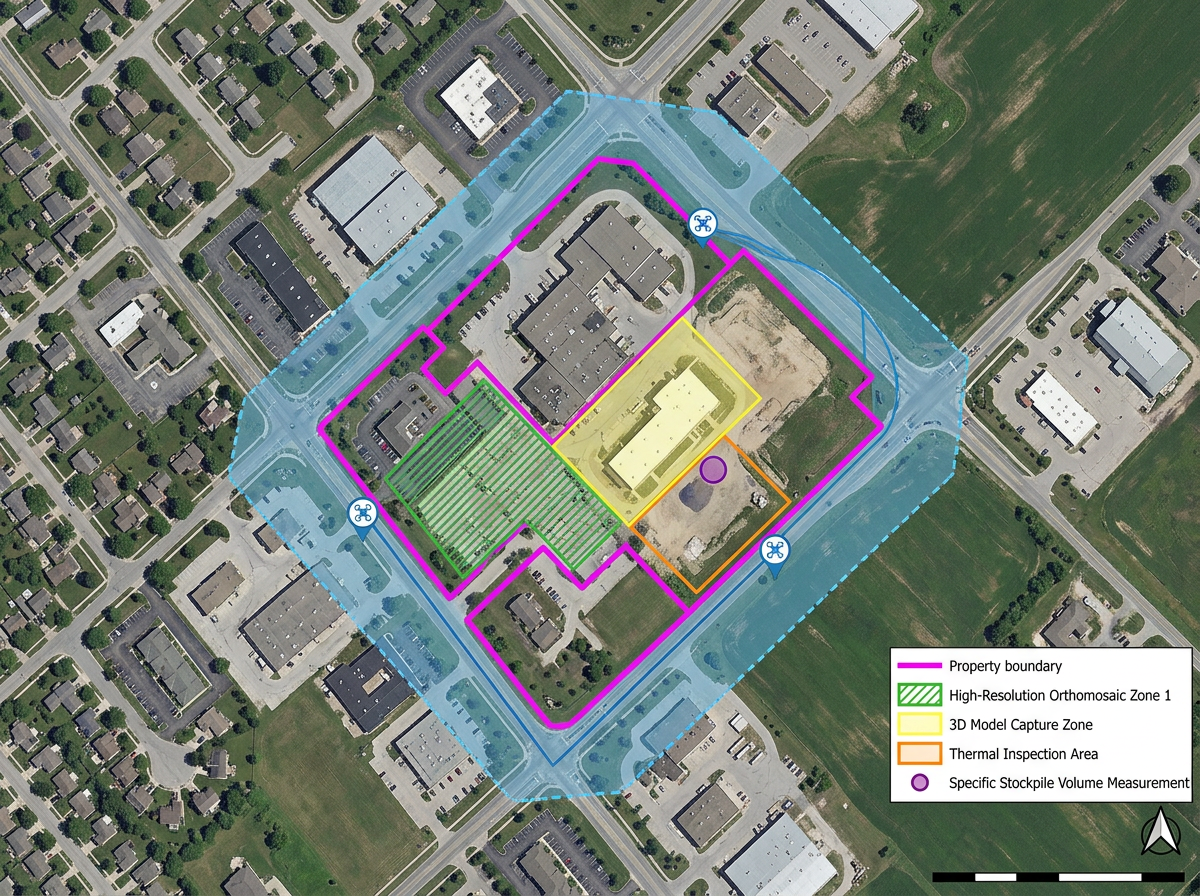
Build a clean, branded map for the client packet with the planned flight area, deliverables zone and any property boundaries.
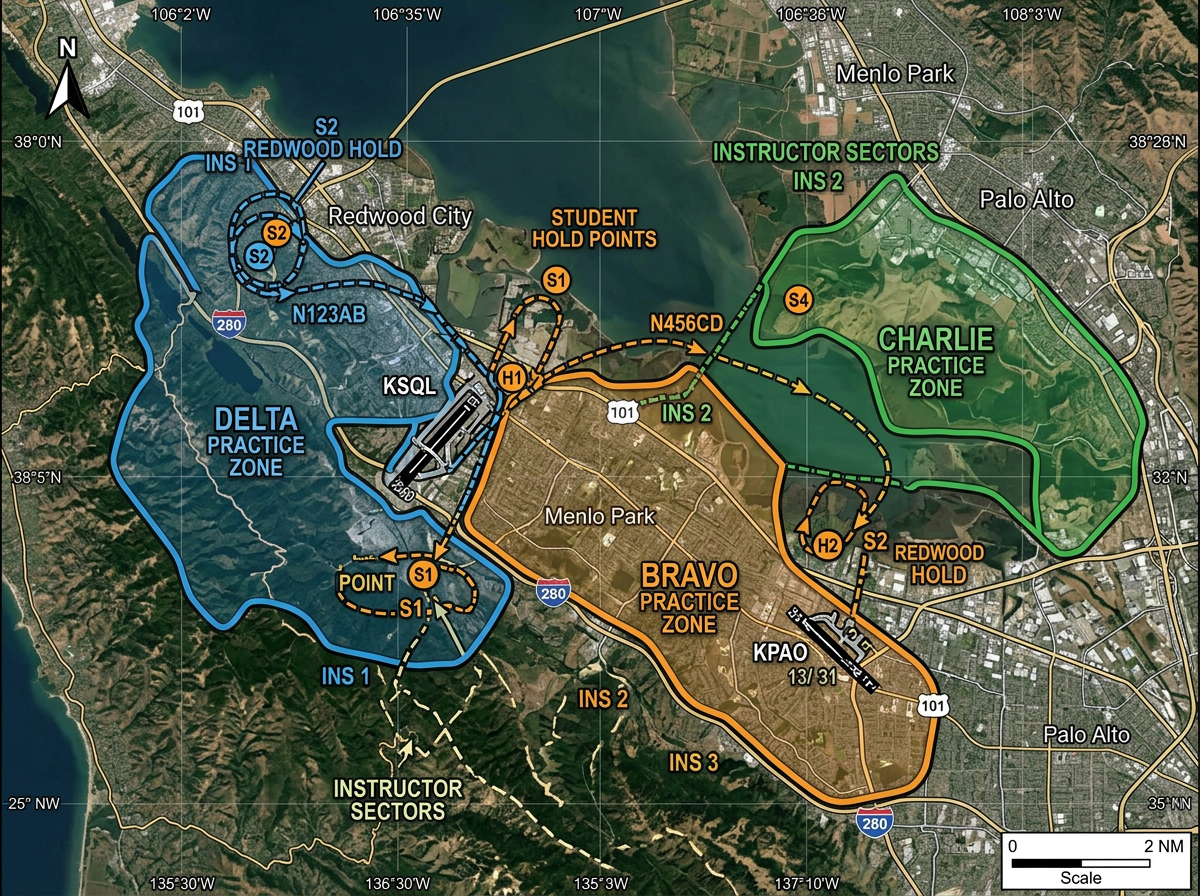
Map practice areas, student hold points and instructor zones for ground school and pre-flight briefings.
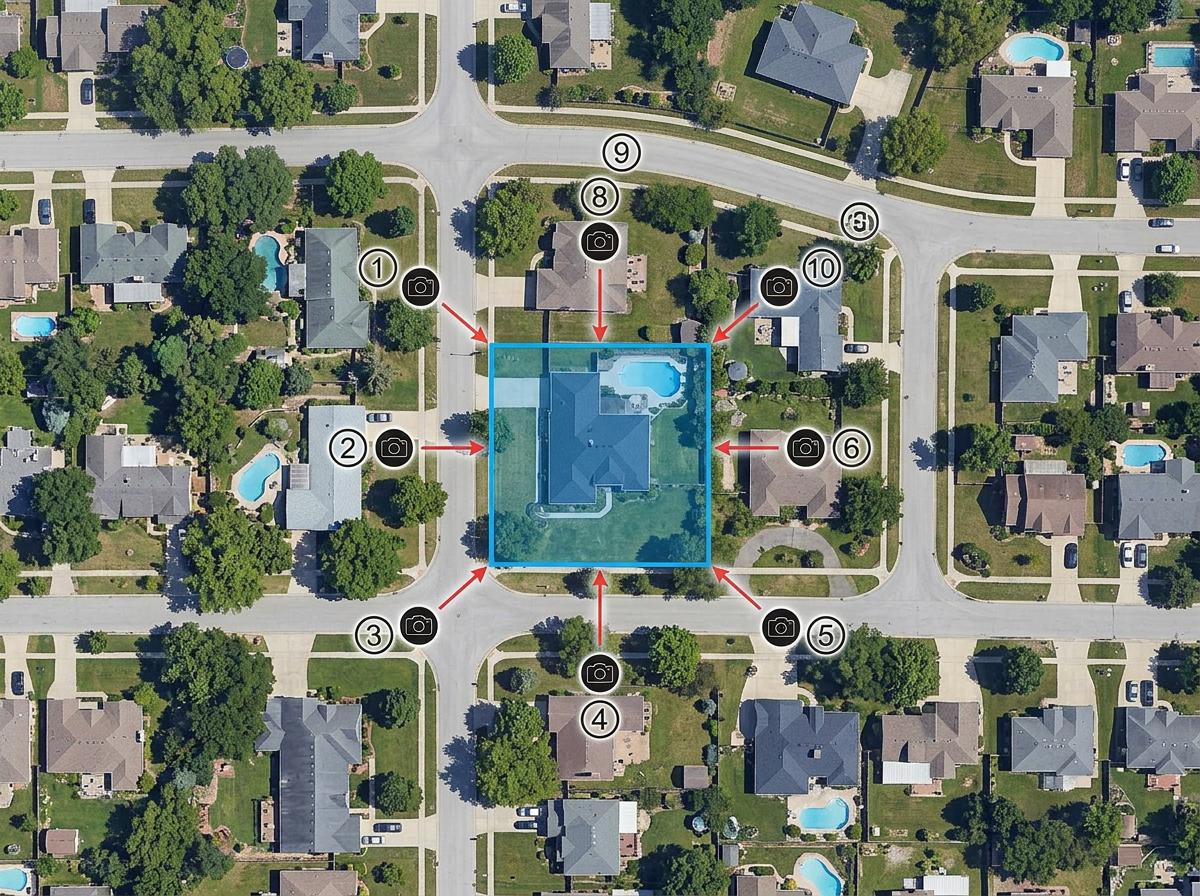
Outline the property or subject, mark the angles you want to capture and measure flight distances before the shoot.
Scribble AI
Tell Scribble AI what you need. Try “draw a 500m buffer around every site,” “import this CSV and color by status,” or “measure the route from the depot to each stop.” It does it in seconds. No GIS training needed, and your team gets the same map, ready to share.
Try Scribble AI →★ ★ ★ ★ ★“I knew there must be a better solution, and then I found Scribble Maps.”
★ ★ ★ ★ ★“From plotting points to creating custom routes, this web-based application makes it easy to create dynamic and interactive maps.”
Scribble Maps focuses on planning and visualization rather than live airspace. Always cross-check airspace, NOTAMs and authorizations with your country's civil aviation authority before flying.
Yes. Import KML, Shapefile, GeoJSON or GPX. Layer airspace, no-fly zones and existing mission boundaries onto your plan.
Yes. Export waypoints as GPX or KML for use in most flight controller and ground station software.
Yes. Click Share and copy the link. Clients open it in any browser. No install, no account.